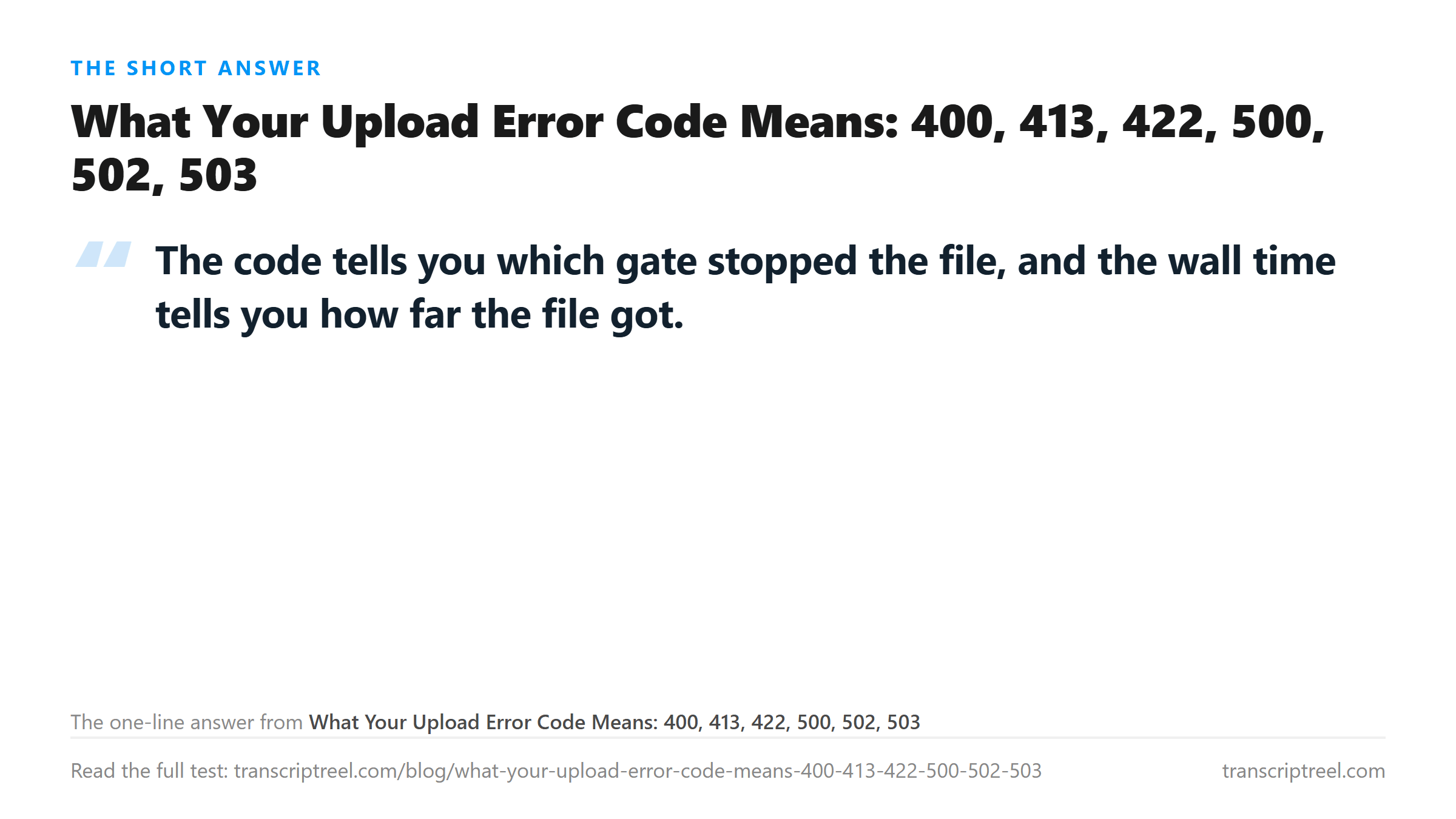
What Your Upload Error Code Means: 400, 413, 422, 500, 502, 503
The table
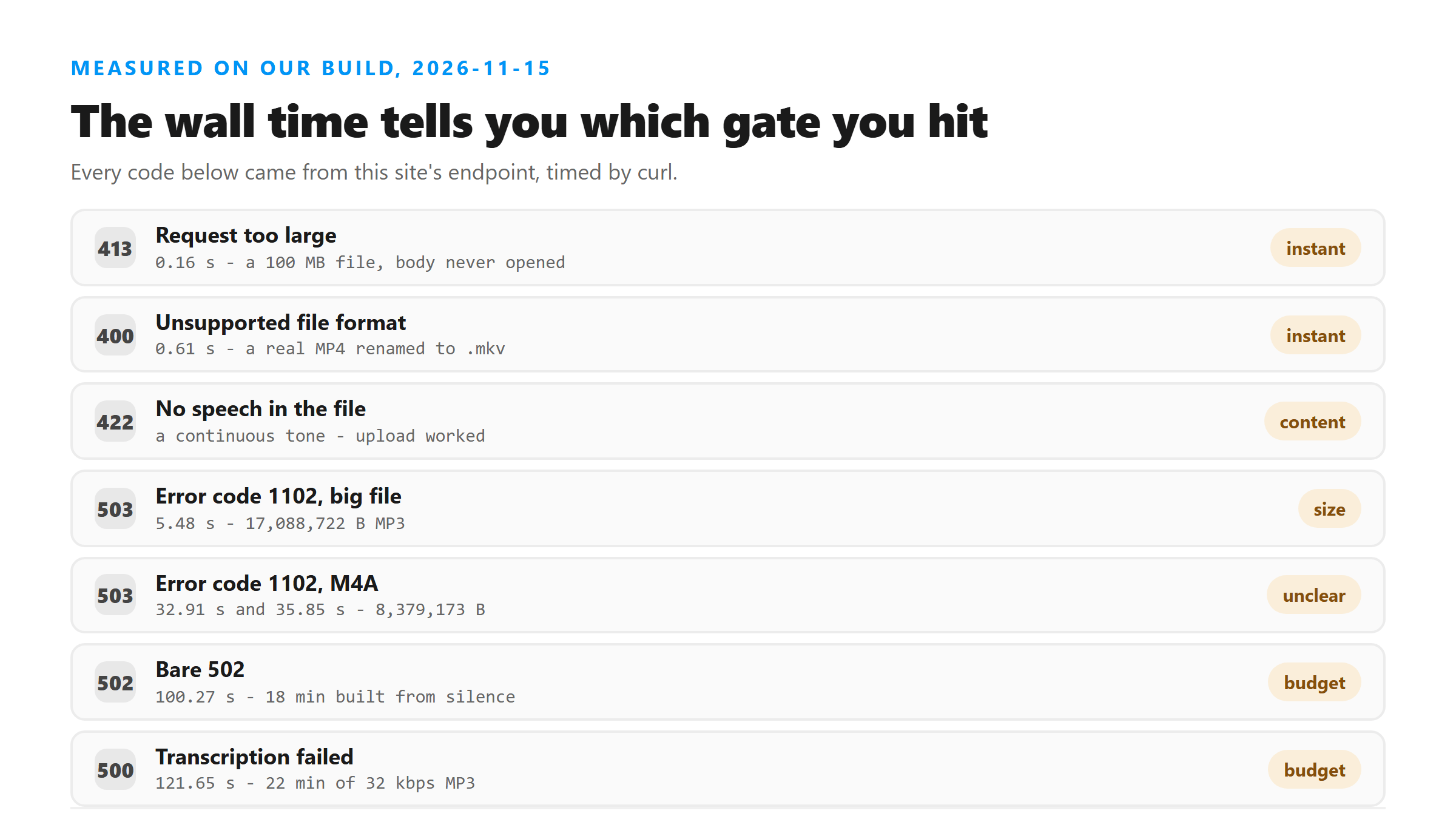
Every code below came from this site's own endpoint during measurement runs, with the wall time recorded by curl. The files were real; nothing here is copied from a spec.
- 400 - Unsupported file format - 0.61 s - a genuine MP4 renamed to .mkv
- 413 - request too large - 0.16 s - a 100 MB file
- 422 - no speech in the file - a single continuous tone
- 500 - Transcription failed - 121.65 s - 22 minutes of 32 kbps MP3
- 502 - error code 502 - 100.27 s - an 18-minute file built mostly from silence
- 503 - error code 1102 - 5.48 s - a 17,088,722-byte MP3
- 503 - error code 1102 - 32.91 s and 35.85 s - a 8,379,173-byte M4A, twice
400: the name, before anything is read
We renamed a working MP4 to .mkv and sent it. The refusal arrived in 0.61 seconds. Half a minute of audio takes five to seven seconds to decode and transcribe, so 0.61 seconds means the file never got that far. The check is a comparison against a list of extensions, and it happens before a byte of audio is touched.
This is the most common false alarm. A good recording with an unusual name dies fast and reads like a broken file. Rename it or convert it; do not re-record it.
413: the byte count, also before anything is read
0.16 seconds is faster than a 400, which makes sense: the server can see the body size in the request header and refuse without opening the body at all. A 100 MB file never started uploading its audio in any meaningful sense. Nothing you do to the audio changes this one - only the size does.
422: the file is fine and there is nothing to hear
A continuous tone is a valid WAV with a valid header and no speech. The answer is a 422 rather than an empty string, which is a better design than it sounds: you learn the upload worked and the content was the problem. Silence, a music bed with no vocal and a mis-routed channel all land here or produce a fabricated transcript instead. If you get a real code, believe it.
500: it started and ran out of time
121.65 seconds, on 22 minutes of audio that is technically valid. The transcript never came back. In an earlier run on this site every failure of this kind fell between 121.2 and 127.9 seconds of wall time. That is the shape of a fixed budget, not a problem with one file. The fix is a smaller file, not a better one.
502: the same budget, one layer down
100.27 seconds, on an 18-minute file built mostly from silence, and the message was a bare error code 502. The timing is inside the same window, so the practical advice is identical: cut the file down. The difference between 500 and 502 is which box gave up, and that is not something you can act on.
503 and 1102: two different triggers, one code
This is the one worth reading twice. A 17,088,722-byte MP3 got 503 with error 1102 in 5.48 seconds, which is the size gate - fast, same neighbourhood as the 413. An 8,379,173-byte M4A got the same 503 and the same 1102 in 32.91 seconds, and again in 35.85 seconds on a repeat. Half the bytes, six times the wait, same code.
We do not know what separates them and we are not going to invent an explanation. What we can tell you is the workaround that worked: the same twenty minutes re-encoded as a 32 kbps 16 kHz mono MP3 transcribed normally in 103.59 seconds. Changing the container and the bitrate fixed a failure that changing nothing did not.
How to read the time before you read the message
Under one second: a gate, and it looked at the request rather than the audio. One to forty seconds with a 503: the size or a service-level refusal. Ninety seconds and up: the job started and did not finish. Five to eight seconds with text: it worked. That wait scales with duration: 5.30 seconds for half a minute, 42.78 for twelve minutes, 106.55 for eighteen.
That last one is the useful calibration. If your upload takes about as long as it should for its length and still fails, the file is the problem. If it fails in two seconds, the file probably never got a hearing.
The limits of this test
One endpoint, one machine, one connection. Wall times include transfer, so a slow link moves every number. Codes and their causes were recorded across several separate runs on different days, and the two 1102 cases are the only pair we could not separate. Treat the times as ranges, not constants.
What happens to your file
Nothing is stored in any of these runs, including the failures. A refused upload is refused at the edge and the body is discarded.
Got a Reel you want as text? Download the Instagram transcript as TXT, SRT, or VTT →
Most of these codes are one re-encode away from working. Wondershare UniConverter sets container, bitrate and sample rate in a single pass, which is what separates a 400 from a transcript. It does not transcribe - the text comes back from this page.
FAQ
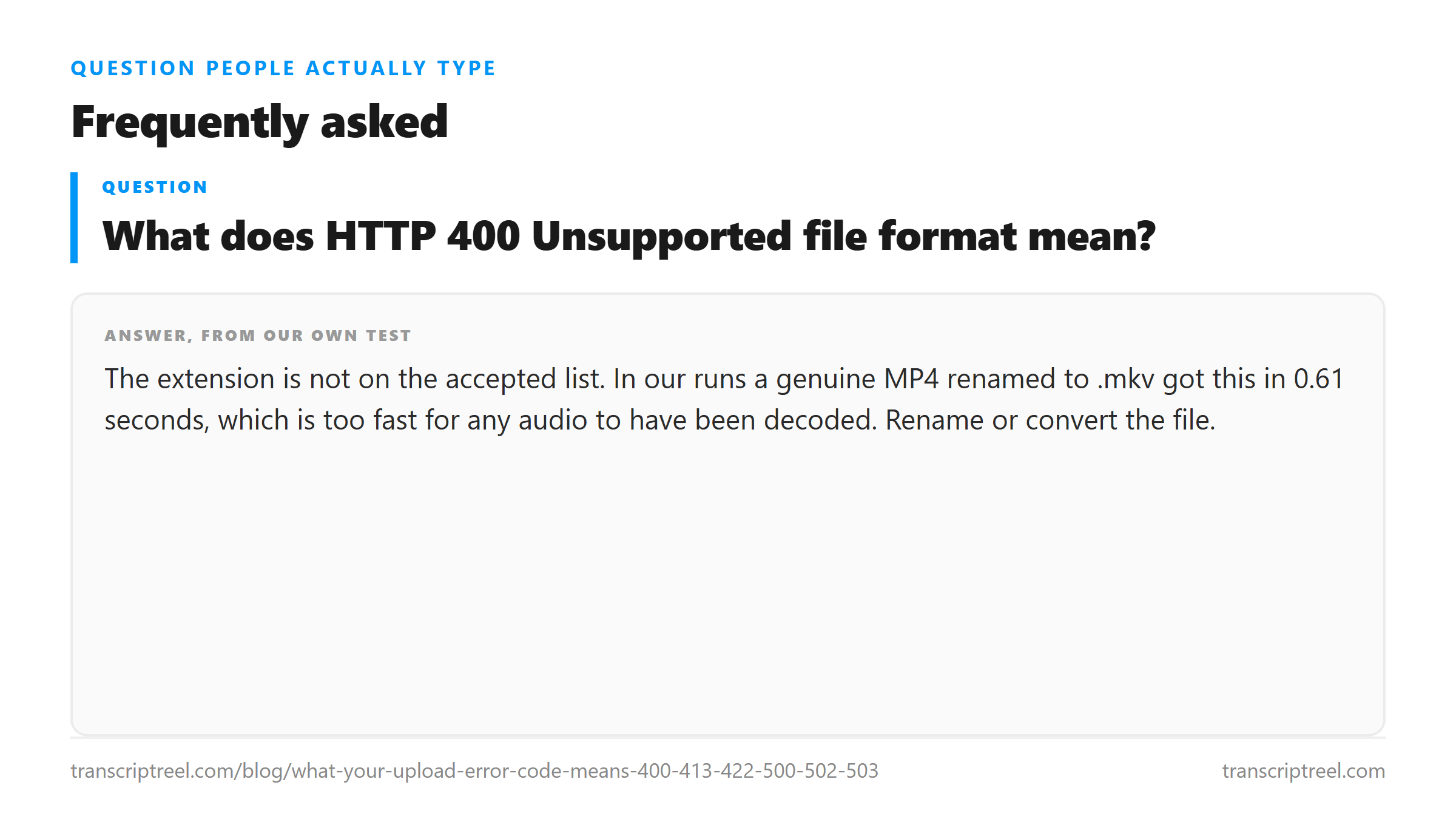
What does HTTP 400 Unsupported file format mean?
The extension is not on the accepted list. In our runs a genuine MP4 renamed to .mkv got this in 0.61 seconds, which is too fast for any audio to have been decoded. Rename or convert the file.
Why do I get 503 with error code 1102?
We saw it twice with two different causes. A 17 MB MP3 was refused in 5.48 seconds. An 8.4 MB M4A was refused twice, at 32.91 and 35.85 seconds. Re-encoding the M4A as a 32 kbps mono MP3 made the same 20 minutes transcribe normally.
Is HTTP 500 a problem with my file?
It means the job started and did not finish inside the processing budget. Our 500 landed at 121.65 seconds on 22 minutes of audio. Make the file smaller - mono, 16 kHz, lower bitrate - or cut it.
What does 422 mean?
The upload worked and there was no speech to transcribe. A single continuous tone produces it. Silence, music with no vocal and a channel with nothing routed into it can all end up here or produce invented text instead.