Rename a Video to .MP4 Before Uploading: What the Name Changes
What we built
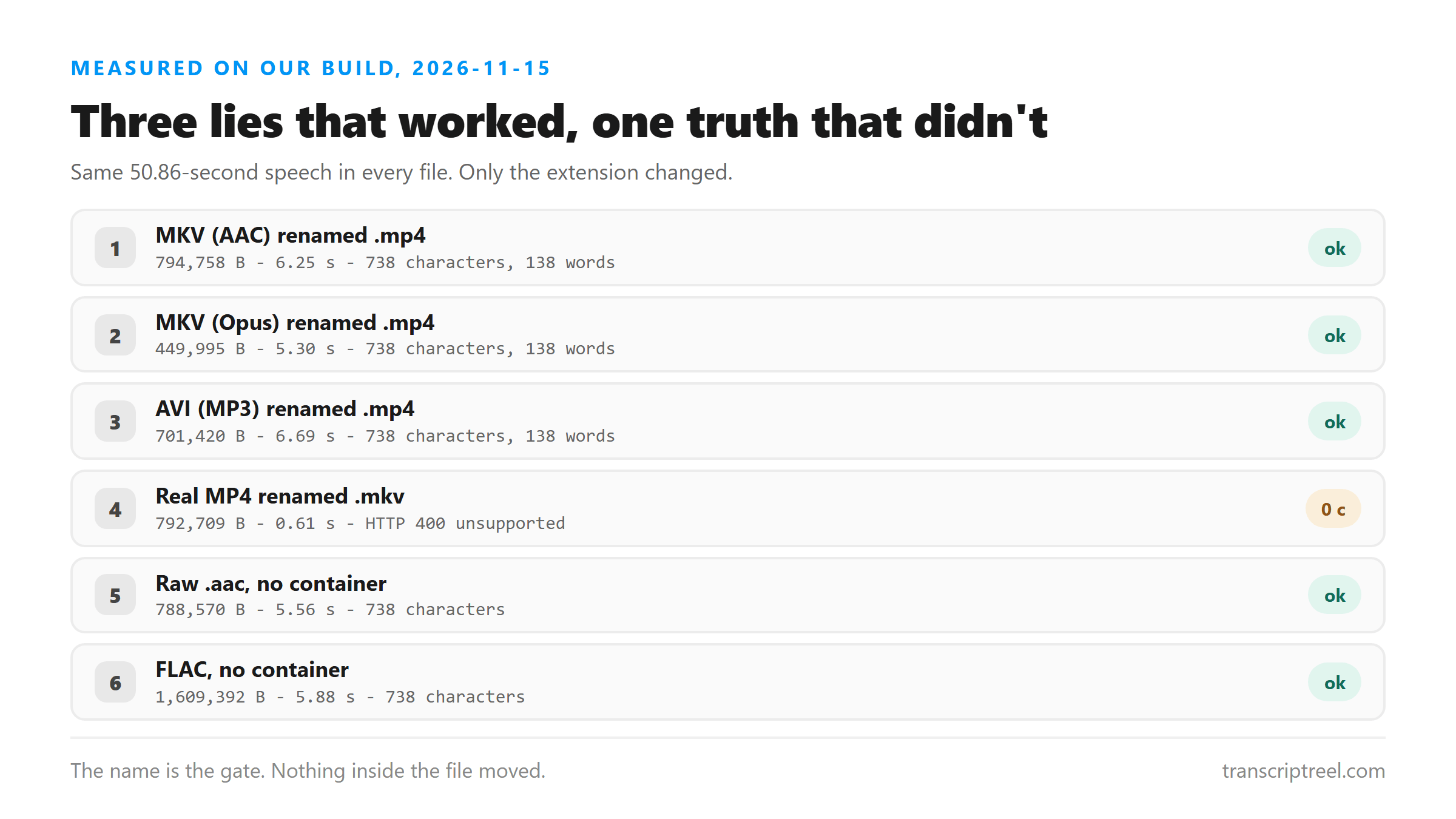
Six files, one goal: find out whether the upload check reads the name or the contents. Every file carried the same 50.86-second speech, so any difference in the text would have to come from the container. Two of the six were plain audio, and four were wrapped in a video track with a black 320 by 180 frame.
Three files renamed to .mp4
The awkward part is what happened when we lied about the name. Each of these was created in one container and then renamed with a single file-system move, so the bytes are untouched.
- MKV with AAC audio, renamed to .mp4 - 794,758 bytes - 6.25 s - 738 characters - 138 words
- MKV with Opus audio, renamed to .mp4 - 449,995 bytes - 5.30 s - 738 characters - 138 words
- AVI with MP3 audio, renamed to .mp4 - 701,420 bytes - 6.69 s - 738 characters - 138 words
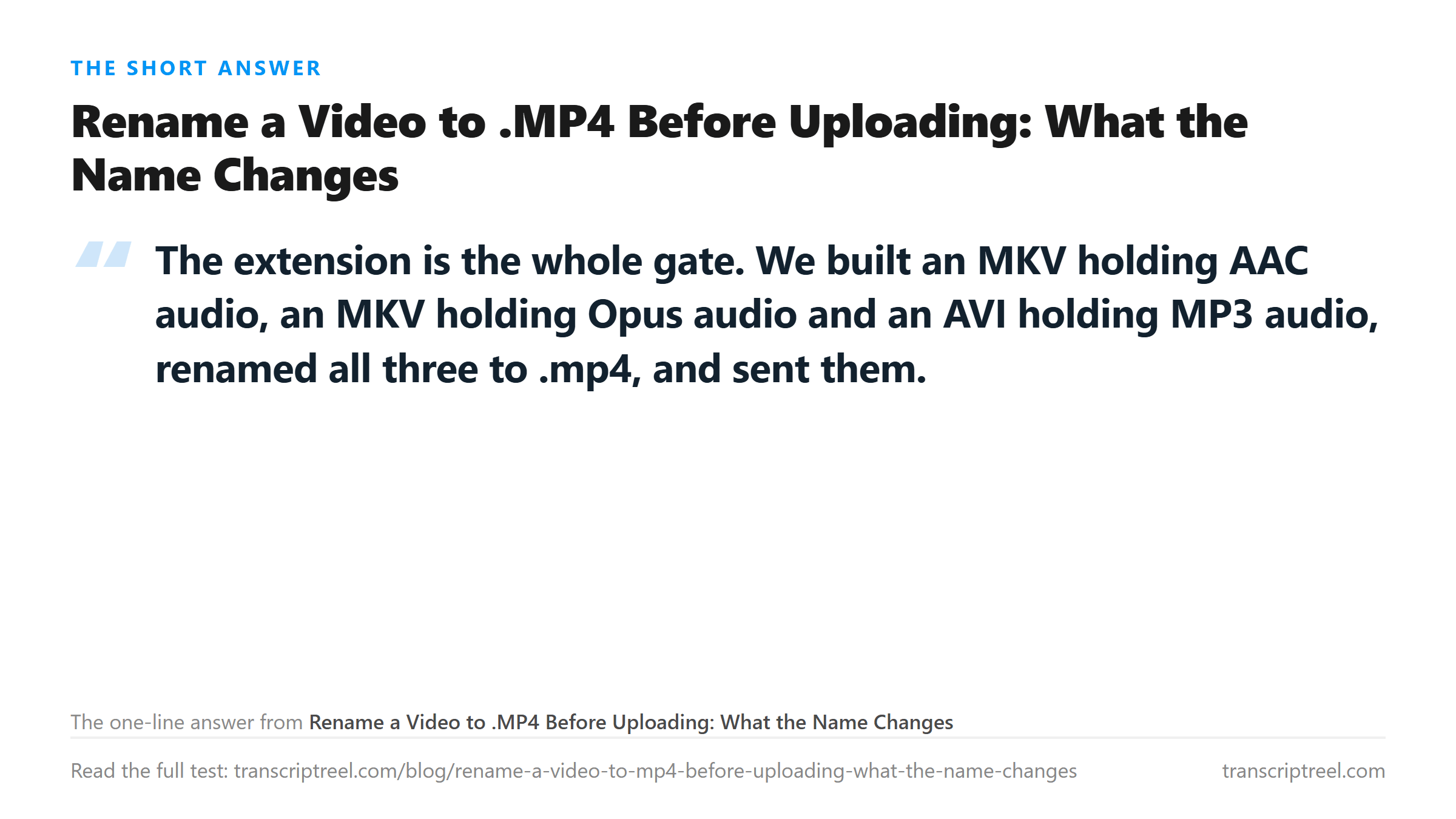
That is the control text, word for word. An MKV is not an MP4 and an AVI is certainly not one, and the endpoint did not care. It opened all three and read the audio track inside.
Then the same trick in reverse
A real MP4, 792,709 bytes, H.264 video with AAC audio. We renamed it to .mkv and sent it. The answer came back in 0.61 seconds: HTTP 400, Unsupported file format.
Compare the timings. The three renamed files took 5.30 to 6.69 seconds, which is the cost of decoding and transcribing half a minute of speech. The refusal took 0.61 seconds, which is not enough time to read a single frame. Nothing was opened. The name was compared against a list and the request stopped there.
So the check is a list, not a parser
This cuts both ways, and the second cut is the useful one. A list check means a file with a friendly name gets in even when its insides are strange. It also means a perfectly good file with an unfriendly name is thrown out before anyone looks at it. If your recording is fine and the upload dies in under a second with a format error, the name is the first thing to check.
Two plain audio names that also worked
The same run sent a raw AAC file and a FLAC, neither wrapped in a container. They were 788,570 bytes and 1,609,392 bytes, both HTTP 200, both 738 characters and 138 words. The accepted list is wider than the error message suggests.
What renaming costs you
Three things. The file still plays as whatever it really is, so a media player may refuse it even though the transcription endpoint took it. Editors may read the extension and pick the wrong demuxer. And the next service may not be this lenient. A different size gate, a stricter list, and the file fails for a reason you can't see, because you believe it is an MP4.
If the goal is only to get a transcript, renaming works and we have the timings to prove it. If the file is going to be kept, cut, or archived, convert it. The command ffmpeg -i clip.mkv -c:v copy -c:a aac -b:a 128k out.mp4 rewrites the wrapper and leaves the picture alone. On this machine that took well under a second for a half-minute clip.
When renaming is the wrong answer
Two cases. A file over the size limit does not get smaller by changing its name. The byte count is checked separately, and checked fast: a 100 MB file came back HTTP 413 in 0.16 seconds in an earlier run. And a file whose audio track is silent stays silent, which is a different failure with a different page.
The limits of this test
Six files, one speech clip, one endpoint. We did not test a file with two audio tracks, a damaged header, or a listed name whose codec the decoder cannot open. That last case would tell you whether the list check is the only check. The word counts match; we did not run a word-level diff.
What happens to your file
The upload is decoded in memory, transcribed, and not stored. Renaming happened on local disk before the request, so the server only ever saw the name you chose.
Got a Reel you want as text? Download the Instagram transcript as TXT, SRT, or VTT →
Renaming gets a file past a name check and leaves the insides exactly as they were. Wondershare UniConverter rewrites the container instead, at a bitrate you pick, so the file you keep plays everywhere - which the renamed one will not. It does not transcribe - the text comes back from this page.
FAQ
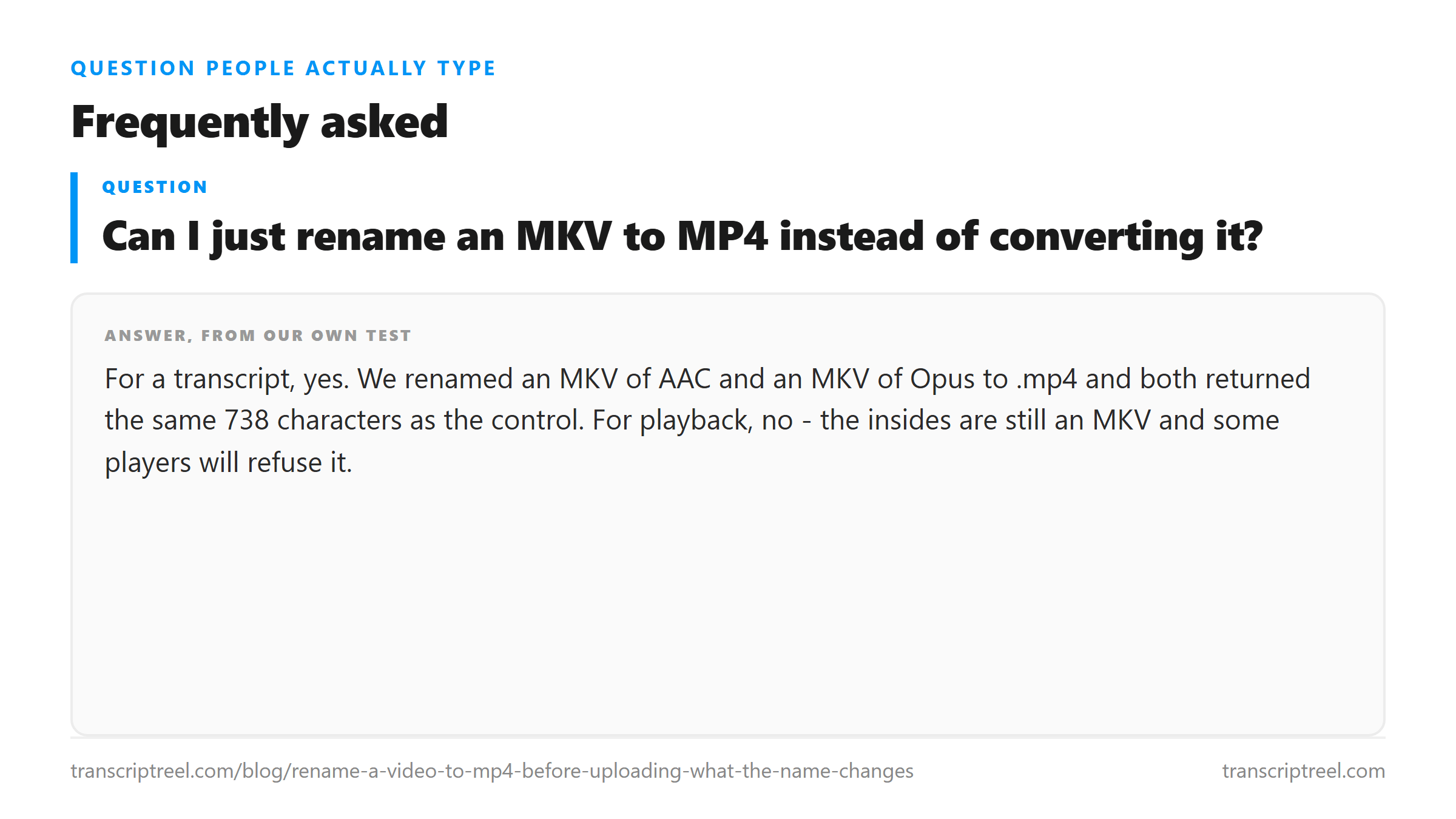
Can I just rename an MKV to MP4 instead of converting it?
For a transcript, yes. We renamed an MKV of AAC and an MKV of Opus to .mp4 and both returned the same 738 characters as the control. For playback, no - the insides are still an MKV and some players will refuse it.
Why was my real MP4 rejected as an unsupported format?
Because the name was off the list, not the content. A genuine MP4 renamed to .mkv came back HTTP 400 in 0.61 seconds, which is too fast for anything to have been decoded.
Does renaming change the audio quality?
No. A rename moves a name and nothing else, so the audio stream is byte for byte identical. Converting does change things if it re-encodes, which is why ffmpeg with -c:v copy is worth knowing.
Which names actually get through?
On our runs the refusals named the list back: an .mkv extension was rejected with Unsupported file format, and the accepted side took .mp4, .mov, .webm, .aac and .flac. Read the error text on a refusal instead of guessing - it names the formats it will take.