Twenty Minutes of Audio: Why the MP3 Went Through and the M4A Didn't
One recording, five shapes
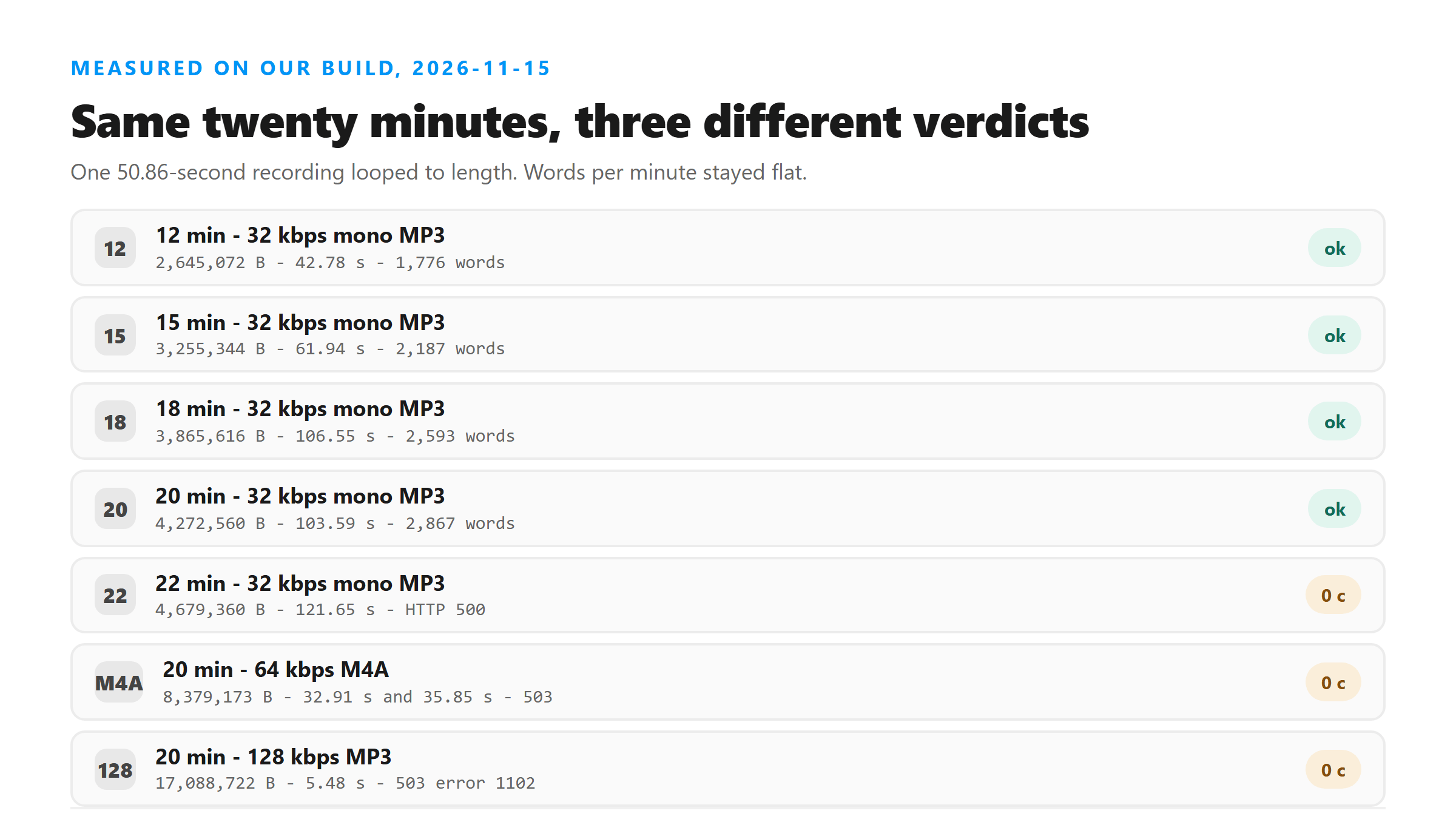
Everything here is the same 50.86 seconds of speech, looped to length. That keeps the words identical across runs, so any difference in the output comes from the file and not from the script. Each file went up once, and the numbers below are what came back.
The ladder that worked
Four lengths as 32 kbps 16 kHz mono MP3. Every one returned text, and the words scaled with the duration.
- 12 minutes - 2,645,072 bytes - 42.78 s - 9,552 characters - 1,776 words
- 15 minutes - 3,255,344 bytes - 61.94 s - 11,763 characters - 2,187 words
- 18 minutes - 3,865,616 bytes - 106.55 s - 13,935 characters - 2,593 words
- 20 minutes - 4,272,560 bytes - 103.59 s - 15,411 characters - 2,867 words
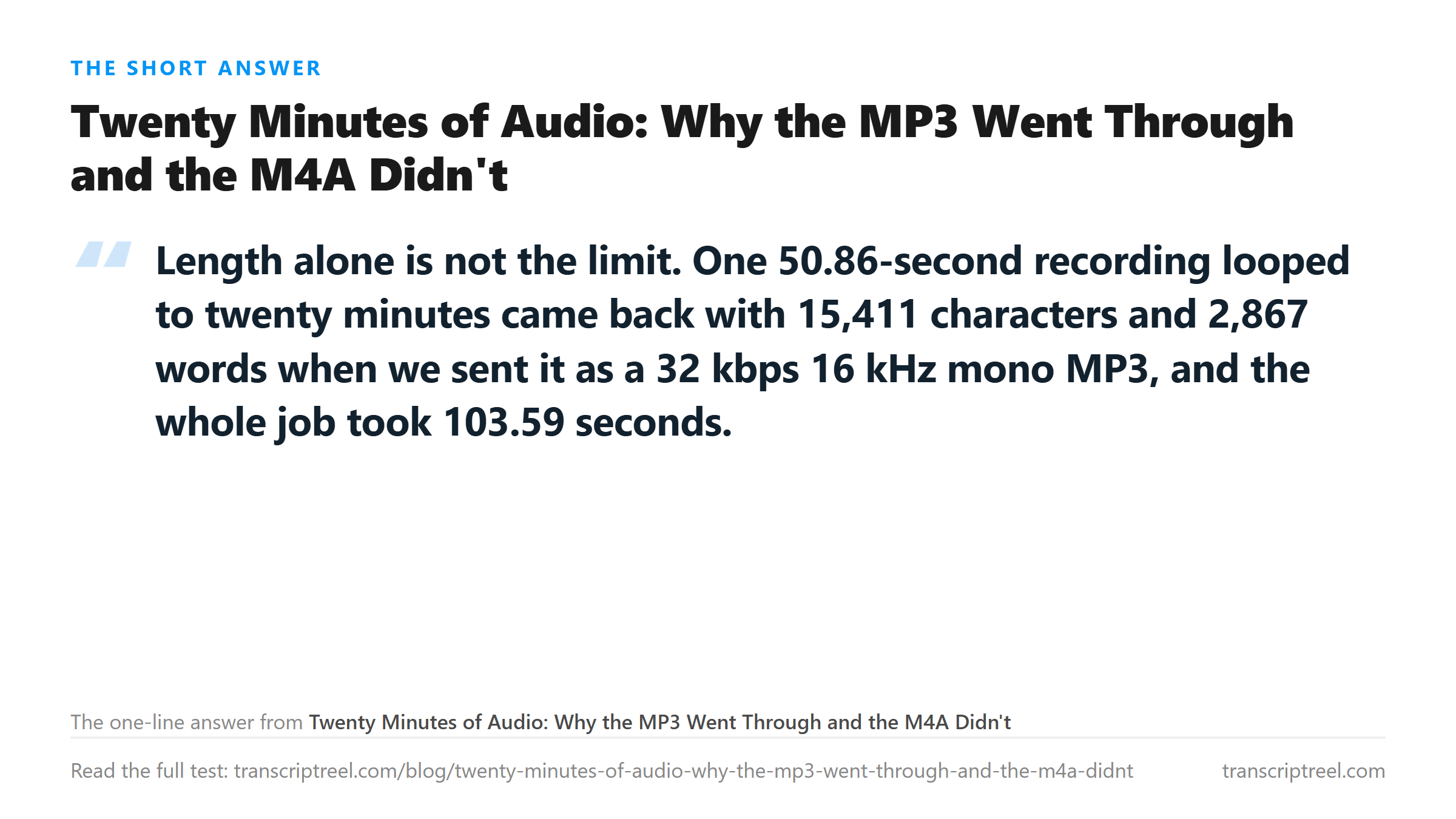
Do the division and something useful falls out. Words per minute: 148, 146, 144, 143. The text does not get thinner as the file gets longer, which means a long upload is not silently dropping sentences at the end.
22 minutes hit a wall at 121.65 seconds
The next rung up was 22 minutes, same encoding, 4,679,360 bytes. HTTP 500, Transcription failed, at 121.65 seconds. In an earlier run on this site, every failure of this kind landed between 121.2 and 127.9 seconds of wall time. That is a processing budget, not a duration limit. So 22 minutes of 32 kbps MP3 does not miss because it is long. It misses because it cannot finish in about two minutes.
The M4A that failed for a different reason
Twenty minutes as a 64 kbps M4A, 8,379,173 bytes, came back HTTP 503 with error code 1102 in 32.91 seconds. We ran it again unchanged: 503, 1102, 35.85 seconds. Same file, same rejection, twice.
That is not the size gate. A 17,088,722-byte 128 kbps MP3 was refused with the same 503 and 1102, but in 5.48 seconds rather than 33 to 36. Two different speeds of refusal for the same code tells you the code covers more than one condition. We do not know what separates them, and we are not going to guess. What we can say is that the M4A was half the size of the MP3 that failed in 5.48 seconds and it still refused, twice.
The practical cheat
If a long file fails, the cheapest change is the bitrate, not a cutter. Twenty minutes at 32 kbps mono is 4.3 MB. The same session at 128 kbps stereo is over 20 MB, and that either fails on size or never gets the chance. Speech recognition does not need width or headroom. It needs the words to be audible, and 32 kbps at 16 kHz keeps them.
Two things to do before you cut anything: drop to mono, and drop the sample rate to 16 kHz. Both are free in ffmpeg and both shrink the file by a large factor. Then try the whole file once. Cutting a lecture into ten pieces costs you ten uploads and a reassembly job that always loses a word at each seam.
When cutting is the right answer
Past about twenty minutes there is no bitrate low enough to make the job finish inside the budget, because the time is spent decoding and recognising, not transferring. A 25-minute interview at 24 kbps is still 25 minutes of audio to read. Cut it into five-minute pieces and you get text for all of it.
The limits of this test
One looped recording, which means the same 138 words repeated on a cycle. A real 20-minute talk has more variety and may take longer per second. We tested MP3, M4A and one 32 kbps setting; we did not test Ogg, Opus or a variable-bitrate MP3 at this length. Timings are from this machine's connection, so the wall clock includes transfer.
What happens to your file
Every file was uploaded, decoded in memory and discarded. Looping happened locally with ffmpeg, and no file in this run was stored anywhere after its transcript came back.
Got a Reel you want as text? Download the Instagram transcript as TXT, SRT, or VTT →
Bitrate is the setting that decides whether twenty minutes fits at all. Wondershare UniConverter re-encodes to a bitrate and sample rate you choose, and shows the new size before it writes. The 17,088,722-byte file that was refused in 5.48 seconds can become the 4,272,560-byte one that transcribed. It does not transcribe - that happens here.
FAQ
How long an audio file can I transcribe at once?
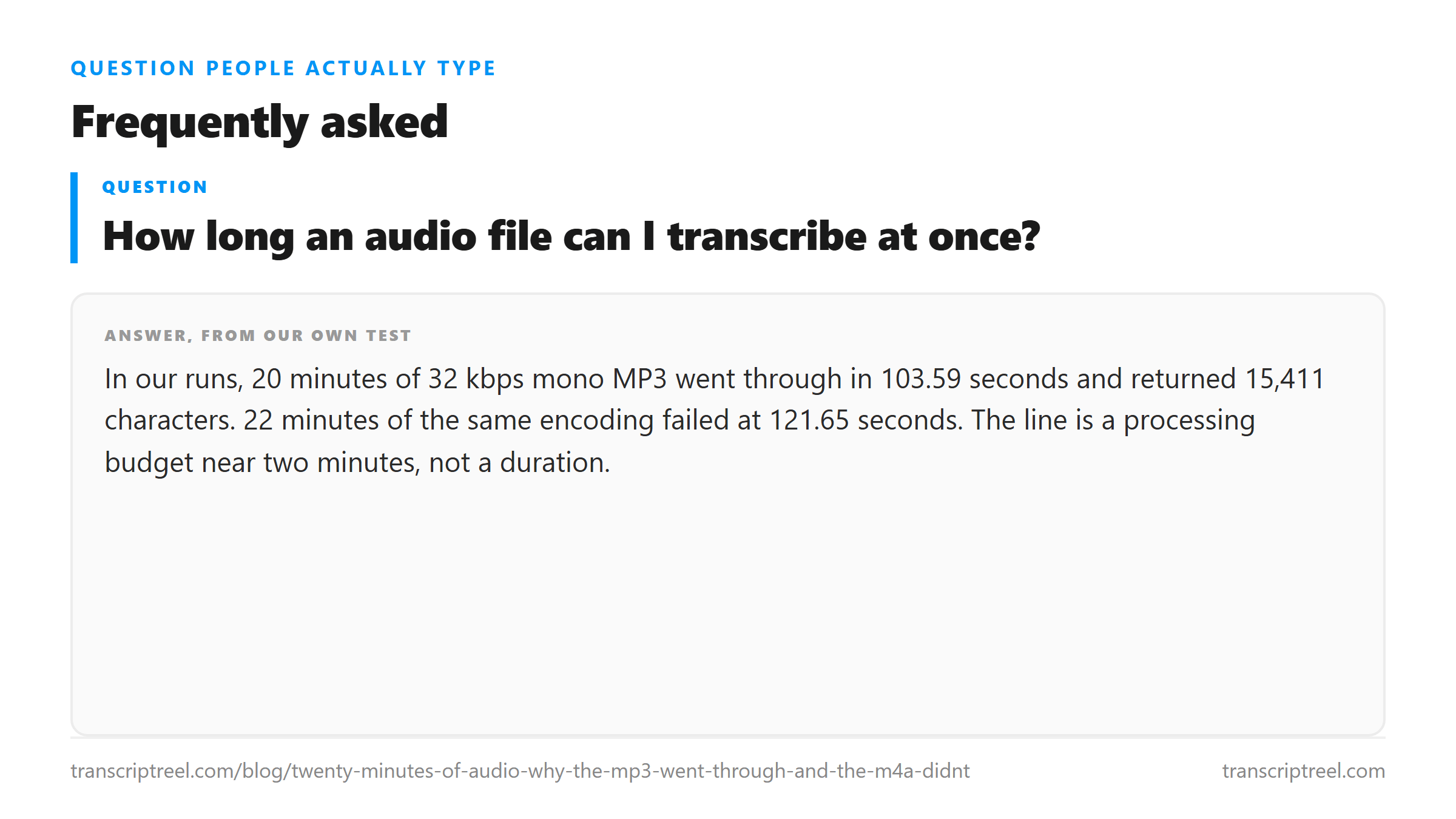
In our runs, 20 minutes of 32 kbps mono MP3 went through in 103.59 seconds and returned 15,411 characters. 22 minutes of the same encoding failed at 121.65 seconds. The line is a processing budget near two minutes, not a duration.
Why did my M4A fail when an MP3 of the same length worked?
We saw exactly that: 20 minutes as a 64 kbps M4A got HTTP 503 with error 1102 twice, while the same 20 minutes as a 32 kbps MP3 transcribed normally. We do not know the cause, so re-encoding as a low-bitrate mono MP3 is the workaround we would try first.
Does a longer file give worse transcripts?
No. Words per minute stayed between 143 and 148 from 12 minutes to 20 minutes, so the density did not drop. A long file either finishes inside the budget or fails outright; it does not quietly lose sentences.
Should I cut a long recording into pieces?
Only past the point where no bitrate is low enough. Try mono at 16 kHz first, because cutting costs you an upload per piece and reassembly loses a word at every seam.