Record Voice Online for Transcription: What the Level Meter Tells You First
The assumption worth testing
Every guide to recording for speech-to-text says the same thing: fill the meter, avoid a quiet take, because a quiet file transcribes badly. It is easy to believe and, as far as we can measure, it is wrong. We took one 50.86-second recording and cut it by 6, 12, 20 and 30 dB, then uploaded each version.
What the four levels returned
Every quiet version came back with the same words as the loud one.
- base file - 738 characters - 138 words
- 6 dB quieter - 738 characters - 138 words
- 12 dB quieter - 739 characters - 138 words
- 20 dB quieter - 739 characters - 138 words
- 30 dB quieter - 739 characters - 138 words
Thirty decibels is a thousandfold reduction in power. The transcript did not notice. The two quietest runs did capitalise Test, Voice and Memo in the opening line, but the same variation appears between repeat uploads of the untouched file, so it is not a level effect.
What the meter is actually for
Two real jobs. The first is clipping. A sample that reaches full scale is flattened - the waveform has no room for the top of the peak - and those samples are gone. No gain setting afterwards brings them back, and the crackle is audible. Keep the loudest peaks below the top of the meter and you never have this problem.
The second is listening to yourself later. A take at 30 dB below where it could be is technically transcribable and unpleasant to review. When you are checking a transcript against the audio by ear, you want a level you can hear without reaching for the volume.
What the meter cannot tell you
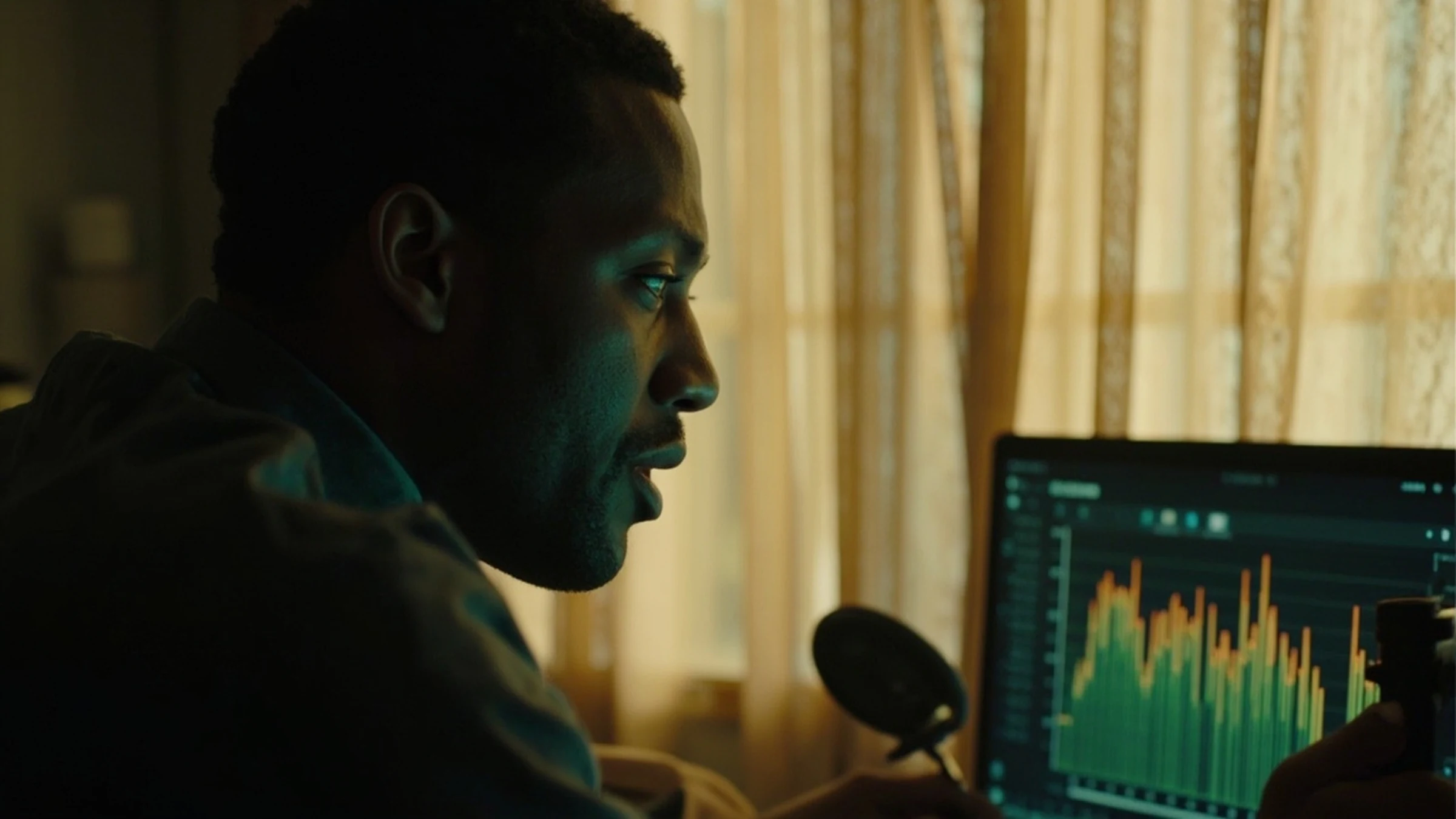
It shows peak, and peak is not loudness. A recording can touch the top of the meter on one door slam while the voice sits 25 dB below it, and the meter will look healthy the whole time. What it cannot show is the gap between the voice and the room - and that ratio, not the absolute level, is the one that decides whether speech recognition has clean material to work with.
The practical version: if the meter moves at all when you speak and does not touch the top when the room is quiet, level is not your problem. Look at noise instead - a fan, a fridge, traffic through a window - because gain cannot separate a voice from sound that arrives with it.
Where a browser recorder is the wrong tool
Two cases. Long takes, because the recording and the PCM conversion both live in memory - ten minutes of 44.1 kHz stereo is about 100 MB of raw samples. And anything where a dropped take is expensive, because there is no file on disk until you press save. For an interview, use a recorder that writes as it goes.
The limits of this test
One voice, one quiet room, 50.86 seconds, gain applied to a 128 kbps MP3. We did not test a recording made in a noisy room, and we did not test the case where the microphone itself is the bottleneck. The finding is about level, not about capture quality.
What happens to your audio
Nothing is sent while you record - a browser recorder captures in the tab. The gain runs in this test were applied locally and then uploaded to the endpoint, which transcribes in memory and stores nothing.
Got a Reel you want as text? Download the Instagram transcript as TXT, SRT, or VTT →
A take you recorded once is worth keeping lossless. Wondershare UniConverter records and converts on your own machine and shows the measured peak before you save, so the 50.86 seconds behind these 138 words stay at the rate they were captured. It does not transcribe - the words come back from this page.
FAQ
Does a louder recording give a better transcript?
Not in our runs. Files 6, 12, 20 and 30 dB below the original all returned 138 words, the same as the base file. Level affected whether the file was pleasant to hear, not what the words were.
How loud should I record for speech-to-text?
Loud enough that the meter moves clearly when you speak, and low enough that it never touches the top. The upper limit is the one that matters, because clipping destroys samples permanently. The lower limit is mostly about your own listening.
Can I record directly in the browser and upload it?
Yes. A browser recorder produces a take you can save as WAV, and that file goes to the endpoint like any other. What you cannot do is record an hour safely, because the take is held in memory.
What should I watch instead of the level meter?
The noise floor. If you can hear a fan, a fridge or traffic between sentences, that sound is in the recording and it scales with your voice when you boost. Moving the microphone closer is the fix; more gain is not.