Change Audio Speed Before Transcribing: What Tempo Does to the Words
What we sent and what came back
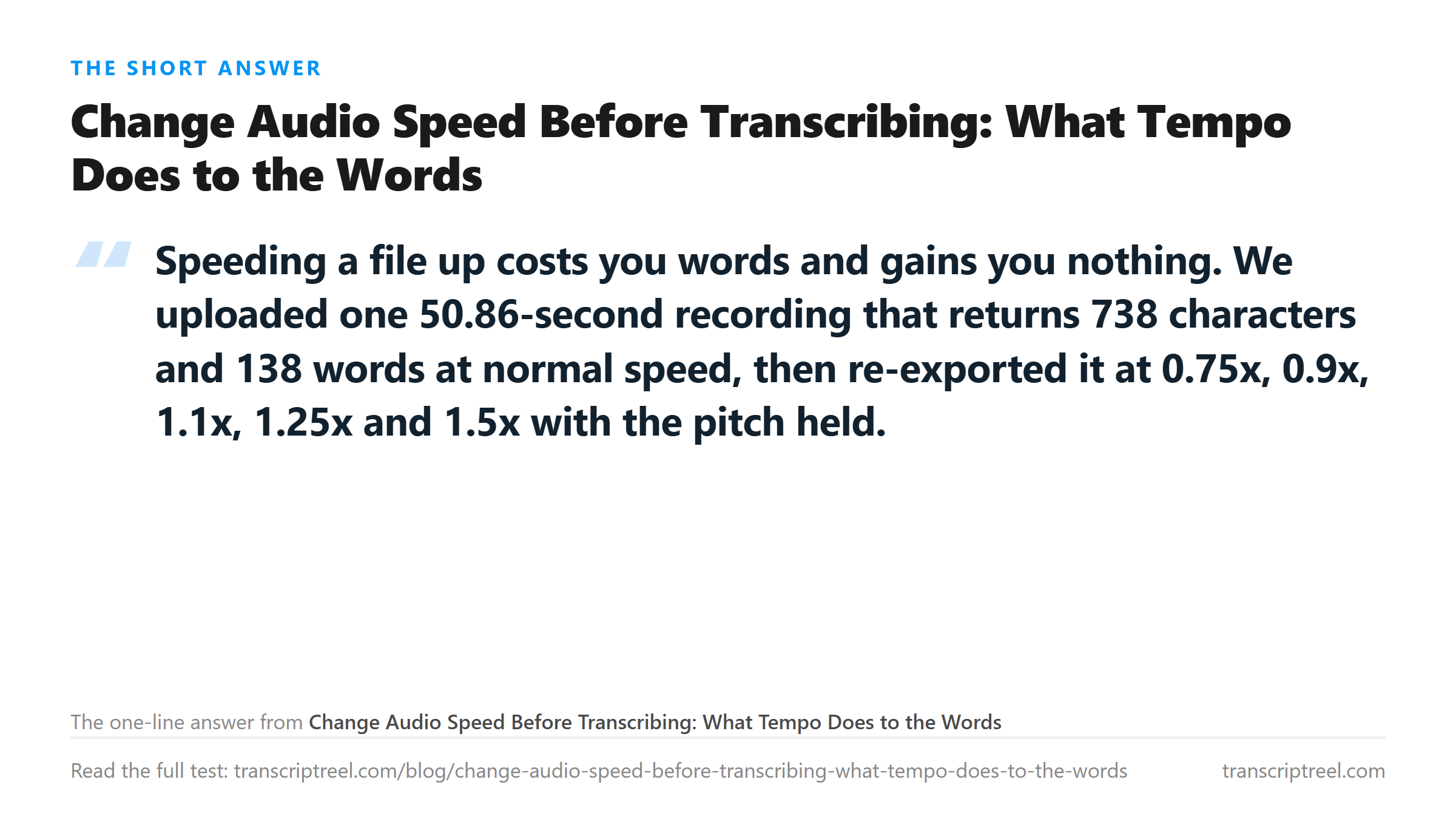
One file, one script, eight tempo versions. The base recording is 50.856 seconds of 44.1 kHz mono speech at 4,485,578 bytes, and at normal speed it returns 738 characters and 138 words. We re-encoded that file at five speeds using ffmpeg's atempo filter, which changes duration and leaves the pitch where it was, then at three more speeds with asetrate, which lets the pitch ride up with the speed the way a tape player does.
How each version was made
All eight files were written as 44.1 kHz mono WAV so that nothing but the duration changed. The atempo runs used atempo=0.75, 0.9, 1.1, 1.25 and 1.5; the asetrate runs used asetrate=44100*0.9, *1.1 and *1.5 followed by a resample back to 44.1 kHz. Each file went to the same endpoint with curl, and every run recorded its own HTTP status and elapsed time.
The word count moved by three, not by thirty
Here is the whole table. The columns are the speed, the new duration in seconds, the characters and the words that came back.
- 0.75x pitch held - 67.77 s - 736 characters - 137 words
- 0.90x pitch held - 56.48 s - 735 characters - 136 words
- 1.10x pitch held - 46.21 s - 731 characters - 136 words
- 1.25x pitch held - 40.67 s - 739 characters - 138 words
- 1.50x pitch held - 33.89 s - 733 characters - 135 words
- 0.90x pitch moved - 56.51 s - 733 characters - 135 words
- 1.10x pitch moved - 46.23 s - 730 characters - 136 words
- 1.50x pitch moved - 33.90 s - 737 characters - 137 words
Read the spread: 135 to 138 words against a baseline of 138. Nothing collapsed. The one number that moved the most is not accuracy but time - the 1.5x file uploaded a third less audio and came back in 6.93 seconds instead of 7.65.
One run does look different, and it is punctuation
The 0.9x pitch-held file returned 735 characters with 136 words, and the transcript began "This is a Test Voice Memo recorded on a phone" - capital letters on Test, Voice and Memo. That is the model hearing a title rather than a sentence, and it is the kind of variation you get from any single upload of the same audio. It is not caused by the speed change, and we have seen it on repeat uploads of an untouched file.

Why slowing down does not rescue a bad take
The common claim is that speech recognition fails on fast speech, so slowing the audio should fix it. Our runs do not support that as a general rule. Slowing to 0.75x produced 137 words against a baseline of 138, which is a loss, not a gain. What slowing does give you is time to listen and transcribe by hand, which is a different job.
If a clip really does come back badly wrong, the cause is usually in the recording rather than the tempo: one channel wired backwards, a container the endpoint refuses, or no speech in the file at all. Those have their own guides.
What speed changes are actually for
Two honest uses. First, listening: a 90-minute lecture at 1.5x is 60 minutes, and you keep the words. Second, fitting an upload under a limit - the 1.5x file here is 33.89 seconds of audio for the same 135 words, which is a real saving when the constraint is minutes rather than megabytes.
The limits of this test
One voice, one script, one room, 50.86 seconds. Every run used the same endpoint and the same model. We did not test a clip that a human would call rushed, and we did not test speech in a second language. A count of 135 against 138 words tells you the transcript stayed whole; it does not tell you every word is right, and we have not run a word-level diff.
What happens to your file
The file is sent to the endpoint, transcribed in memory and not stored. The re-encoding happens on your own machine before the upload, so the speed change itself never touches a server.
Got a Reel you want as text? Get an Instagram transcript as TXT, SRT, or VTT →
Changing speed is an export setting, not an edit, and the version you keep should be the one at the rate you want. Wondershare UniConverter re-exports a file at the sample rate you pick and shows the new length before you save, so the 33.89-second 1.5x file here is a copy rather than a replacement. It does not transcribe - the words come back from this page.
FAQ
Does speeding up audio before transcribing save time?
It saves upload and processing time, and it costs a little accuracy. Our 1.5x file was 33.89 seconds instead of 50.86 and returned 135 words instead of 138. Whether three words matters depends on what you need the transcript for.
Should I slow audio down to get a better transcript?
Not on our evidence. Slowing to 0.75x returned 137 words against a baseline of 138, so it did not improve the count and it made the file 17 seconds longer. Test your own file before trusting either direction.
What is the difference between keeping the pitch and letting it move?
Keep-pitch resamples in overlapping steps so the voice stays where it was; moving pitch is a straight resample, so 1.5x makes everything a fifth higher. In our runs the two modes landed within five words of each other, so pick the one that sounds right to you.
Why did one transcript capitalise the title?
The 0.9x pitch-held run returned "This is a Test Voice Memo recorded on a phone" with capitals. That is formatting variation between runs of the same model, not a consequence of the speed. We have seen it on repeat uploads of an unmodified file.