Normalize Audio Before Transcription: What LUFS Does to the Words
Four normalization targets, one memo
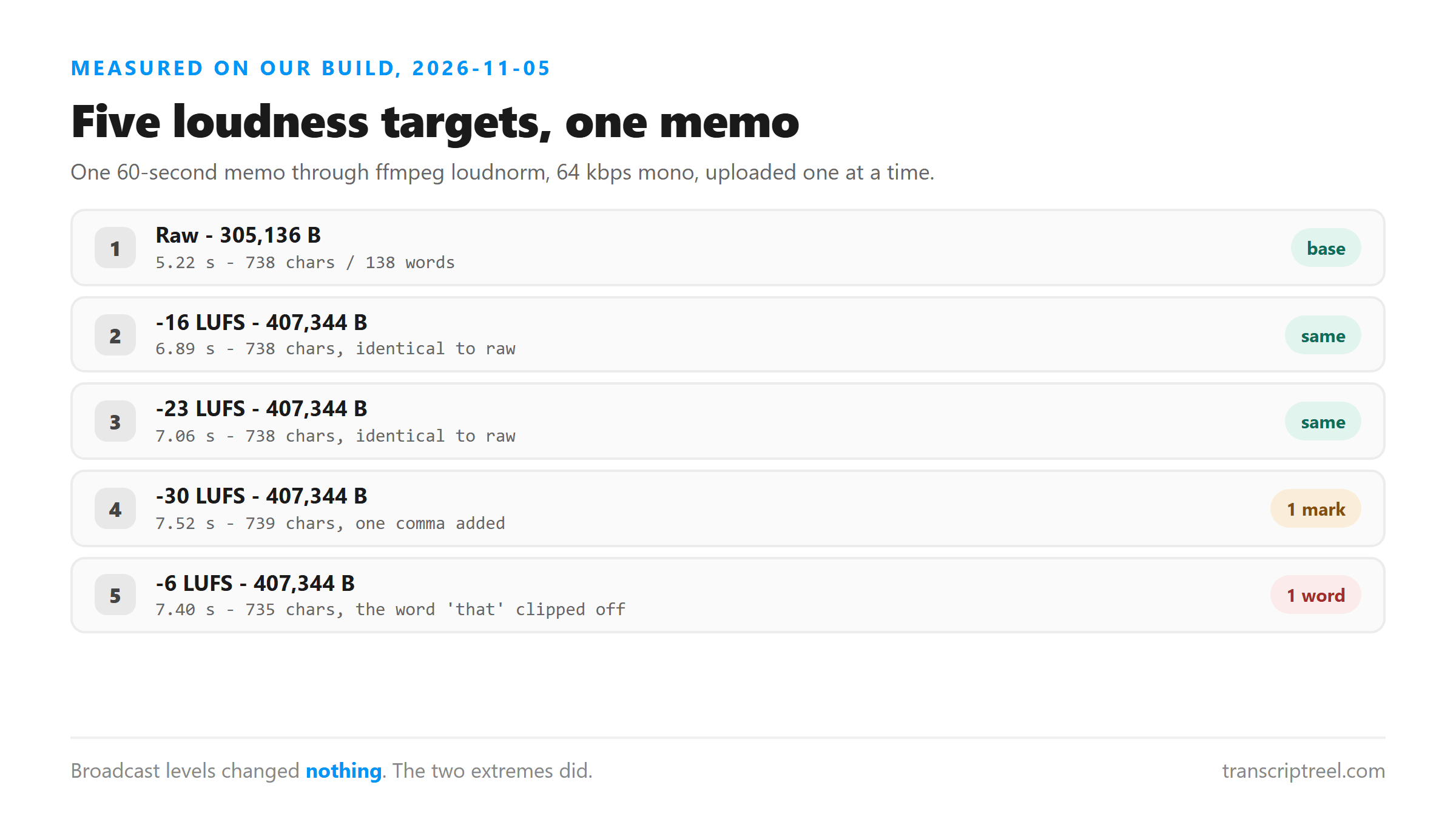
We took a 60-second memo and ran it through ffmpeg loudnorm at four integrated loudness targets. Each file was 64 kbps mono MP3 at 44.1 kHz. The raw file was the same memo with no normalization.
- Raw, no normalization: 305,136 bytes, 738 chars, 138 words.
- Normalized to -16 LUFS: 407,344 bytes, 738 chars, 138 words.
- Normalized to -23 LUFS: 407,344 bytes, 738 chars, 138 words.
- Normalized to -30 LUFS: 407,344 bytes, 739 chars, 138 words.
- Normalized to -6 LUFS: 407,344 bytes, 735 chars, 137 words.
The middle is safe
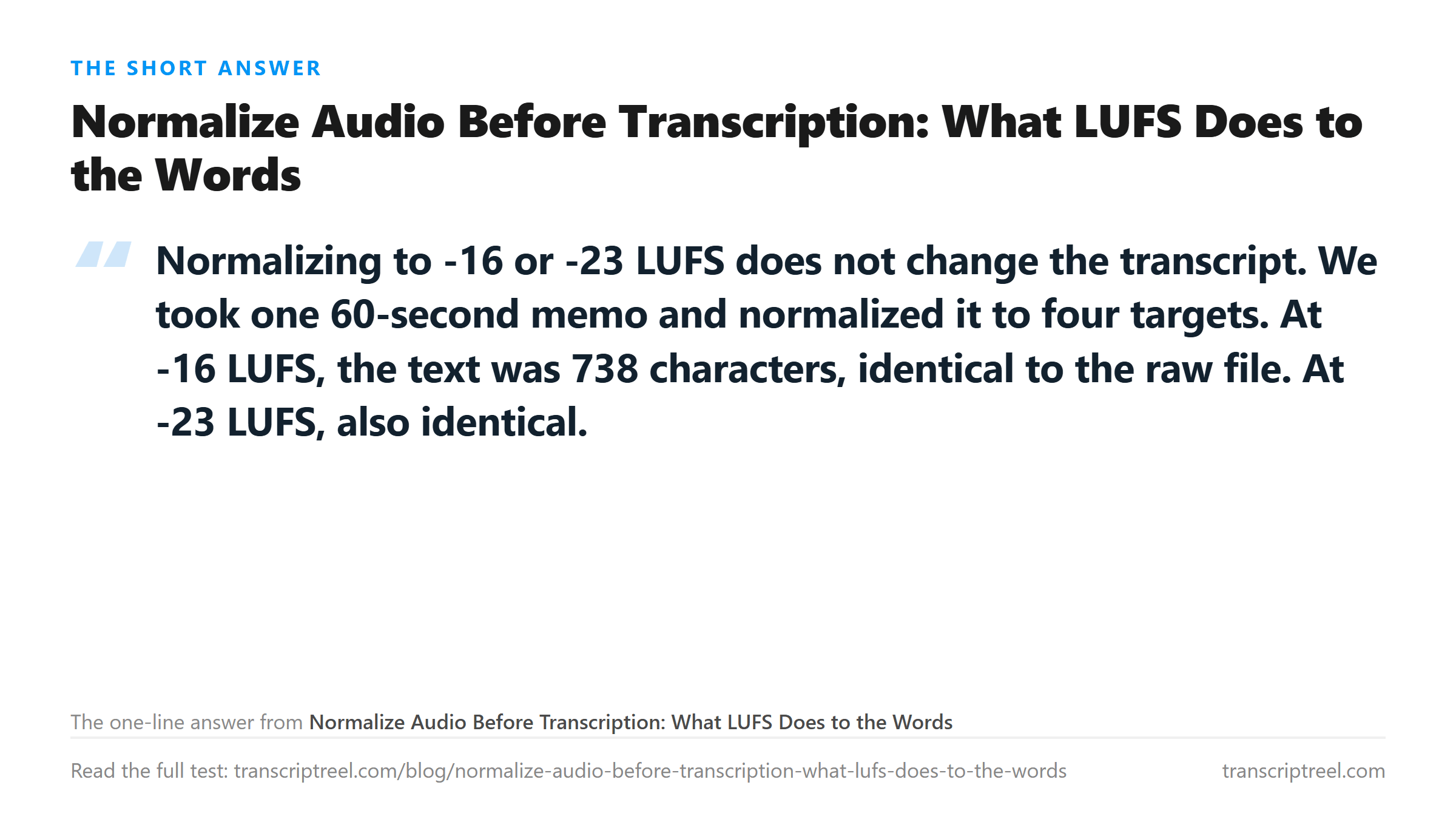
-16 and -23 LUFS are the two standards. -16 is the target for podcasts and web audio. -23 is the European broadcast standard. Both returned text that was character-for-character identical to the raw file.
- -16 LUFS vs raw: identical, 738 chars.
- -23 LUFS vs raw: identical, 738 chars.
- Same 138 words, same 13 punctuation marks, same digit conversions.
The normalized files were 102,208 bytes larger than the raw file because ffmpeg re-encoded them. The text was the same. If your memo is already at a reasonable volume, normalization buys you nothing.
Too quiet: -30 LUFS adds a comma
At -30 LUFS, the text grew by one character. The model inserted a comma before a clause where the raw version had none. The words were the same 138, but the punctuation count went from 13 to 14.
- Raw: "and a date like March 15, 2026 I will also say"
- -30 LUFS: ", and a date like March 15, 2026. I will also say"
- The comma before "and" and the period after "2026" are both new.
When audio is very quiet, the model seems to hear pauses differently. A pause that was not long enough to be a sentence break at normal volume becomes one at -30 LUFS. The words do not change. The punctuation does.
Too loud: -6 LUFS drops a word
At -6 LUFS, the text shrank by three characters. The model dropped the word "that" from one sentence near the end of the memo.
- Raw: "that is everything for now and I will stop recording"
- -6 LUFS: "s everything for now and I will stop recording"
- The model heard the clipped "that" as part of the next word.
Loud audio clips. When the peaks hit the ceiling, the beginning of a word can get cut off. The model then hears a fragment instead of a full word. In this case, "that" lost its first consonant and the model wrote "s" instead. The rest of the sentence was fine.
When normalization helps
Normalization helps when your audio is far from the center. A memo recorded in a quiet room at -35 LUFS will benefit from being brought up to -16. A memo recorded with the mic too close at -3 LUFS will benefit from being brought down.
- Check your recording level before you normalize.
- If the audio sounds fine, do not normalize.
- If it is very quiet, normalize to -16 LUFS.
- If it is very loud, normalize to -16 or -23 LUFS.
The bottom line
If your audio is at a normal recording level, normalization will not change the transcript. If it is very quiet or very loud, normalize to -16 LUFS and check the output for punctuation differences near the end of the file. The words rarely change. The marks sometimes do.
Processing time is the same
All five files took between 5.22 and 7.52 seconds to process. The normalized files were all 407,344 bytes, slightly larger than the raw file at 305,136 bytes because ffmpeg re-encoded them. The processing time tracked the file size, not the loudness target.
- Raw, 305,136 bytes: 5.22 s.
- Normalized -16 LUFS, 407,344 bytes: 6.89 s.
- Normalized -23 LUFS, 407,344 bytes: 7.06 s.
- Normalized -6 LUFS, 407,344 bytes: 7.40 s.
- Normalized -30 LUFS, 407,344 bytes: 7.52 s.
The 1.67-second spread between raw and normalized is explained by the 102,208-byte size difference. More bytes to upload means more time on the wire. The loudness target itself had no measurable effect on speed.
Why -6 LUFS clipped
LUFS measures integrated loudness over the whole file. -6 LUFS is very loud. For comparison, a typical podcast sits at -16 to -19 LUFS. Music masters are often -9 to -14 LUFS. A voice memo at -6 LUFS means the peaks are hitting the digital ceiling.
- Podcast standard: -16 LUFS.
- European broadcast: -23 LUFS.
- Loud music master: -9 to -14 LUFS.
- Our clipped test: -6 LUFS.
When peaks clip, the beginning of a word can get cut off. The model then hears a fragment. In our test, the word "that" lost its first consonant and came back as "s". The rest of the sentence was fine. Clipping damage is local, not global.
Why -30 LUFS added punctuation
At -30 LUFS, the audio is very quiet. The model has to work harder to distinguish speech from silence. A pause that was not long enough to be a sentence break at normal volume became one at -30 LUFS.
- Raw text at the difference: "and a date like March 15, 2026 I will also say"
- -30 LUFS text: ", and a date like March 15, 2026. I will also say"
- Two new marks: a comma before "and" and a period after "2026".
The words did not change. The model heard the same 138 words. But it interpreted two pauses as sentence boundaries. This is the kind of difference you only catch by reading two transcripts side by side.
The punctuation changes are the only ones worth re-reading
Two of the five files differ from the raw transcript, and both differences are punctuation plus one dropped word. If you skim only the character count you will see 738, 738, 738, 739 and 735 and assume nothing happened. Put the raw text and the -6 LUFS text side by side and the missing word is obvious.
- Raw: 738 chars, 138 words, 13 punctuation marks.
- -16 LUFS: 738 chars, 138 words, 13 marks - no change to diff.
- -23 LUFS: 738 chars, 138 words, 13 marks - no change to diff.
- -30 LUFS: 739 chars, 138 words, 14 marks - one comma added.
- -6 LUFS: 735 chars, 137 words, 13 marks - one word lost.
The word that disappeared at -6 LUFS was 'that', at the start of a clause near the end of the memo. Its first consonant was clipped by the ceiling, so the model heard a fragment and folded it into the next word. Nothing earlier in the file changed, which is why checking only the first sentence would have missed it entirely.
Do not normalize if you do not need to
If your recording level is reasonable, normalization is a waste of time. The raw file and the -16 LUFS file returned identical text. The raw file was smaller and processed faster. Normalization is a fix for audio that is far from the center, not a step you should run on every file.
- Record at a reasonable level and skip normalization.
- Check your recording level before you normalize.
- If the audio sounds fine, it probably is.
- If it is very quiet or very loud, normalize to -16 LUFS.
What happens to the file
Your audio is posted to /api/transcribe over an encrypted connection, held in memory and dropped once the text returns. Nothing is stored, nothing trains a model, and no account is involved.
- Uploaded: yes.
- Written to disk: no.
- Kept after the reply: no.
- Account required: none.
Got a Reel you want as text? Upload the file and download the transcript as TXT, SRT, or VTT →
Normalization is worth doing for your own ears, not for the model: -16 and -23 LUFS returned the same 738 characters as the raw file. If the recording is too quiet to check by listening while you read the text, Wondershare UniConverter opens it on your own machine and writes a louder copy at a target you pick. It does not transcribe - the words come back from this page.
FAQ
Should I normalize my audio before uploading?
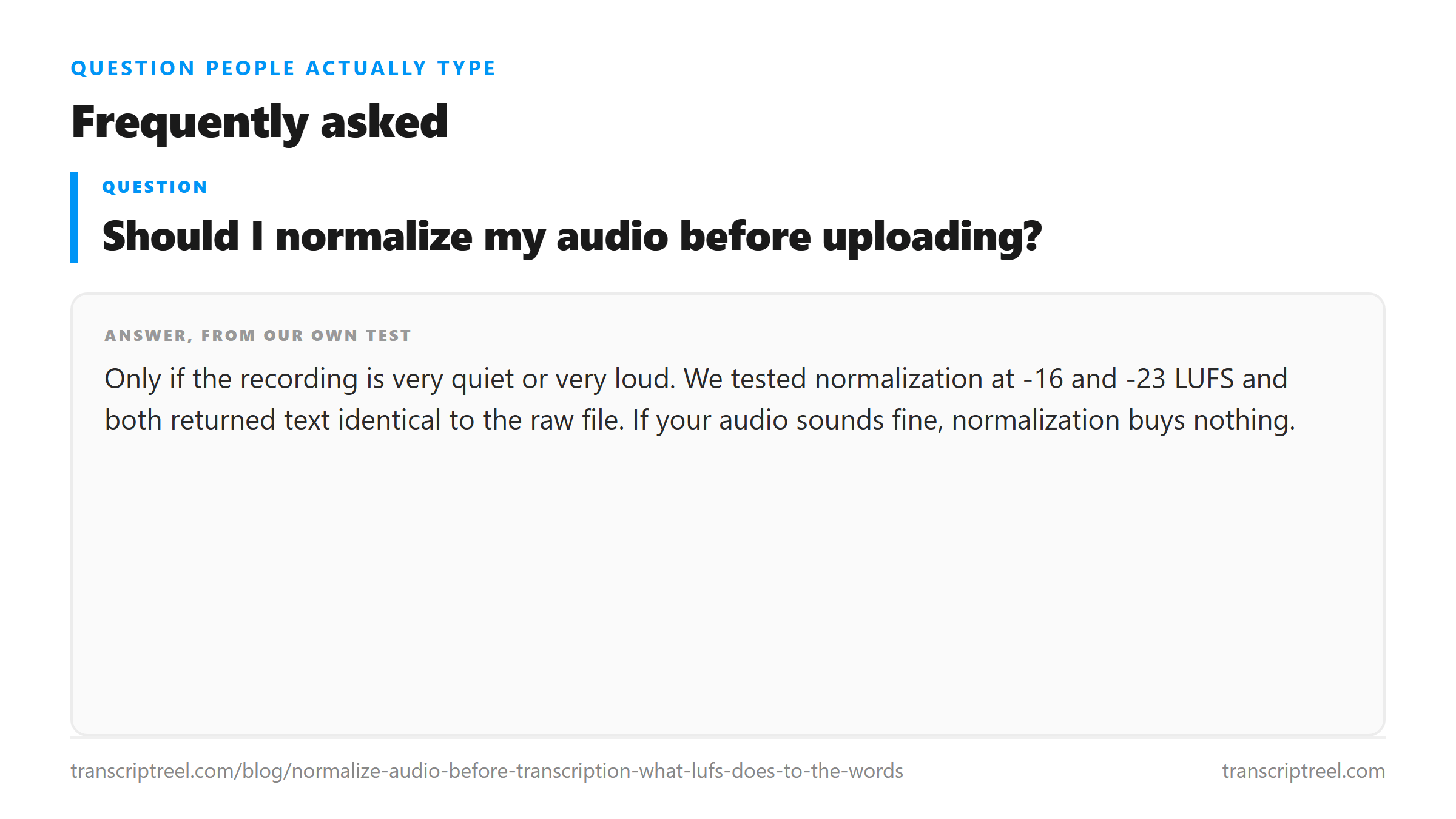
Only if the recording is very quiet or very loud. We tested normalization at -16 and -23 LUFS and both returned text identical to the raw file. If your audio sounds fine, normalization buys nothing.
Can normalization change the transcript?
Yes, at the extremes. At -30 LUFS, the model added a comma. At -6 LUFS, it dropped one word. The changes were small and near the end of the file. At -16 and -23 LUFS, the text was identical to the raw version.
What LUFS should I normalize to?
-16 LUFS is the standard for web audio and podcasts. -23 LUFS is the European broadcast standard. Both returned identical transcripts in our tests. Pick either one.
Does normalization make the file bigger?
It can. Our normalized files were 407,344 bytes versus 305,136 for the raw file, because ffmpeg re-encoded the audio. The text was the same. The size difference does not affect the transcript.