Extract Audio From a Video Before Transcribing? When It Changes Nothing
What we sent and what came back
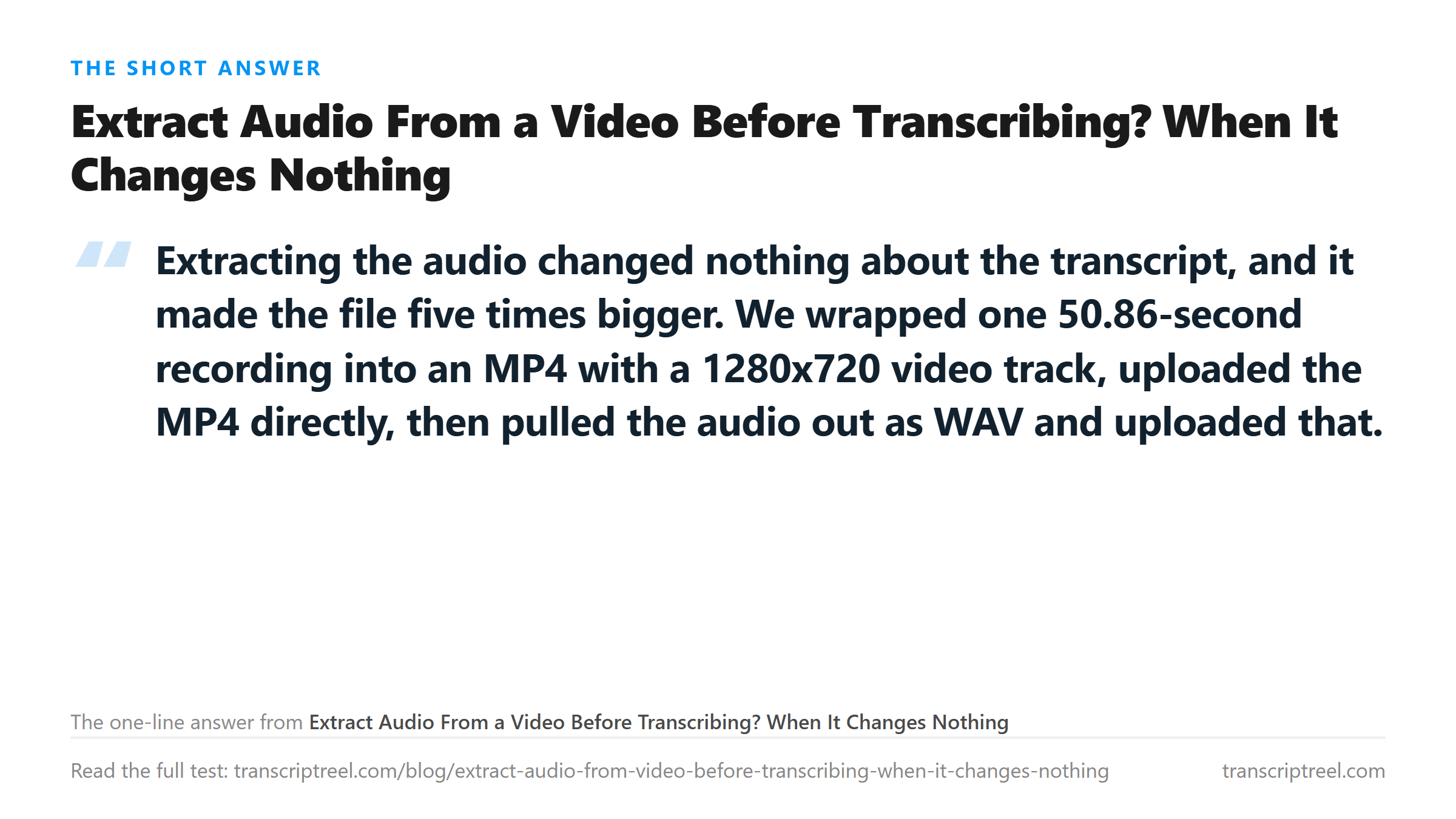
One recording, packaged two ways, uploaded three times. The source is 50.856 seconds of 44.1 kHz mono speech. We muxed it into an MP4 with a 1280x720 H.264 video track at CRF 35 and 128 kbps AAC audio, then extracted the audio back out as 44.1 kHz mono WAV.
The measured table
Two containers, one transcript.
- MP4 with video track - 855,632 bytes - 50.86 s - 738 characters - 138 words - 8.82 s to process
- WAV extracted from that MP4 - 4,485,578 bytes - 50.86 s - 738 characters - 138 words - 7.70 s
- WAV extracted and forced to mono - 4,485,578 bytes - 50.86 s - 738 characters - 138 words - 7.38 s
The MP4 and the extracted WAV produced text that compared equal character for character. That is worth stating plainly because it means the endpoint was already doing the demuxing correctly - the video track was never a barrier.
So why extract at all
Three reasons, none of them accuracy. First, size on the wire: the MP4 here is smaller than the WAV, but that is because this MP4 carries a black video track at CRF 35. A real screen recording with a busy desktop is far larger, and none of that weight helps the transcript. Second, control: pulling the track out means you can trim it, change its sample rate or mix it to mono with a tool that shows you the result before you send anything. Third, privacy: a local extraction means the video file itself never leaves your machine.

Where extraction does change the outcome
It changes the outcome when the endpoint refuses the container. We have separate runs on files that came back HTTP 400 because the container was not on the accepted list - MKV and AVI among them - and the same audio inside an accepted container went through. It also matters for a file with two audio tracks, where the browser or the endpoint picks one and you have no control over which.
What extraction does not fix: no speech in the file, a single channel wired backwards, or a container whose audio codec the decoder cannot read. Those all need a different answer.
The mono question
Forcing the extracted audio to mono produced the same 138 words and the same 4,485,578 bytes, because the source was already mono. On a genuinely stereo file the sizes differ, and the second channel becomes a variable of its own - a file where the right channel holds a different take will not merge them for you.
The limits of this test
One voice, one script, a synthetic black video track, 50.86 seconds. We did not test a screen recording with real motion, a variable frame rate capture, or a file with multiple audio tracks. The byte-identical result applies to this pair of files, not to every MP4 in existence.
What happens to your file
Every upload was transcribed in memory and not stored. The muxing and extraction happened locally with ffmpeg before anything was sent.
Got a Reel you want as text? Download the Instagram transcript as TXT, SRT, or VTT →
Pulling a track out of a container is a copy, not a re-encode, and doing it locally keeps the video off the network. Wondershare UniConverter extracts and converts tracks on your own machine, so the 855,632-byte MP4 here never had to travel to produce the 4,485,578-byte WAV. It does not transcribe - the text comes back from this page.
FAQ
Does extracting audio from a video improve transcription accuracy?
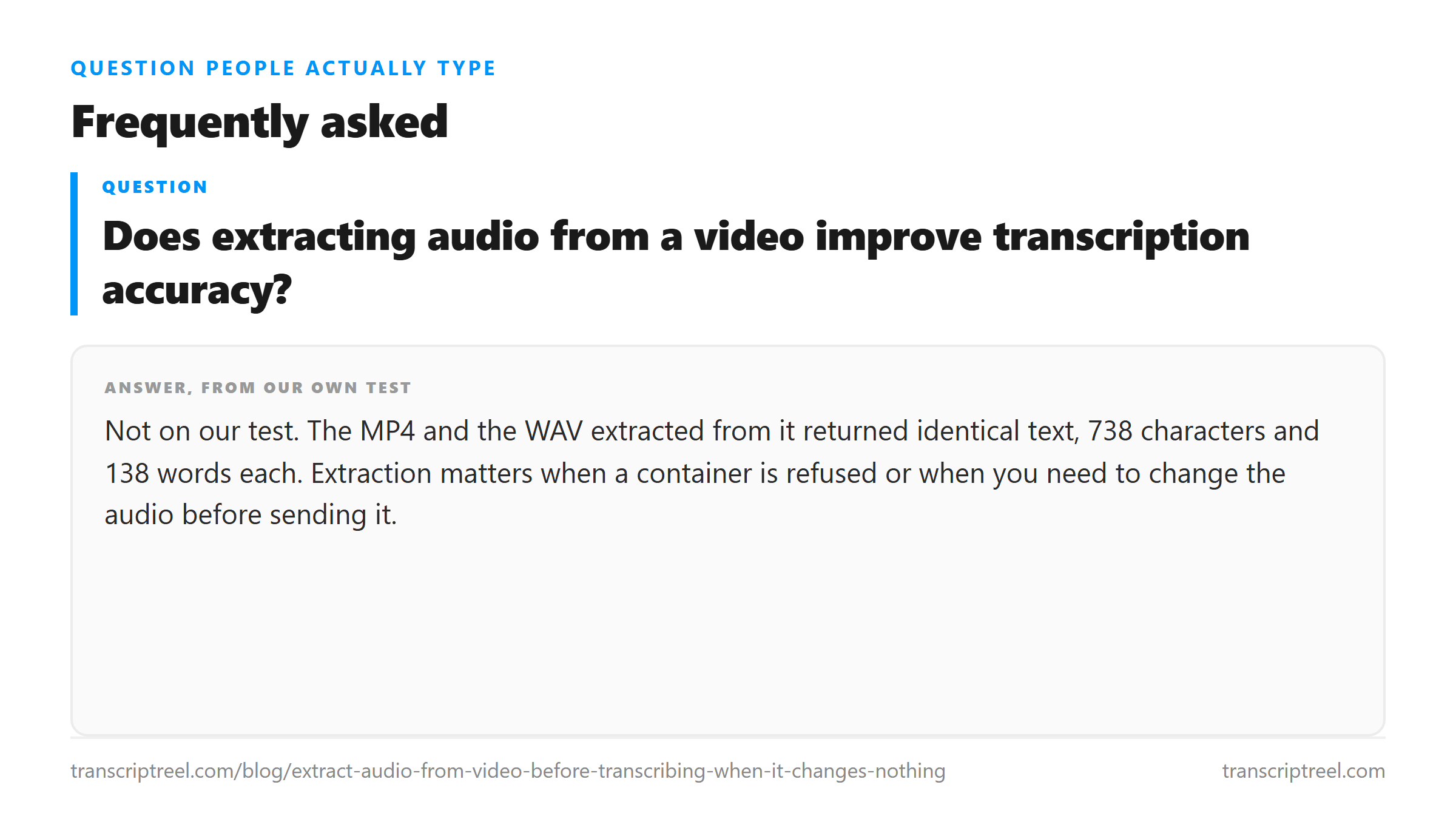
Not on our test. The MP4 and the WAV extracted from it returned identical text, 738 characters and 138 words each. Extraction matters when a container is refused or when you need to change the audio before sending it.
Why is the extracted WAV bigger than the video?
Because WAV is uncompressed. Our 50.86-second mono WAV is 4,485,578 bytes while the MP4 holding the same audio and a black video track is 855,632 bytes. On a real screen recording the video is much heavier than that, so the comparison usually goes the other way.
Should I extract as mono or stereo?
Mono if the file is speech on one microphone - it halves the size and, in our runs, returned the same words. Stereo if the two channels carry genuinely different sound you might need to diagnose later.
Does extraction re-encode the audio?
A true extract does not: the samples are copied out of the container. Converting to WAV is a container change, not a re-encode, so it is lossless as long as you keep the source sample rate. Re-encoding would mean decoding to PCM and encoding again as a lossy format, which is a different operation.