Zoom Transcript: Which File in the Folder It Will Take
What Zoom leaves in the folder
Record a meeting locally and you get a directory, not a file. Inside it there are three things worth knowing about: an M4A with the mixed audio, a VTT with the caption track, and a TXT with the chat log. The video sits alongside them.
The VTT is the one people reach for first, because it already contains the words. It has a WEBVTT header, eleven cues across 47.5 seconds, and each cue is prefixed with the speaker's name. On paper that is a finished transcript.
It is not a file this endpoint will read. That is the whole problem, and it has nothing to do with the quality of the captions.

The one file that works
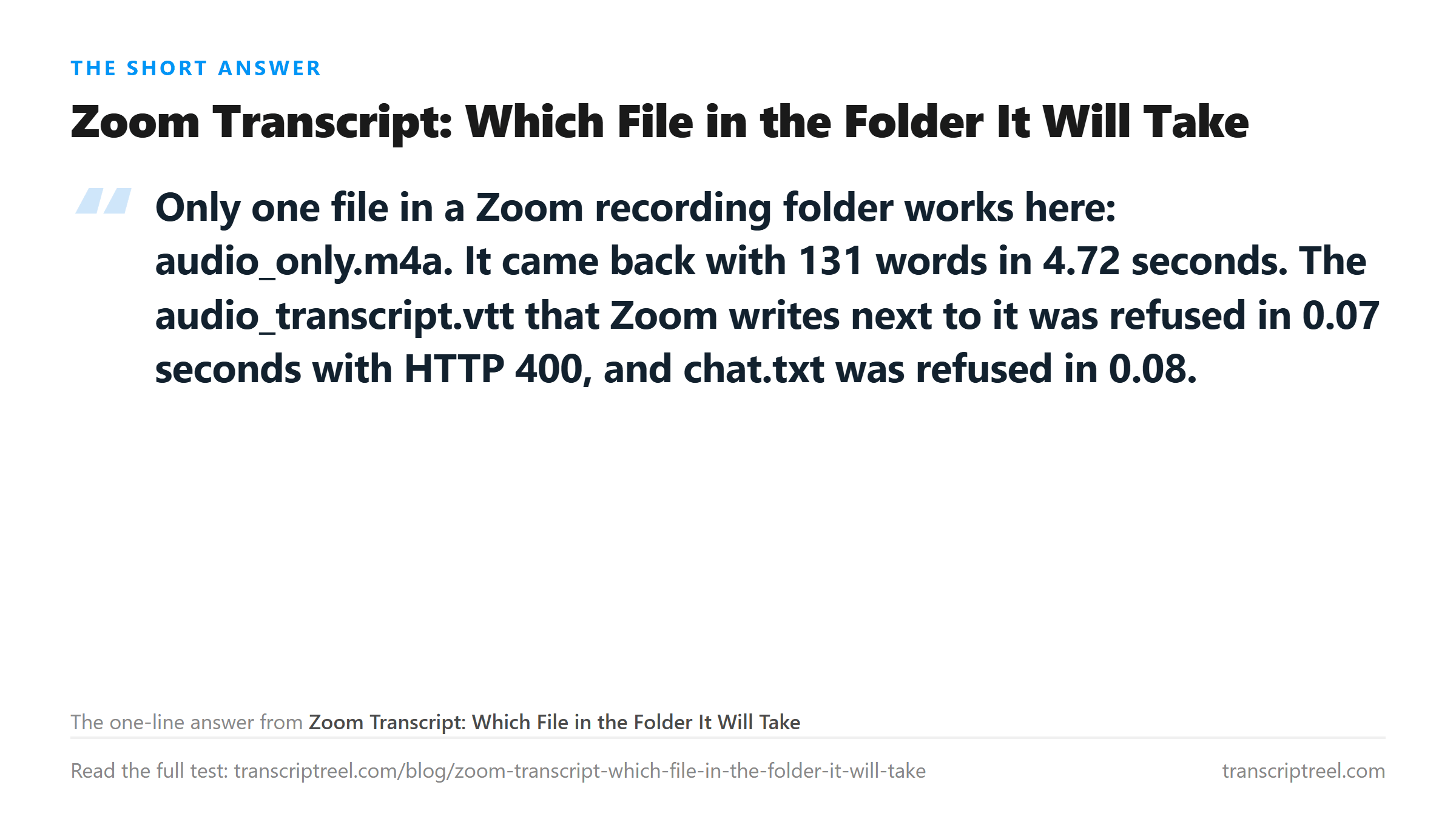
We built a 47.5-second two-voice meeting, wrote it to the same formats Zoom uses, and uploaded each one. The audio-only M4A is 283,218 bytes at 32 kHz mono. It came back HTTP 200 in 4.72 seconds with 687 characters and 131 words.
That is the whole answer for most people. If you have a local recording, open the folder, take the file whose name starts with audio, and send that. Skip the caption file even though it looks more finished.
The reason is boring. This endpoint takes audio and video containers. An M4A is an audio container. A VTT is a text file with timing marks, and there is no audio inside it to decode.
The two that get refused
Both refusals came back fast, which tells you they were rejected before any model was involved.
- audio_transcript.vtt, 1,215 bytes: HTTP 400 in 0.07 seconds. The response names the formats it accepts, and VTT is not one of them.
- chat.txt, 110 bytes: HTTP 400 in 0.08 seconds. Same message.
- audio_only.m4a, 283,218 bytes: HTTP 200 in 4.72 seconds, 131 words.
A tenth of a second is not enough time to upload 1,215 bytes to a model, run it, and come back. The gate reads the container and stops. That is why the message is a list of formats rather than an error about the audio.
Renaming the file makes it worse
The obvious workaround is to copy audio_transcript.vtt, rename it audio_transcript.m4a, and upload that. We did exactly that, byte for byte, 1,215 bytes.
The result is HTTP 500 after 7.86 seconds. Not a fast refusal. Almost eight seconds of the server trying to open something that claims to be MP4 audio and is not. Then it gives up with the message "Transcription failed. Please try another supported file."
Bitrate never moved the text
The audio Zoom writes is not high quality, so the fair question is whether a better copy would transcribe better. We encoded the same 47.5-second meeting at four bitrates and uploaded all four.
- 24 kbps, 145,053 bytes: 686 characters, 131 words, 5.01 seconds.
- 32 kbps, 194,071 bytes: 686 characters, 131 words, 5.42 seconds.
- 64 kbps, 373,166 bytes: 687 characters, 131 words, 5.23 seconds.
- 128 kbps, 722,631 bytes: 687 characters, 131 words, 5.27 seconds.
One character separates the lowest from the highest, and it is a comma. The word count does not move at all. Doubling the bitrate five times over bought nothing, because the recognizer is not short of detail at 24 kbps on clean speech.
What that means in practice: do not re-encode your meeting to "improve" it. You will spend time and disk and get the same text.
What the good file still gets wrong
The 131 words are not all correct. Read the output next to the script and four things show up, none of them about the container.
- "eighty four percent" came back as "84%". Spelled-out numbers become digits.
- "Will do" came back as "We'll do". One word, wrong word, and the sentence still reads fine, which is why nobody catches it.
- "that changes the first week number" came back as "first week member". A single consonant moved.
- "a five message sequence" came back as "a 5 message sequence". Number formatting again.
The speaker labels are gone. Zoom put "Brian:" and "Jenny:" at the start of each cue in the VTT. The audio file carries no such thing, so the transcript is one unbroken block and you have to work out who said what from context.
That trade is worth naming. The VTT gives you two speakers and no usable upload path. The M4A gives you usable text and no speakers. If attribution matters, keep the VTT open beside the transcript and align by eye.
If you only have the VTT
Sometimes the folder is gone and the VTT was emailed to you. You cannot upload it, and renaming it fails. There are two honest routes left.
- Play the recording and capture the system audio, then upload that capture. You lose quality and you gain a file the endpoint reads.
- Read the VTT as text. It already contains the words with timings and speakers. If you wanted a transcript for reading, you have one - you just cannot put it through a model to clean it up.
The second option is better than it sounds. A Zoom VTT is machine-generated from the same kind of model, so putting it through another one rarely improves it. If the captions are bad, the words were bad in the audio, and nothing downstream fixes that.
Where your file goes
The M4A goes to /api/transcribe over TLS, is processed once in memory, and is discarded when the response returns. Nothing is stored, nothing trains on it, and no account is involved. That applies to the refused files too: the VTT and the TXT were rejected at the door and never read.
Got a Reel you want as text? Turn the Reel into an Instagram transcript you can download →
Splitting a long meeting into halves that each clear an upload limit is a cut, not a conversion. Wondershare UniConverter trims and joins on your own machine without re-encoding the speech, so 47.5 seconds stays 47.5 seconds and the join point stays where you put it. It does not transcribe - the words come back from this page.
FAQ
Which file from a Zoom recording folder can I transcribe?
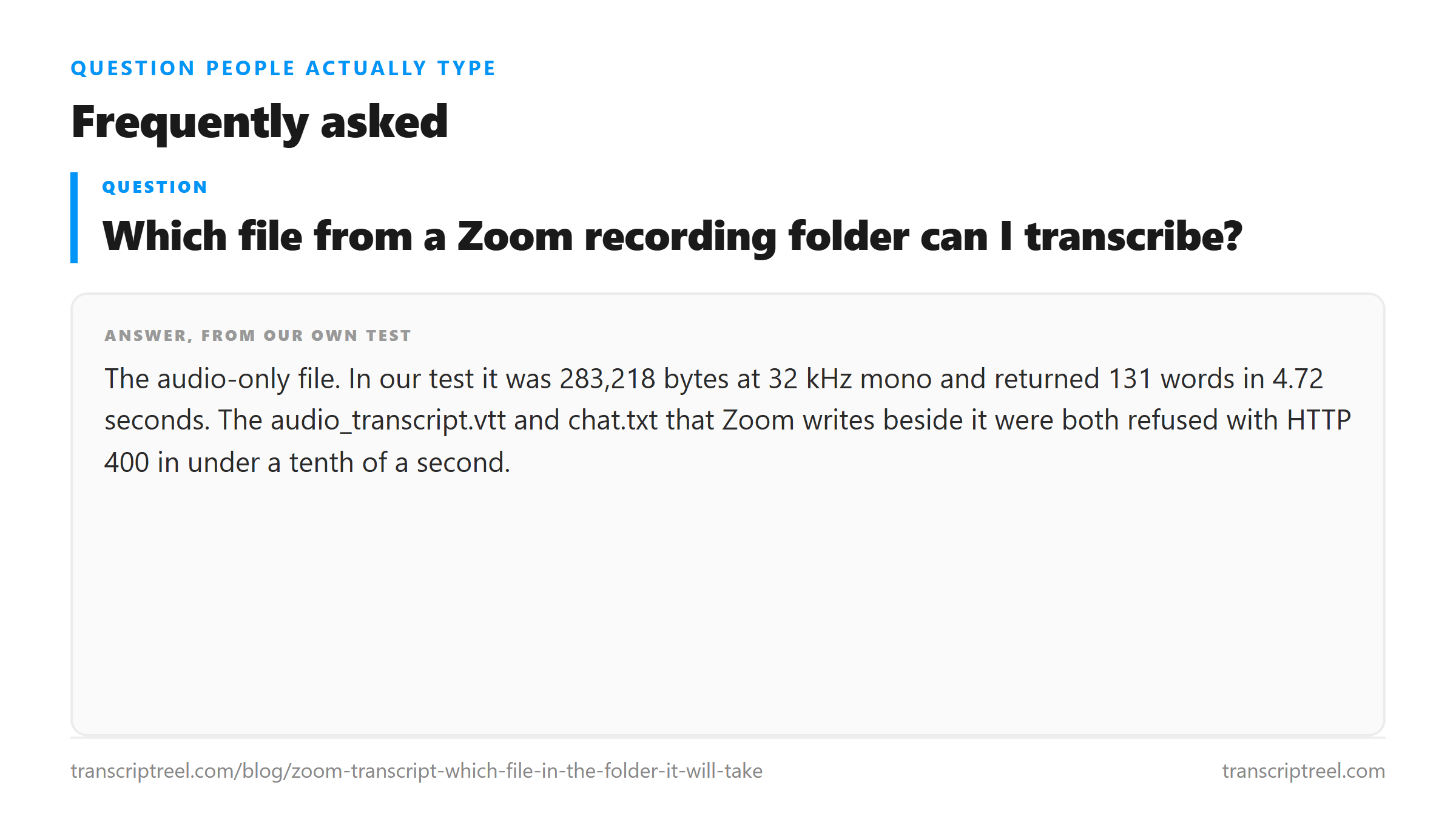
The audio-only file. In our test it was 283,218 bytes at 32 kHz mono and returned 131 words in 4.72 seconds. The audio_transcript.vtt and chat.txt that Zoom writes beside it were both refused with HTTP 400 in under a tenth of a second.
Can I rename the VTT to .m4a and upload it?
It will not work, and it is slower than the honest refusal. Renaming our 1,215-byte VTT to .m4a produced HTTP 500 after 7.86 seconds with "Transcription failed. Please try another supported file." The server reads the bytes, not the extension.
Does a higher bitrate give a better Zoom transcript?
Not on clean meeting audio. We encoded the same 47.5-second recording at 24, 32, 64 and 128 kbps. All four returned 131 words, and the character count moved by one, from 686 to 687.
Why are the speaker names missing from the transcript?
Because the names live in the caption file, not in the audio. Zoom writes "Brian:" and "Jenny:" at the start of each VTT cue. The M4A holds mixed audio only, so the output is one block of text with no labels.