Audio Recorder: What Voice-Activated Mode Costs You Later
Two modes, one clip, ten seconds apart
Most recorders hand you a voice-activated switch and describe it as a battery feature. It saves power and it saves disk, which is true and not the interesting part. The interesting part is what the file looks like when you open it six weeks later.
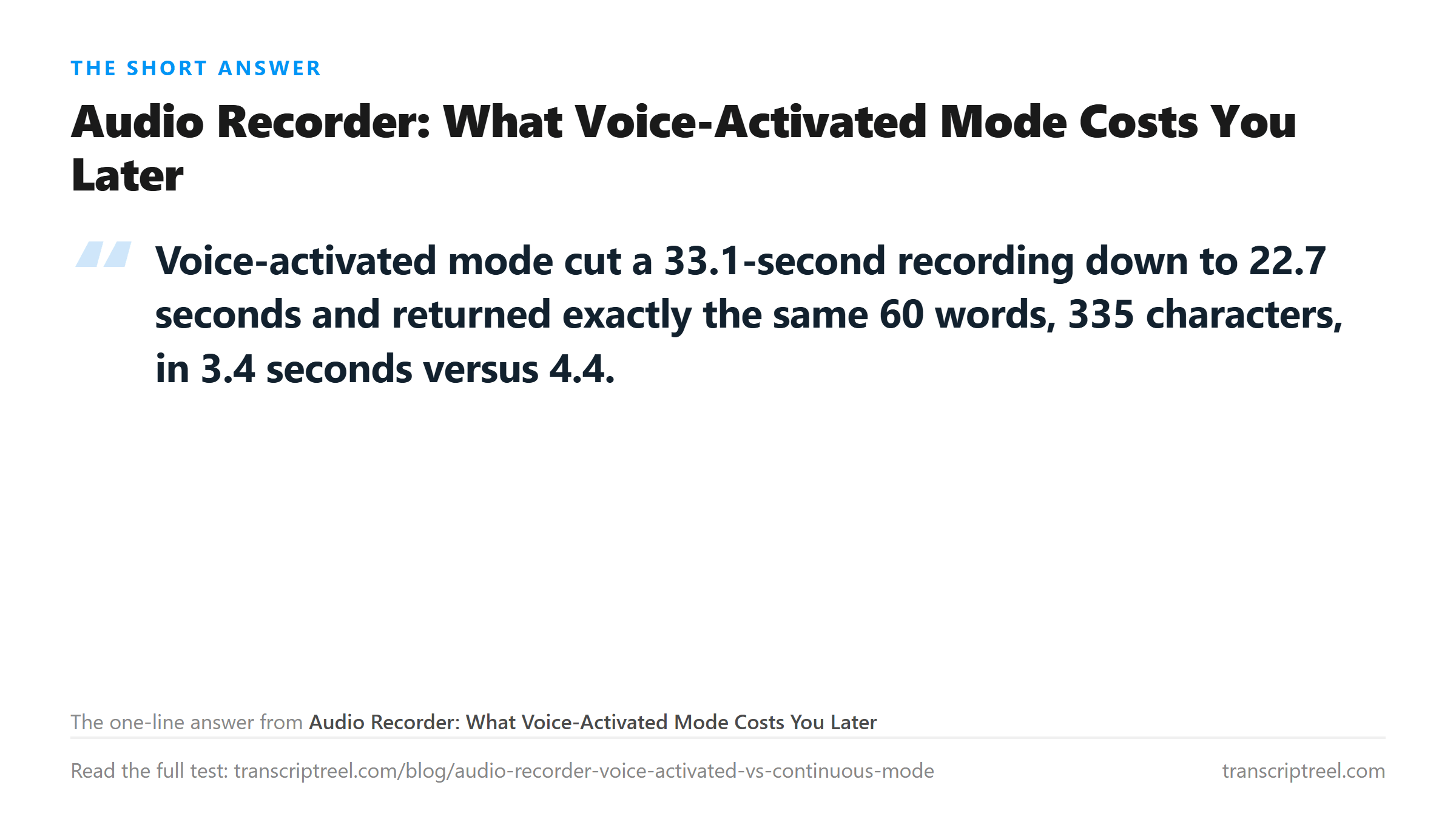
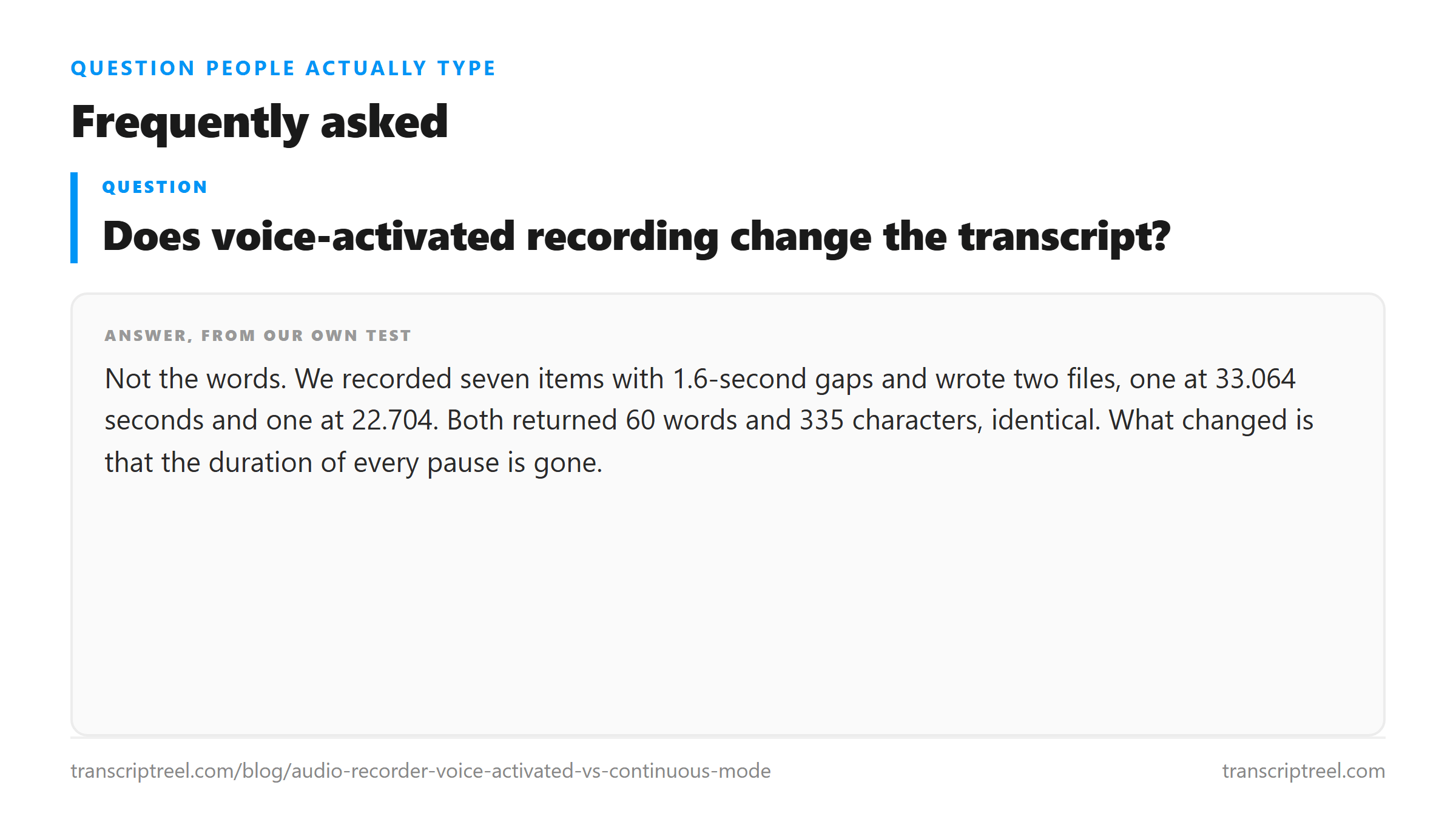
We recorded seven short items - invoices, a warranty question, a call-back - with 1.6 seconds of silence between each one. Then we wrote two files: the same audio with those pauses intact, 33.064 seconds, and the same audio with each pause squeezed to 0.12 seconds, 22.704 seconds. Both at 44.1 kHz mono WAV.
The golden text is 60 words. There is no ambiguity about the target.

The transcript does not notice
Both uploads returned 60 words and 335 characters. Character for character identical. The similarity score between them is 1.0, which in practice means the only change is that some of the periods moved.
- Continuous, 33.064 seconds, 2,916,326 bytes of WAV: 60 words, 335 characters, 4.44 seconds to transcribe.
- Voice-activated, 22.704 seconds, 2,002,574 bytes: 60 words, 335 characters, 3.40 seconds.
- Difference: 10.36 seconds of audio, 913,752 bytes, zero words.
So if your only goal is a text file, voice-activated mode is free. You get the same words for a third less disk and a second less wait. Nobody should feel bad about using it.
The cost shows up in a different question: how long was the gap between item three and item four? Continuous mode answers it. The voice-activated file cannot, because the gap is not in the file. It is 0.12 seconds, every time, because that is the restart delay the recorder leaves.
What a fixed restart delay does to a timeline
Seven items means seven gaps, counting the tail after the last one. In continuous mode those gaps total 11.2 seconds. In voice-activated mode they total 0.84. The recorder does not keep a variable pause. It keeps a small fixed one, the same for a two-second pause and for a two-minute pause.
Now imagine the meeting that mattered. Someone leaves the room and comes back. The recorder stops, waits, restarts. In the file that absence is 0.12 seconds. You cannot tell from the recording whether they were gone for a minute or an hour, and neither can any tool you feed it to.
Where the opening clip gets clipped
The other thing voice-activated mode does is start late. The detector needs to hear something before it decides to record, and whatever it heard in that window is not on the file.
We simulated that by trimming the front of a recording by fixed amounts and uploading each cut. The result is more forgiving than you would expect.
- 0, 50, 100, 150 and 200 milliseconds removed: 60 words every time, 335 characters.
- 300 milliseconds removed: 59 words, 331 characters.
- 400 milliseconds removed: 60 words, 333 characters.
Four tenths of a second off the front cost one word once and nothing the next time. That is not a clean ladder, and the honest reading is that the model fills a trimmed first syllable from context rather than failing on it. Speech has enough redundancy that a missing consonant gets reconstructed.
The phrase that broke at 300 ms was the first one, "The invoice for March was sent on the fourth", which came back one word short. At 400 ms it came back whole. That is not a pattern you can plan around; it is noise sitting on top of a real effect.
The one case where the silence is the content
There is a category of recording where the gaps are not padding. Interviews with long thinking pauses. Therapy sessions. Anything where you are measuring how long someone took to answer.
In those, voice-activated mode does not just lose resolution. It destroys the measurement. You get a clean transcript of what was said and no information at all about the timing, and the timing was the reason for the recording.
For everything else the loss costs nothing. A grocery list, a memo to yourself, a note about a part number. You were never going to ask how long the pause was.
What to do with a file you already recorded this way
You cannot put the silence back. What you can do is stop trusting the file's own timeline and mark the boundaries yourself.
The reliable move is to treat each recorded burst as one item and check the count. Seven items in, seven sentences out, in order. If the count matches, the content is intact and only the spacing is lost. If the count does not match, two items merged or one was cut off, and you need the original.
Our test came back with seven sentences and seven periods both times, so the item boundaries survived the collapse. That is not guaranteed. A pause of 0.12 seconds between two people talking is short enough that a fast recognizer can run them together.
Where your file goes
Both files went to /api/transcribe over TLS, were processed once in memory, and were discarded when the response returned. Nothing is stored between uploads, which is why the second file was read from its own bytes rather than from anything the first one left behind.
Got a Reel you want as text? Download the Instagram transcript as TXT, SRT, or VTT →
Restoring the gaps after a voice-activated recording is not possible, but trimming what is left is. Wondershare UniConverter cuts and re-writes the file on your own machine at the sample rate it already uses, so 33 seconds of speech stays 33 seconds. It does not transcribe - the words come back from this page.
FAQ
Does voice-activated recording change the transcript?
Not the words. We recorded seven items with 1.6-second gaps and wrote two files, one at 33.064 seconds and one at 22.704. Both returned 60 words and 335 characters, identical. What changed is that the duration of every pause is gone.
How much space does voice-activated mode save?
In our test, 913,752 bytes on a 33-second recording, which is 10.36 seconds of silence removed. That is a real saving on long sessions. The file went from 2,916,326 bytes to 2,509,846.
Does a late start lose the first word?
Rarely, and not predictably. Trimming the front by 50 to 200 milliseconds kept all 60 words. At 300 milliseconds one word vanished; at 400 milliseconds all 60 came back. The model reconstructs a clipped first syllable from context.
When should I avoid voice-activated mode?
When the gaps are the measurement. Interviews with long pauses, or anything where you need to know how long someone took to answer. Voice-activated mode writes a fixed 0.12-second pause in place of every real one, so the timeline is unrecoverable.