Opus to MP3: Why Your Voice Note Won't Upload Until You Convert It
What a voice note actually is
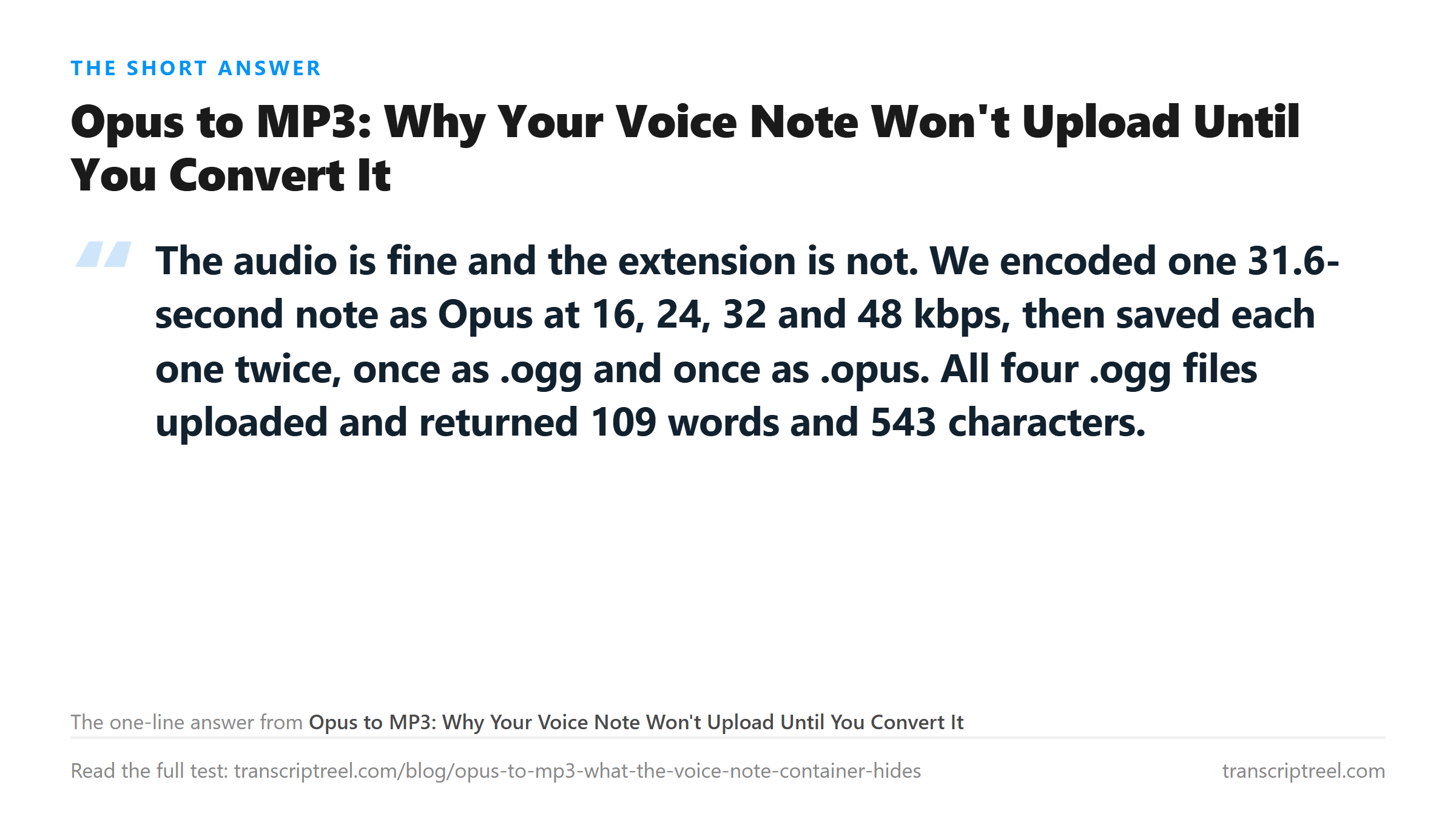
Export a voice message and what you get is Opus. It is the codec WhatsApp, Telegram and Signal use, and it is good at speech. Our 31.6-second sample came to 184,346 bytes at 48 kbps mono. The same words as 44.1 kHz WAV are 2,787,904 bytes. A 15 to 1 saving, and the speech is clear.
Opus has no file format of its own. It travels inside Ogg, inside WebM, or inside the raw packets of a live stream. A file ending in .opus is almost always an Ogg container with Opus inside, which means the extension names the codec while the bytes describe the wrapper.
That mismatch is the whole problem, and it is a problem you can fix with a rename.
Eight files, four accepted twice
We encoded one 31.6-second note at four Opus bitrates and wrote each into two containers. Same audio, same codec, two extensions.
- 16 kbps: .ogg 64,801 bytes, 109 words. .opus same 64,801 bytes, HTTP 400.
- 24 kbps: .ogg 93,958 bytes, 109 words. .opus same 93,958 bytes, HTTP 400.
- 32 kbps: .ogg 123,720 bytes, 109 words. .opus same 123,720 bytes, HTTP 400.
- 48 kbps: .ogg 184,346 bytes, 109 words. .opus same 184,346 bytes, HTTP 400.
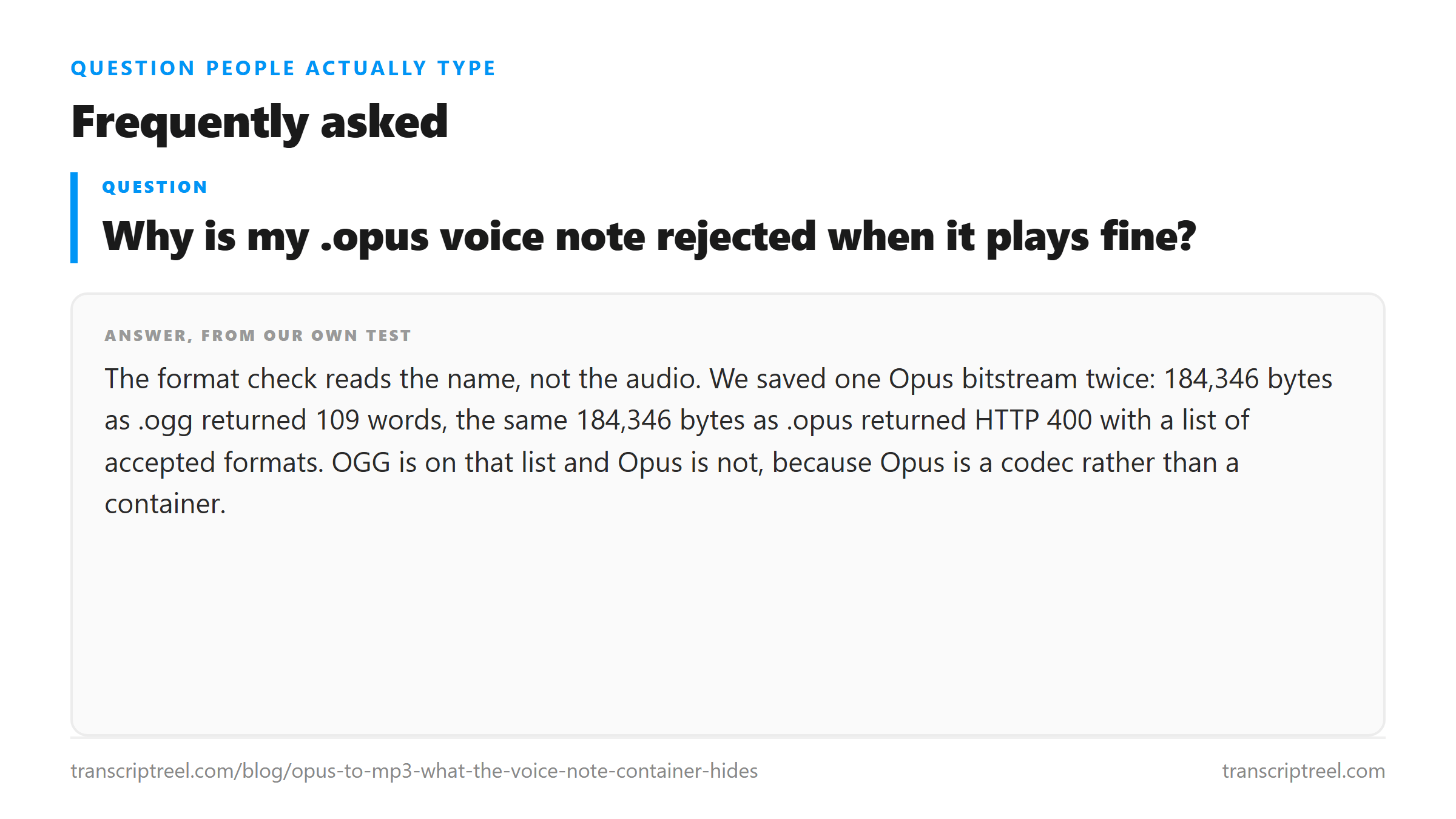
Every pair is byte-identical. One member uploads, the other is turned away. The refusal message names what it will take: MP3, WAV, M4A, AAC, OGG, FLAC, MP4, MOV, WEBM. OGG is there. Opus is not, because Opus is not a container.
So the first thing to try is not a converter. It is renaming the file to .ogg. If your player still opens it afterwards, the rename worked and no audio was touched.
The refusal and the failed decode are two different things
Worth separating, because both look like "Opus doesn't work" from the outside.
A 400 in under a tenth of a second means the gate read the name and stopped. Nothing was decoded. Our .opus files got that treatment.
A 200 with success false and zero characters means the gate let the file through and the decoder could not make sense of it. That is a container the endpoint does not really support even though the name is allowed, or a stream with no decodable audio in it. If you see that, renaming will not save you and neither will a bitrate change - you need to re-encode out of Opus entirely.
Converting to MP3 costs nothing here
The instinct is to convert to MP3, because MP3 is the format everyone trusts and nobody wants to think about it again. We tested whether that second lossy pass costs words.
- MP3 at 64 kbps, 253,484 bytes: 109 words, 543 characters.
- MP3 at 128 kbps, 506,924 bytes: 109 words, 543 characters.
- MP3 at 192 kbps, 760,364 bytes: 109 words, 543 characters.
All three matched the .ogg original, which matched the clean WAV source. So the answer to the obvious worry - does Opus to MP3 damage the words - is no, not for speech that was already clean.
The reason is not mysterious. Opus at 48 kbps has already discarded what the ear cannot use. MP3 at 64 kbps and up has room to carry what is left, and what is left is the speech. The second generation of loss lands mostly in the parts the first one kept, which are the parts that matter.
There is no bitrate ladder to report. All eight files that uploaded came back with the same 109 words and 543 characters. That is 16 kbps up to 48 kbps, a 2.8-fold spread in bytes, and no spread at all in text. For a short clean note you can go lower than you would expect.
The pre-skip in the header
Opus carries a fixed delay called pre-skip, and a decoder is supposed to discard those samples at the start so the output lines up with the original. ffprobe reports initial_padding 312 at a 1/48000 time base on our file. That is 6.5 milliseconds.
You cannot hear it and it does not change a transcript. It matters only if you convert repeatedly. A tool that ignores pre-skip adds 6.5 milliseconds to the front each time; a tool that applies it twice removes them twice. One clip, invisible. Ten conversions chained, drift you can measure against a reference.
Which is the argument for converting once, in one tool, and keeping that file rather than re-doing it every time something refuses your upload.
What the text still gets wrong
The 109 words are the same in every container that worked, and they are wrong in the same places. The note describes a screen recording of a dashboard. The errors cluster.
- "the part people miss" came back as "the part people missed" in every working file, including the clean WAV source.
- "total moved" came back as "total move" at every Opus bitrate from 16 to 48 kbps.
- "circular arrow" stayed correct in all eight working files and only degraded in a separate 8 kHz telephone-quality copy of the same recording.
The first line is the useful one. A tense error that appears in the clean reference file is not caused by your conversion. It is the model's reading of an ambiguous final consonant, and it will be there whatever you upload. Blaming the container for it would send you re-encoding a file for no reason.
The short version
Try the rename first. .opus to .ogg, no re-encode, keeps every byte. If your file is a real Ogg stream inside, that is the entire fix and it takes a second.
If the rename does not work, convert to MP3 at 64 kbps or above and stop worrying about it. Our three MP3 conversions were word-for-word identical to the original. The format was never the thing standing between you and the text.
Where your file goes
Every upload went to /api/transcribe over TLS, was processed once in memory, and was discarded when the response returned. The four .opus files never reached a model - they were turned away at the format check - so nothing was processed for them at all.
Got a Reel you want as text? Get an Instagram transcript as TXT, SRT, or VTT →
If the file only needs a different wrapper, a re-mux is a copy, not a re-encode. Wondershare UniConverter writes the audio back out at the sample rate and bitrate you pick, so a voice note that already survived one lossy pass does not take a second one. It does not transcribe - the words come back from this page.
FAQ
Why is my .opus voice note rejected when it plays fine?
The format check reads the name, not the audio. We saved one Opus bitstream twice: 184,346 bytes as .ogg returned 109 words, the same 184,346 bytes as .opus returned HTTP 400 with a list of accepted formats. OGG is on that list and Opus is not, because Opus is a codec rather than a container.
Does converting Opus to MP3 lose words?
Not for clean speech. We converted one 31.6-second note to MP3 at 64, 128 and 192 kbps. All three returned 109 words and 543 characters, identical to the .ogg original and to the WAV source.
Can I just rename .opus to .ogg?
Usually yes. A .opus file is normally an Ogg container with Opus inside, so a rename changes the label and nothing else. Our .opus and .ogg pairs were byte-identical at every bitrate we tried.
What does Opus pre-skip do to timings?
It adds a fixed delay of 312 samples at 48 kHz, which is 6.5 milliseconds, and a correct decoder discards it. One file, you will never notice. Chained across ten conversions, it accumulates into drift against a reference track.