Words Per Minute From a Transcript: Why the Number Is Usually Wrong
The transcript gives you the word count. It does not give you the pause. One 61-word script rendered at five speeds took 23.57 seconds to 13.49 seconds, and every version returned 60 or 61 words. Dividing words by duration gives 155 to 271 words per minute, which is mathematically true and useless: the words never changed, only the silence around them.
The calculation everyone runs, and why it drifts
Take a transcript, count the words, divide by the length of the audio, multiply by sixty. You now have a words-per-minute figure. It looks like a measurement. It is actually the quotient of two things that are not measuring the same event.
The word count is exact. The duration includes everything that is not a word - the breath before the first sentence, the pause between paragraphs, the second where the speaker looked at their notes. Those seconds are in the denominator and nowhere in the numerator, so the fewer words there are, the more the silence dominates.
We built the test to show how far that drift goes with the words held constant.
One script, five speeds, one word count
The script is 61 words. We rendered it through a single synthesized voice at five rates, from 20 percent slower to 40 percent faster, and uploaded each file.
- 20 percent slower: 23.57 seconds of audio, 141,408 bytes, 319 characters, 61 words.
- 10 percent slower: 20.98 seconds, 125,856 bytes, 318 characters, 60 words.
- Unchanged: 18.86 seconds, 113,184 bytes, 319 characters, 61 words.
- 20 percent faster: 15.72 seconds, 94,320 bytes, 319 characters, 60 words.
- 40 percent faster: 13.49 seconds, 80,928 bytes, 319 characters, 61 words.
Read the character column straight down: 319, 318, 319, 319, 319. Five renders of one script at five speeds and the text is the same string, give or take a single character. The word count moves between 60 and 61, which is one word, and that word is a contraction the model wrote out in one pass and kept joined in another.
Now do the division people do.
- 23.57 seconds, 61 words: 155 words per minute.
- 20.98 seconds, 60 words: 172 words per minute.
- 18.86 seconds, 61 words: 194 words per minute.
- 15.72 seconds, 60 words: 229 words per minute.
- 13.49 seconds, 61 words: 271 words per minute.
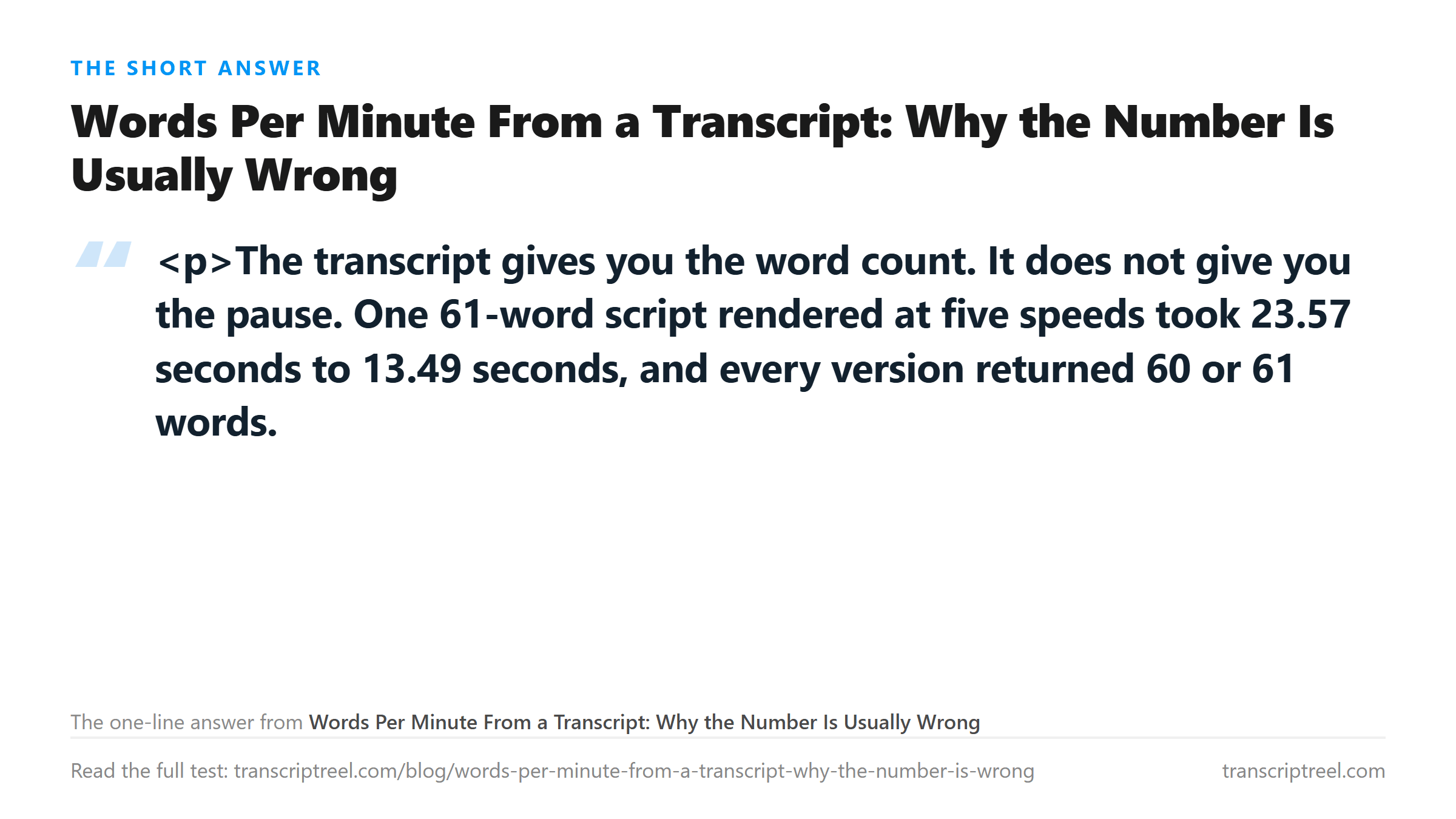
Five numbers from 155 to 271, a 75 percent spread, all describing the same 61 words. If you had only the transcript and a file, you could compute any of them and defend it. None of them is the speaker's pace.
What the number is actually measuring
Words per minute is a ratio between speech and elapsed time. When both scale together, the ratio is stable. When you change the speed of the audio, you change elapsed time and leave the words alone, so the ratio tracks your export setting rather than the speaker.
The five files here are one voice reading one script. There is no natural variation across them at all - same vowel sounds, same sentence structure, same speaker. The only thing that differs is how fast the renderer spoke. So the numbers above are a clean measure of the arithmetic, and a clean demonstration of why the arithmetic is not an answer.
In a real recording the effect runs the other way. A speaker who pauses for three seconds between paragraphs has a lower words-per-minute figure than the same speaker reading without stopping, and the transcript cannot show you which happened. Two people, both 150 words per minute, can be one fast talker with long gaps and one slow talker with none.
Where the word count itself is soft
Even the numerator has room in it. Our script has 61 words as written. The model returned 60 in two of five runs, because a contraction came back expanded or a hyphenated pair came back joined. That is not an error - both forms are correct - but it moves the count by over one percent on a clip this short.
- Short clip, 61 words: one contraction decides between 60 and 61, which is 1.6 percent.
- Five minutes at 150 words per minute: about 750 words, so one contraction is 0.13 percent.
- One hour at 150 words per minute: about 9,000 words, so one contraction is 0.01 percent.
The shorter the clip, the less the number means. That is the opposite of what people assume, because a short clip feels easier to measure. It is easier to measure and it is noisier, because a single formatting decision is a larger fraction of a small total.
How to get a number you can defend
If the figure matters, get it from two places. Take the duration from the file and the count from the text. Be explicit that the result is elapsed-time rate, not articulation rate. You need it when a client asks, when a rate card depends on it, or when you are comparing two takes.
- Duration from the audio file, not from your memory of recording it.
- Word count from the transcript, accepting that contractions and numbers will move it by about one percent on short clips.
- Say which one you computed. Elapsed-time rate includes pauses; articulation rate excludes them and is higher.
- If you need articulation rate, the pauses have to be measured, and no transcript carries them.
The reason to be careful is that the two rates answer different questions. Elapsed-time rate tells you how long the recording takes to play, which is what you need for a runtime estimate. Articulation rate tells you how fast the person talks, which is what you need if you are judging whether a speaker was rushed.
The one case where the transcript is enough
Punctuation is the only timing signal in the text, and it is guessed from the acoustics rather than carried from your pauses. A period does not mean a pause happened. It means the model decided a sentence ended, which it can do from a falling pitch or from a word like "so" at the start of what comes next.
That means the number of sentences in a transcript tells you nothing reliable about how many pauses the speaker took. What it does tell you is the shape of the delivery, roughly: many short sentences suggests someone who broke up their speech, whether from pausing or from syntax. It cannot separate the two.
So do not try to reconstruct pace from punctuation. The signal is not there.
Why this matters for the transcript you are reading
When a transcript looks wrong, pace is a common suspect and it usually is not the cause. In an earlier test on this site, the same 44-word reading rebuilt from 0.6x to 3.0x kept all 44 words at 0.6x, 1.0x, 1.6x and 2.2x. Speed only breaks the text when it is extreme, not when a speaker talks quickly.
Our five fast files here are the same story from the other end. A 40 percent speed-up, which is 271 words per minute equivalent, returned 319 characters and 61 words. The model handled it. What the speed changed was the ratio, not the transcript.
So when someone says the speaker was too fast and that is why the text is bad, ask what else was in the file. Background conversation, a second microphone, a resample to mono at 16 kHz - those cost characters. The clock did not.
The file does leave your browser when you upload. It is posted to the transcription endpoint over an encrypted connection, processed in memory once, and discarded when the text comes back. No copy is stored, nothing is used for training, and no account is involved.
Got a Reel you want as text? Download the Instagram transcript as TXT, SRT, or VTT →
A transcript cannot tell you its own speaking rate, because the rate depends on silence the text does not carry. If you need a real number, measure the file, not the paragraph. Wondershare UniConverter opens that recording on your own machine and shows the actual duration and level, so the words you already have can be divided by a clock that is not a guess. It does not transcribe - the text comes back from this page.
FAQ
Can I calculate words per minute from a transcript?
You can, but the answer is elapsed-time rate rather than speaking rate. One 61-word script rendered at five speeds returned 60 or 61 words each time, then divided out to 155, 172, 194, 229 and 271 words per minute - a 75 percent spread from the same words. The variable was silence, which the transcript does not contain.
Why does my word count differ slightly between uploads of the same audio?
Contractions, hyphenated pairs and numbers get formatted differently between runs. In five passes of one file we saw 61 words three times and 60 twice, from the same 319-character transcript. On a short clip that is over 1 percent; on an hour of audio it is a rounding error.
Does speaking too fast break a transcript?
Not at the speeds people actually talk. Our fastest render, 40 percent above normal, returned 319 characters and 61 words. Speed changes the words-per-minute figure you compute, but it does not cost you words until it is extreme.