Transcript Generator: Five Round Trips Through MP3 and Back
The thing people are afraid of
There is a belief that every save costs you a generation, the way a photocopy of a photocopy goes grey. It is true of tape and it is true of JPEG. It is not true of the words in a transcript after a lossy audio round trip, at least not at the bitrates phones and editors actually use.
So we measured it instead of arguing. One 60-second recording, 5,292,078 bytes as 44.1 kHz mono WAV, one synthesized voice reading the opening of a lecture. Encoded to AAC in an .m4a at 128 kbps, that became 986,571 bytes. Then we bounced it: m4a to mp3, mp3 back to m4a, five times, same 128 kbps, same 44.1 kHz, same mono, nothing else touched.
Hop zero, and the baseline
The m4a straight out of the encoder returned 1,050 characters and 202 words. That is the string everything else is compared against. The comparison is a word-level alignment, not a character diff, so a comma that moves is not counted as a mistake.
- Hop 0, m4a 128 kbps: 986,571 bytes, 1,050 characters, 202 words, 202 matched.
- Hop 1, mp3 128 kbps: 961,030 bytes, 1,050 characters, 202 words, 202 matched.
- Hop 2, m4a: 992,280 bytes, 1,050 characters, 202 words.
- Hop 3, mp3: 961,030 bytes, 1,051 characters, 202 words.
- Hop 4, m4a: 986,264 bytes, 1,051 characters, 202 words.
- Hop 5, mp3: 961,030 bytes, 1,051 characters, 202 words.
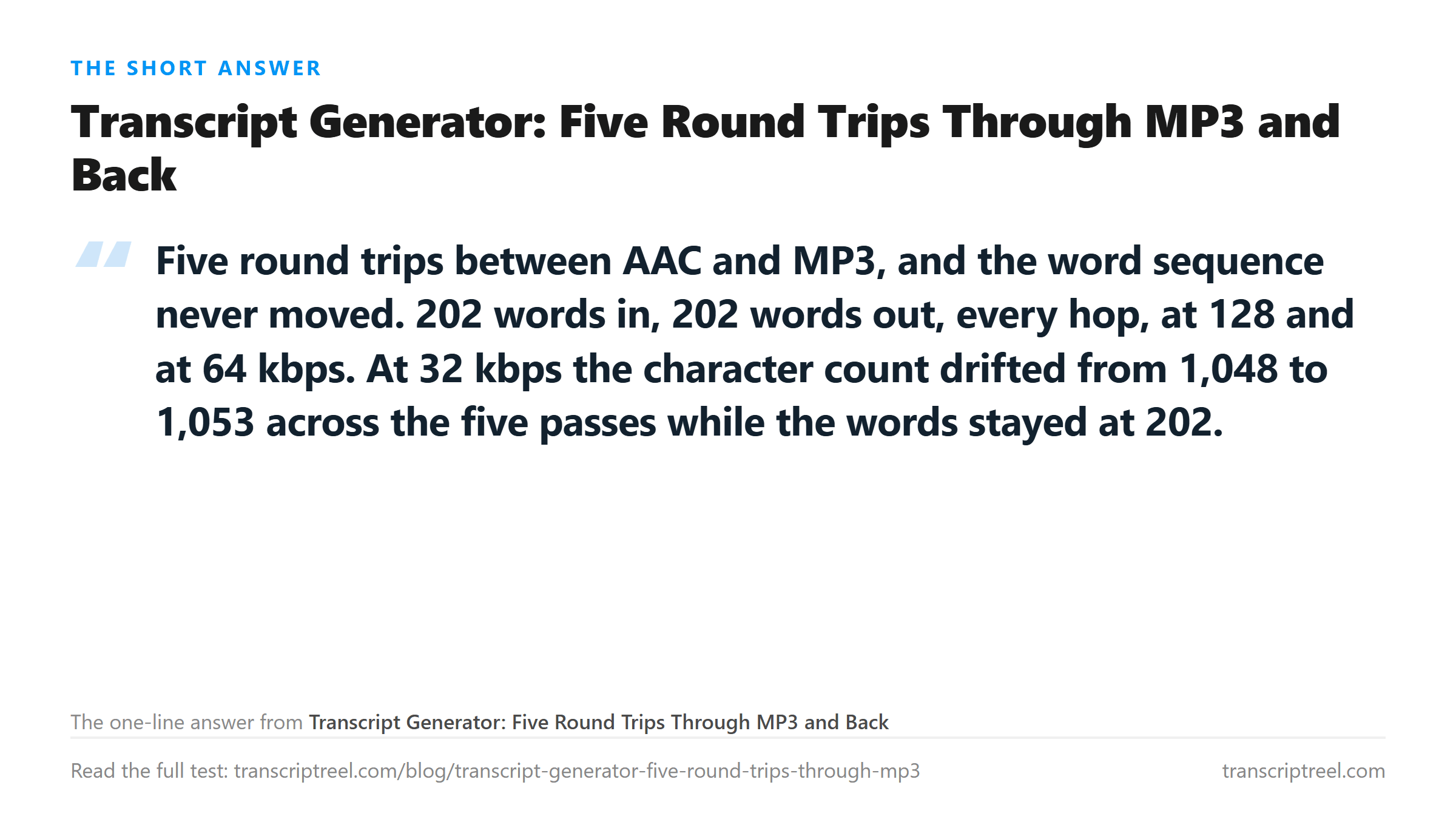
Six files, 202 words each, zero substitutions. The character count moved by exactly one, once, between hop 2 and hop 3, and then stayed there. Whatever the encoder is losing, it is not a word.
Why the bytes go up and down but the words don't
Look at the sizes. The mp3 passes are all 961,030 bytes, identical, because 128 kbps constant bitrate over 60 seconds is a fixed number of bytes no matter what went in. The m4a passes wobble between 986,571 and 992,280. AAC is not run at a fixed rate here, so each generation hands the next a slightly different waveform to model.
That wobble is the generation loss. It is real, and it lives in the high frequencies and the transients. Speech puts almost nothing important up there. The formants that carry vowels sit between 300 Hz and 3.4 kHz, which is exactly the band a telephone call keeps and a lossy codec protects first.
So a fifth-generation mp3 still contains the part of the signal the recognizer reads. The bytes shrink and the top end dulls, and the words arrive intact.
Drop to 32 kbps and the characters start to breathe
We ran the same five bounces again at 64 kbps and at 32 kbps, because the whole point of re-encoding is usually to make a file smaller.
- 64 kbps: 1,050, 1,049, 1,050, 1,050, 1,049 characters across hops 0 to 4. All 202 words.
- 32 kbps: 1,050, 1,048, 1,052, 1,052, 1,053 characters across the same hops. All 202 words.
- File sizes at 32 kbps: 240,443, 250,730, 240,443, 253,260 bytes.
At 32 kbps the character count wanders over a five-character range and the word count doesn't move at all. Five characters in a 1,050-character string is half a percent. It is the difference between a comma and a full stop, or between "don't" and "do not", and it changes on every pass.
That is worth knowing when you compare two transcripts and see a punctuation difference. It might not be two different recordings. It might be the same words encoded twice.
The one bitrate that did move a word, in an earlier test
We have to be straight about a result that points the other way. On a 10.2-second clip we encoded at eight bitrates and uploaded all eight. Seven returned the same 160 characters and 29 words. The 32 kbps file came back with 162 characters and 28 of 29 words, because it heard "This is a test" as "This is the test".
So 32 kbps is not safe in general. It is safe on this 60-second file, where all 202 words survived five passes. It was not safe on a shorter clip with a different phrase in it. The difference is probably that the shorter clip gives the model less context to correct a bad guess, which is a hypothesis and not a measurement.
The practical rule holds either way. Stay at 64 kbps or above and the words stop moving. Go below and you are gambling on the content.
What a round trip actually costs, in order
Ranked by how much each thing you might do to a file changes the output, based on everything we have run through this endpoint:
- Converting container, same codec family: nothing. m4a to mp3 at 128 kbps moved one character across five bounces.
- Changing bitrate between 64 and 320 kbps: nothing on a clean 60-second file.
- Changing sample rate to 8 kHz: one word, "microphone" came back as "microphone" minus its last two letters, at 482,831 bytes.
- Renaming a file to a format the endpoint does not accept: everything, and it happens in 31 to 68 milliseconds.
- Adding background noise at the level of the voice: the text gets longer, not shorter, and the extra words are inventions.
Only two of those five are about quality. The other three are about the name on the file and what else is in the room.
How to test your own chain
Take a file whose words you know by heart. Run it through your whole export chain, then upload both ends. Compare word counts first, then read both strings out loud.
If the word counts match and the punctuation differs, you have found the encoder jitter described above and you can ignore it. If a word count drops by one or two, listen to that spot in both files. You will usually hear the difference yourself, which means the encoder crossed a line rather than the model guessing.
The one comparison that is not worth making is byte size. A 5.3 MB WAV and a 240 KB mp3 both returned 202 words here. Size tracks duration and bitrate, not accuracy.
What the transcript still can't tell you
A round trip preserves words and destroys timing information you never had. Our endpoint returns the text with no timestamps in it. A file that went through five bounces and a file that went through none are equally silent about when anything was said. If you need cue times, that has to come from the audio, not from the text.
It also can't tell you whether the fifth generation sounds worse to a person. It probably does. The high end dulls, the sibilance smears, and a listener notices within a few seconds on headphones. The model reads through all of that, which is why the practical advice is to keep the original and stop worrying about the copy.
Where your file goes
Every upload in this test was POSTed to /api/transcribe over TLS, decrypted on arrival, processed once in memory and dropped when the response was written. No copy is kept, nothing is used to train anything, and there is no account involved. Six files in, six transcripts out, nothing retained.
Got a Reel you want as text? Turn the Reel into an Instagram transcript you can download →
If you have to bounce a file between formats, do it once and pick the setting that keeps the speech band intact. Wondershare UniConverter converts on your own machine at the bitrate and sample rate you choose, so the third generation never happens. It does not transcribe - the words come back from this page.
FAQ
Does converting MP3 to M4A and back lose words?
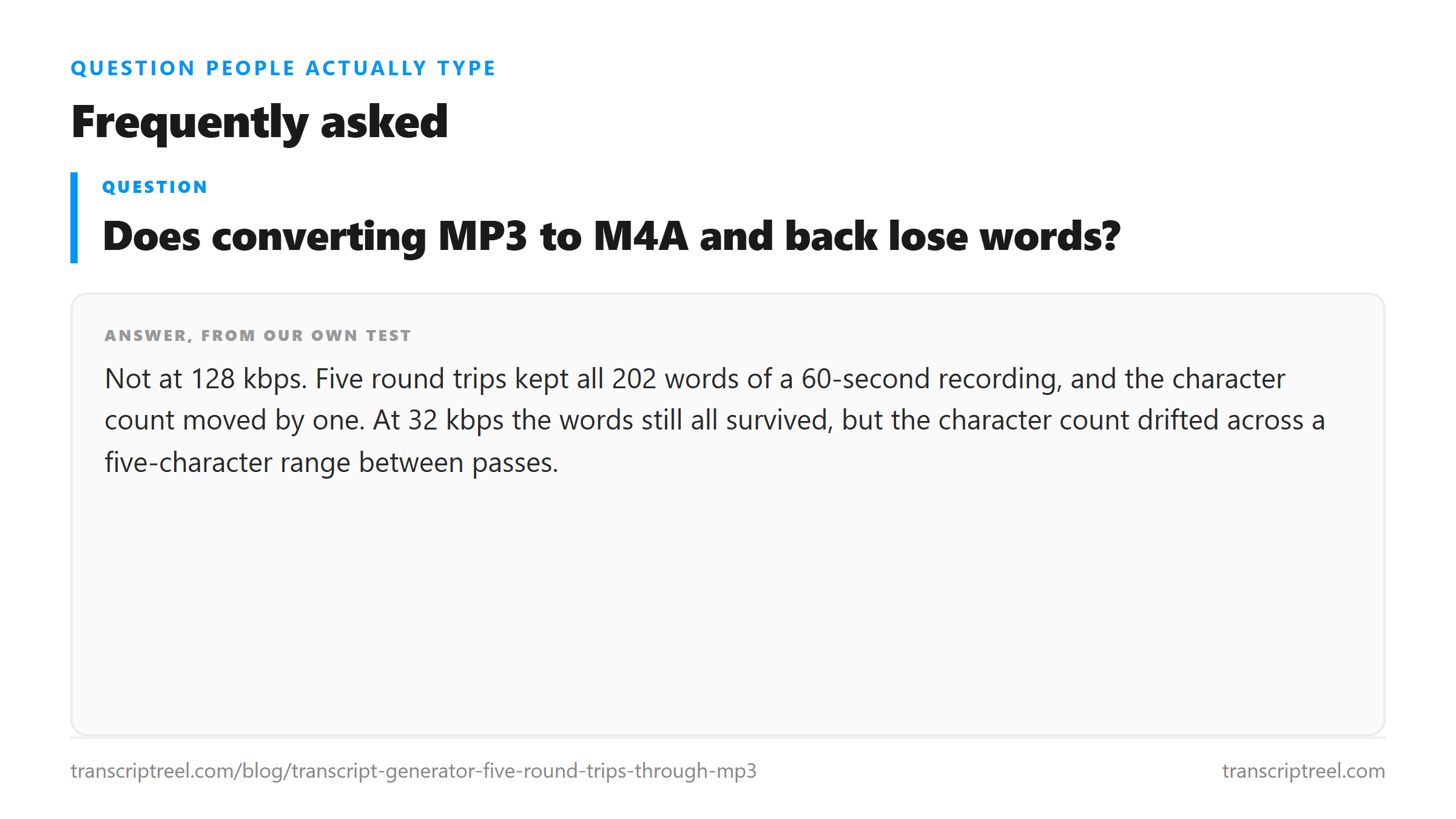
Not at 128 kbps. Five round trips kept all 202 words of a 60-second recording, and the character count moved by one. At 32 kbps the words still all survived, but the character count drifted across a five-character range between passes.
How many times can you re-encode audio before the transcript degrades?
Five times at 128 kbps produced no word change on our file. We did not test beyond five, so that is where the measurement stops rather than where the limit is. The character jitter at 32 kbps appeared by the second hop.
Why did the file size change but not the words?
The MP3 passes were all 961,030 bytes because 128 kbps constant bitrate over 60 seconds is a fixed size. The AAC passes moved between 986,571 and 992,280 bytes. The bytes track the encoder's modelling, and the formants that carry speech sit in the band lossy codecs protect first.
Is 32 kbps safe for transcription?
Not reliably. Our 60-second file kept all 202 words across five 32 kbps passes. An earlier 10.2-second clip at the same bitrate returned 28 of 29 words, turning "This is a test" into "This is the test". Stay at 64 kbps or above.