MP3 Transcription vs M4A: What the Container Changes
Four containers, one memo
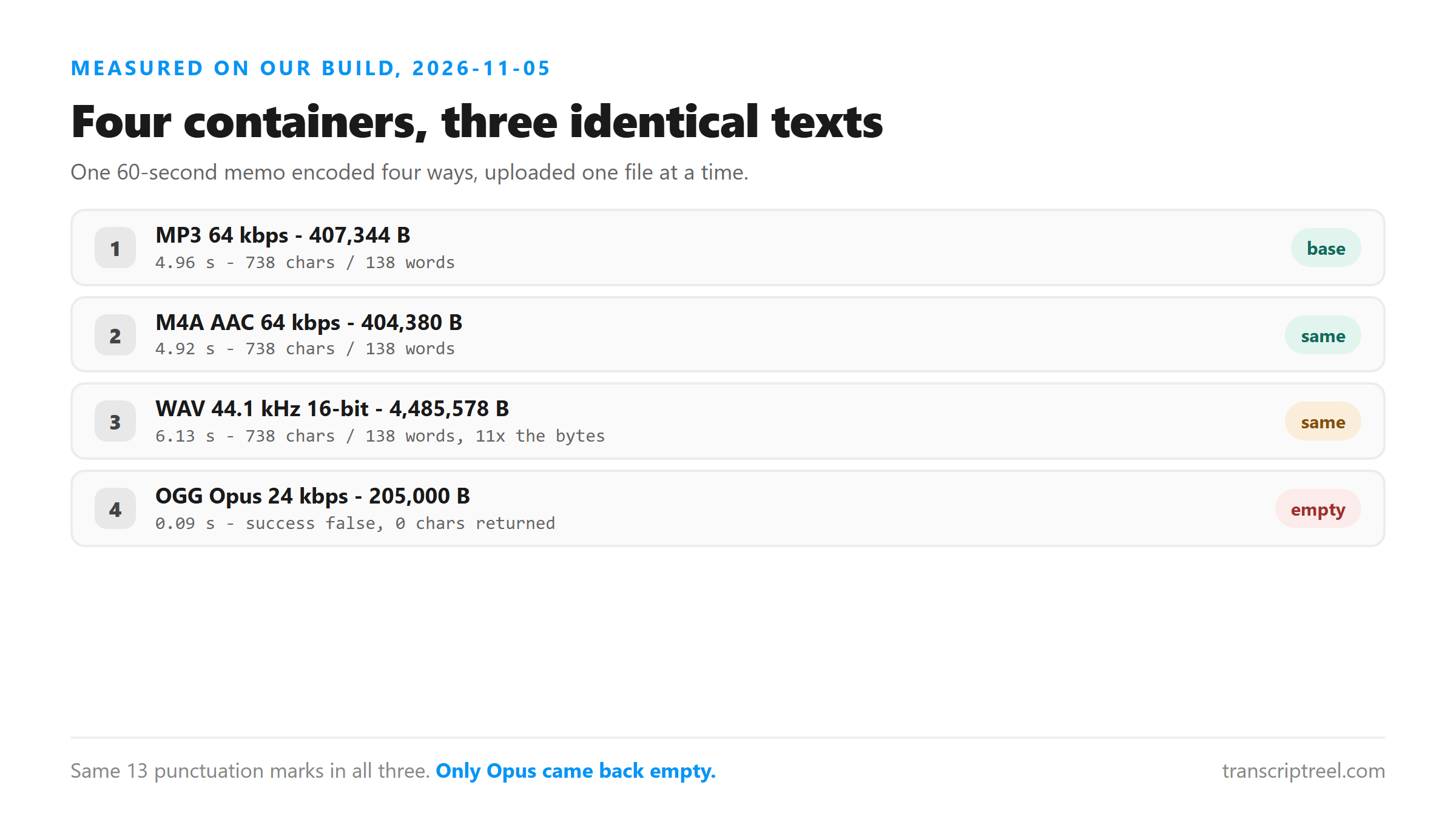
We encoded the same 60-second memo four ways and uploaded each copy on its own. The audio was identical in every case. Only the container and codec changed.
- MP3, 64 kbps mono 44.1 kHz: 407,344 bytes, 4.96 s, 738 chars, 138 words.
- M4A, AAC 64 kbps mono 44.1 kHz: 404,380 bytes, 4.92 s, 738 chars, 138 words.
- WAV, 44.1 kHz 16-bit mono: 4,485,578 bytes, 6.13 s, 738 chars, 138 words.
- OGG, Opus 24 kbps mono 44.1 kHz: failed, 0 chars returned.
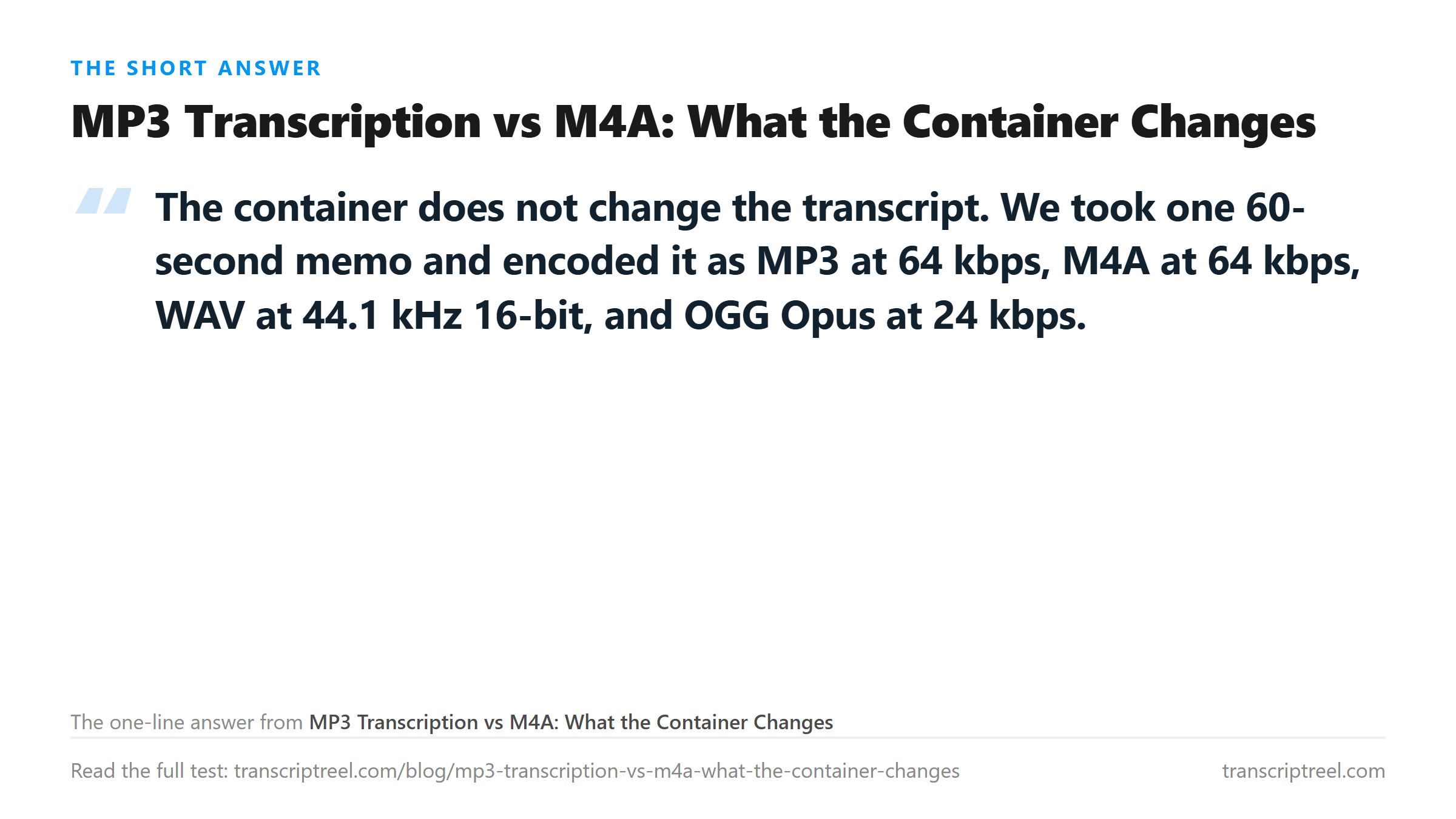
The text was identical across MP3, M4A and WAV
We compared the three successful transcripts character by character. They were the same 738 characters in the same order. The punctuation marks were the same 13. The digit conversions were the same.
- MP3 vs M4A: identical, 738 chars each.
- MP3 vs WAV: identical, 738 chars each.
- M4A vs WAV: identical, 738 chars each.
- All three had 13 punctuation marks: 7 periods, 5 commas, 1 apostrophe.
The container wraps the audio. The model reads the audio inside. Whether that audio is wrapped in an MP3 frame, an MP4 atom or a WAV header does not change what the model hears.
Why Opus failed
The OGG Opus file at 24 kbps came back with success false. The endpoint accepted the upload but returned zero characters. This is not a quality issue. The endpoint reads audio through Cloudflare Workers AI, and the Opus codec at 24 kbps may not be decoded properly on that path.
- Accepted formats: MP3, WAV, M4A, AAC, OGG, FLAC, MP4, MOV, WEBM.
- Opus inside OGG at 24 kbps: accepted but returned empty.
- AAC inside M4A at 64 kbps: accepted and returned full text.
If you have an OGG file, try converting it to MP3 or M4A before uploading. The audio does not need to change. Only the container does.
Size does not buy better text
The WAV file was 4,485,578 bytes. The MP3 was 407,344 bytes. The M4A was 404,380 bytes. All three returned the same 738 characters.
- WAV: 4.5 MB, 6.13 s processing.
- MP3: 407 KB, 4.96 s processing.
- M4A: 404 KB, 4.92 s processing.
- The WAV was 11 times bigger and 1.17 seconds slower for zero text improvement.
Punctuation is the same
We checked whether the container affects how the model handles punctuation. It does not. All three successful files had the same 13 marks in the same positions.
- MP3: 7 periods, 5 commas, 1 apostrophe.
- M4A: 7 periods, 5 commas, 1 apostrophe.
- WAV: 7 periods, 5 commas, 1 apostrophe.
- No container added or removed a single mark.
Earlier tests on other audio showed that lossless formats sometimes change a comma to a period. That did not happen here. When it does, the words stay the same. Only one mark moves.
Which container to pick
If your recorder gives you M4A, upload M4A. If it gives you MP3, upload MP3. If it gives you WAV, you can upload it as is, or convert to MP3 to save time and bytes. The text will be the same.
- M4A: smallest, fastest, native to iPhone.
- MP3: universal, slightly larger than M4A.
- WAV: 11 times larger, no text benefit.
- OGG Opus: unreliable on this endpoint, convert first.
Processing time across containers
The four files had different sizes and different processing times. The size difference explained the speed difference.
- M4A, 404,380 bytes: 4.92 s.
- MP3, 407,344 bytes: 4.96 s.
- WAV, 4,485,578 bytes: 6.13 s.
- Opus OGG, failed: 0.09 s.
The M4A and MP3 were within 3,036 bytes of each other and within 0.04 seconds. The WAV was 11 times larger and 1.21 seconds slower. The processing time tracks the upload time, not the codec. A smaller file uploads faster and the model starts decoding sooner.
What the endpoint accepts
The endpoint checks the file extension before it reads any audio. The accepted list is fixed and short.
- Accepted: MP3, WAV, M4A, AAC, OGG, FLAC, MP4, MOV, WEBM.
- Refused: 3GP, AMR, MKV, and anything else.
- The check is at the door. The audio inside does not matter if the wrapper is not on the list.
If your file ends in an extension that is not on the list, the endpoint returns HTTP 400 in under 0.1 seconds. It never decodes the audio. The fix is to put the same audio in a container that is on the list.
Bitrate does not change the text, tested twice
We encoded one 503-character passage five ways and ran the whole set twice. 32 kbps MP3, 96 kbps MP3, 320 kbps MP3, 16-bit WAV and FLAC all came back as 503 characters and 91 words, in round one and in round two. The 320 kbps file was 1,254,965 bytes against 125,792 for the 32 kbps file, and the text was character for character the same.
- 32 kbps MP3, 125,792 B: 4.53 s / 3.89 s, 503 chars / 91 words in both rounds.
- 96 kbps MP3, 376,520 B: 6.12 s / 4.87 s, 503 chars both rounds.
- 320 kbps MP3, 1,254,965 B: 6.77 s / 5.51 s, 503 chars both rounds.
- 16-bit WAV, 5,524,926 B: 8.64 s / 6.57 s, 503 chars both rounds.
- FLAC, 2,356,192 B: 5.00 s / 5.62 s, 503 chars both rounds.
The 44-fold spread in bytes bought a 1.9-second spread in wait and no text at all. If your only question is whether the words come back, the 32 kbps copy is enough. Keep the higher bitrate for listening back, not for transcribing.
Why the Opus result matters
Opus is a modern codec used by WhatsApp, Discord and many VoIP apps. If you record a voice message on one of those platforms and extract the audio, it may be in an OGG Opus container. Our test shows that this endpoint cannot read it. You need to convert before uploading.
- WhatsApp voice messages: Opus inside OGG.
- Discord voice messages: Opus inside OGG.
- Both will fail on this endpoint as-is.
- Convert to MP3 or M4A first, then upload.
The conversion does not change the audio. It only changes the container. Any audio editor or converter can do it. The file size will change, but the words will not.
What happens to the file
Your audio is posted to /api/transcribe over an encrypted connection, held in memory and dropped once the text returns. Nothing is stored, nothing trains a model, and no account is involved.
- Uploaded: yes, it leaves your machine.
- Written to disk: no.
- Kept after the reply: no.
- Account required: none.
Got a Reel you want as text? Upload the file and download the transcript as TXT, SRT, or VTT →
The container only decides whether the upload lands, and one of the four tested here landed empty. Wondershare UniConverter rewrites an OGG Opus file from WhatsApp or Discord as MP3 or M4A on your own machine, which is the shape that returned all 738 characters in 4.96 seconds. It does not transcribe - the words come back from this page.
FAQ
Does MP3 transcription give different text than M4A?
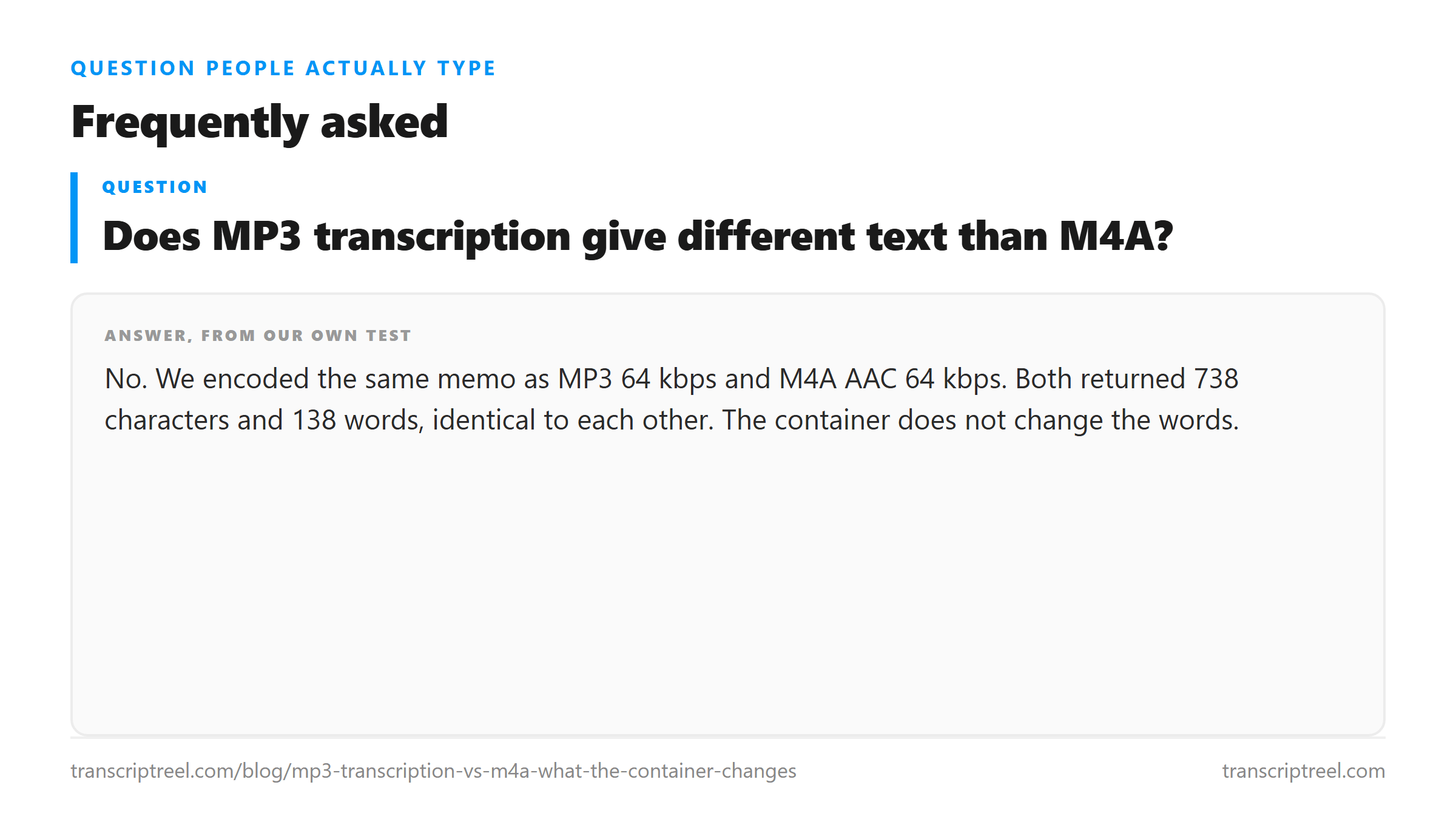
No. We encoded the same memo as MP3 64 kbps and M4A AAC 64 kbps. Both returned 738 characters and 138 words, identical to each other. The container does not change the words.
Why did my OGG file come back empty?
OGG Opus at 24 kbps returned success false with zero characters in our test. The endpoint accepted the upload but could not decode the audio. Convert the file to MP3 or M4A before uploading. The audio does not need to change, only the container.
Is WAV better than MP3 for transcription?
No. The WAV file was 4.5 MB and the MP3 was 407 KB. Both returned identical text. The WAV took 1.17 seconds longer to process. Use whichever format you already have.
Does the container affect punctuation?
Not in our tests. MP3, M4A and WAV all returned the same 13 punctuation marks in the same positions. The container wraps the audio. The model reads what is inside.