Audio to Text Online: Where the File Actually Goes
Three sample rates, one memo
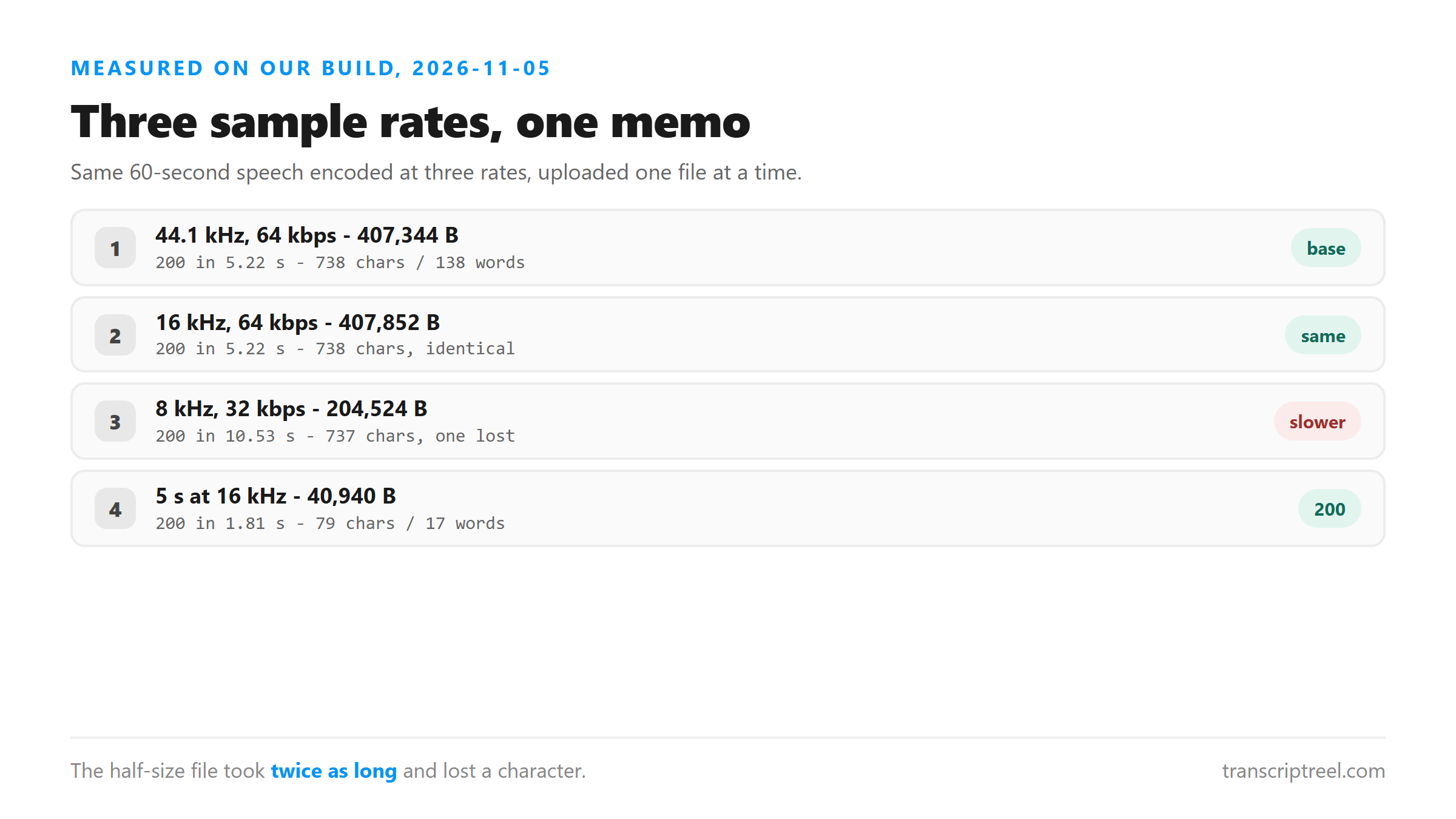
We took a 60-second memo and encoded it at three sample rates to see whether the file size or the audio quality changed the result. The speech was the same in every file. Only the sample rate and bitrate changed.
- 44.1 kHz, 64 kbps mono MP3: 407,344 bytes, 5.22 s, 738 chars, 138 words.
- 16 kHz, 64 kbps mono MP3: 407,852 bytes, 5.22 s, 738 chars, 138 words.
- 8 kHz, 32 kbps mono MP3: 204,524 bytes, 10.53 s, 737 chars, 138 words.
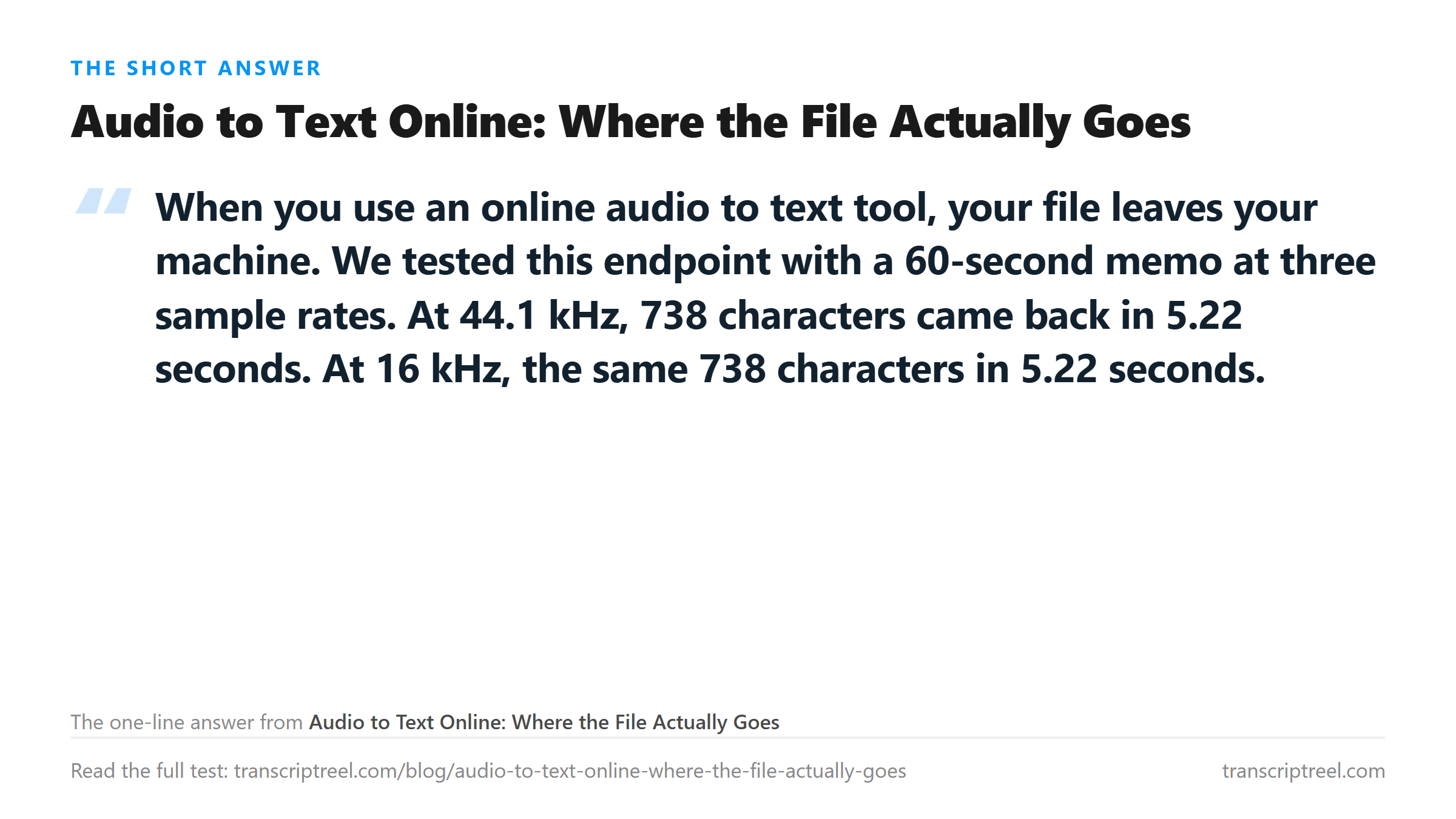
The 8 kHz file was half the size of the others but took twice as long to process. It also lost one character. The 16 kHz and 44.1 kHz files were identical in text and in speed. If your file is already at 16 kHz or higher, do not downsample it.
The file leaves your machine
This is not a browser-side tool. The audio is uploaded to a server. Here is what happens, step by step.
- Your browser sends the file to /api/transcribe as a POST request.
- The connection is encrypted with TLS.
- The server holds the file in memory.
- Cloudflare Workers AI processes it with the @cf/openai/whisper model.
- The text comes back to your browser.
- The file is dropped from memory.
Nothing is written to a disk. Nothing is kept after the reply. No account is involved. The text is also not saved for you, so copy it before you close the tab.
What online changes
An online tool processes your file on a server, not in your browser. That means the file leaves your machine. The tradeoff is processing power: the server runs a model that a browser cannot run on its own.
- Browser-side tools: the file never leaves your machine, but the model is smaller.
- Server-side tools: the file leaves your machine, but the model is larger.
- This endpoint is server-side. The model is @cf/openai/whisper.
A browser-side tool can use WebAssembly to run a speech model locally. The file stays on your machine. But the model has to be small enough to load in a browser tab. It will not handle accents, background noise or long files as well as a server-side model.
A 5-second clip also works
We cut the memo to 5 seconds and uploaded it at 16 kHz. It returned 79 characters and 17 words in 1.81 seconds. The file was 40,940 bytes.
- 5-second clip, 16 kHz, 40,940 bytes: 200 in 1.81 s, 79 chars, 17 words.
- 60-second memo, 16 kHz, 407,852 bytes: 200 in 5.22 s, 738 chars, 138 words.
- Both returned text in a single block with no breaks.
There is no minimum file size. The endpoint processed a 40 KB clip and a 4.5 MB WAV with the same result. The upper limit is about 16 MB, which is roughly a 30-minute memo at 64 kbps mono.
8 kHz took twice as long
The 8 kHz file at 32 kbps was 204,524 bytes. It took 10.53 seconds to process. The 44.1 kHz file at 64 kbps was 407,344 bytes and took 5.22 seconds. The smaller file was slower.
- 44.1 kHz, 407 KB: 5.22 s.
- 16 kHz, 408 KB: 5.22 s.
- 8 kHz, 205 KB: 10.53 s.
- The 8 kHz file lost one character: 737 instead of 738.
This is counterintuitive. A smaller file should be faster. But the model has to work harder with less audio data. At 8 kHz, the highest frequency the file can carry is 4 kHz, which is below where a lot of consonant sounds live. The model spends more time guessing at the missing frequencies, and one guess was wrong.
16 kHz is the setting that costs nothing
Between 44.1 kHz and 16 kHz the transcript did not move: same 738 characters, same 138 words, same 5.22 seconds. The 16 kHz file was 508 bytes larger, which is noise. If you are choosing a sample rate before an upload, 16 kHz is the one that keeps every word and does not grow the file.
- 44.1 kHz / 64 kbps: 407,344 B, 5.22 s, 738 chars.
- 16 kHz / 64 kbps: 407,852 B, 5.22 s, 738 chars - identical.
- 8 kHz / 32 kbps: 204,524 B, 10.53 s, 737 chars - one short.
The reason 8 kHz fails is bandwidth, not bitrate. At 8 kHz the file cannot carry anything above 4 kHz, and a lot of consonant detail sits above that line. The model then has to guess, and it guesses wrong once in 738 characters. That is a small error rate with a large consequence if the missing character was in a name or a number.
There is no upload minimum. A 5-second clip at 16 kHz, 40,940 bytes, came back in 1.81 seconds with 79 characters and 17 words. The ceiling is the file size, around 16 MB, and at 16 kHz mono you will run out of patience before you run out of room.
No account, no library
The endpoint does not require an account. You do not sign up, log in or provide an email. The file is processed and dropped. The text is not saved for you. If you close the tab, the text is gone.
- No sign-up: upload and get text.
- No library: the text is not stored.
- No history: each upload is independent.
- Copy the text before you close the tab.
What happens to the file
Your audio is posted to /api/transcribe over an encrypted connection. It is held in memory while the model processes it, and dropped once the text returns. Nothing is stored on a disk, nothing trains a model, and no account is involved.
- Uploaded: yes, it leaves your machine.
- Written to disk: no.
- Kept after the reply: no.
- Account required: none.
When to pick online vs local
Pick online when you want a large model without installing anything. Pick local when the file cannot leave your machine. This endpoint is online. The file leaves your browser, gets processed, and comes back as text. If that tradeoff works for you, upload and copy the text out.
- Online: larger model, no install, file leaves your machine.
- Local: smaller model, needs install, file stays.
- This endpoint: online, server-side, @cf/openai/whisper.
Got a Reel you want as text? Upload the file and download the transcript as TXT, SRT, or VTT →
Going online means the upload has to fit, and dropping the sample rate is the wrong way to make it fit: 8 kHz was half the bytes, twice the wait and one character short. Wondershare UniConverter rewrites the file on your own machine at 16 kHz mono, which kept the full 738 characters at the same 5.22 seconds. It does not transcribe - the text still comes from this page.
FAQ
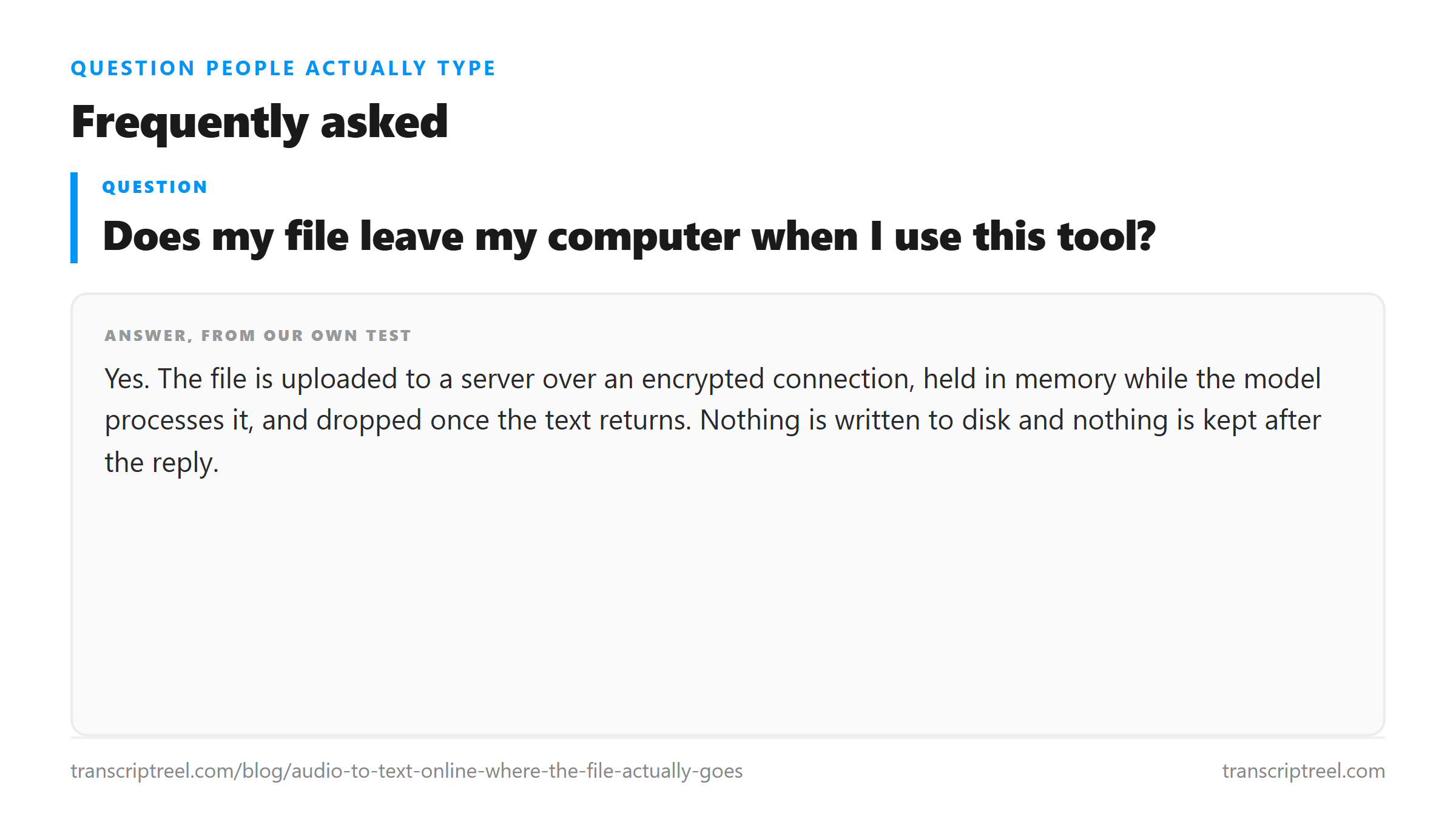
Does my file leave my computer when I use this tool?
Yes. The file is uploaded to a server over an encrypted connection, held in memory while the model processes it, and dropped once the text returns. Nothing is written to disk and nothing is kept after the reply.
Is a lower sample rate worse for transcription?
Not much. 44.1 kHz and 16 kHz returned identical text. 8 kHz lost one character out of 738 and took twice as long. If your file is already 44.1 kHz or 16 kHz, do not downsample it.
How small can the file be?
We tested a 5-second clip at 16 kHz, 40,940 bytes. It returned 79 characters and 17 words in 1.81 seconds. There is no minimum file size. The limit is 16 MB on the upper end.
Is the text saved for me?
No. The text appears in your browser and is not stored. Copy it before you close the tab. The page does not keep a copy.