Subtitle Generator: When Dwell Time and Line Width Collide
Two rules, one of which has to give
Every caption generator is asked to satisfy a line length and a minimum display time. On paper they are independent. In practice they pull in opposite directions the moment someone talks faster than the arithmetic assumed.
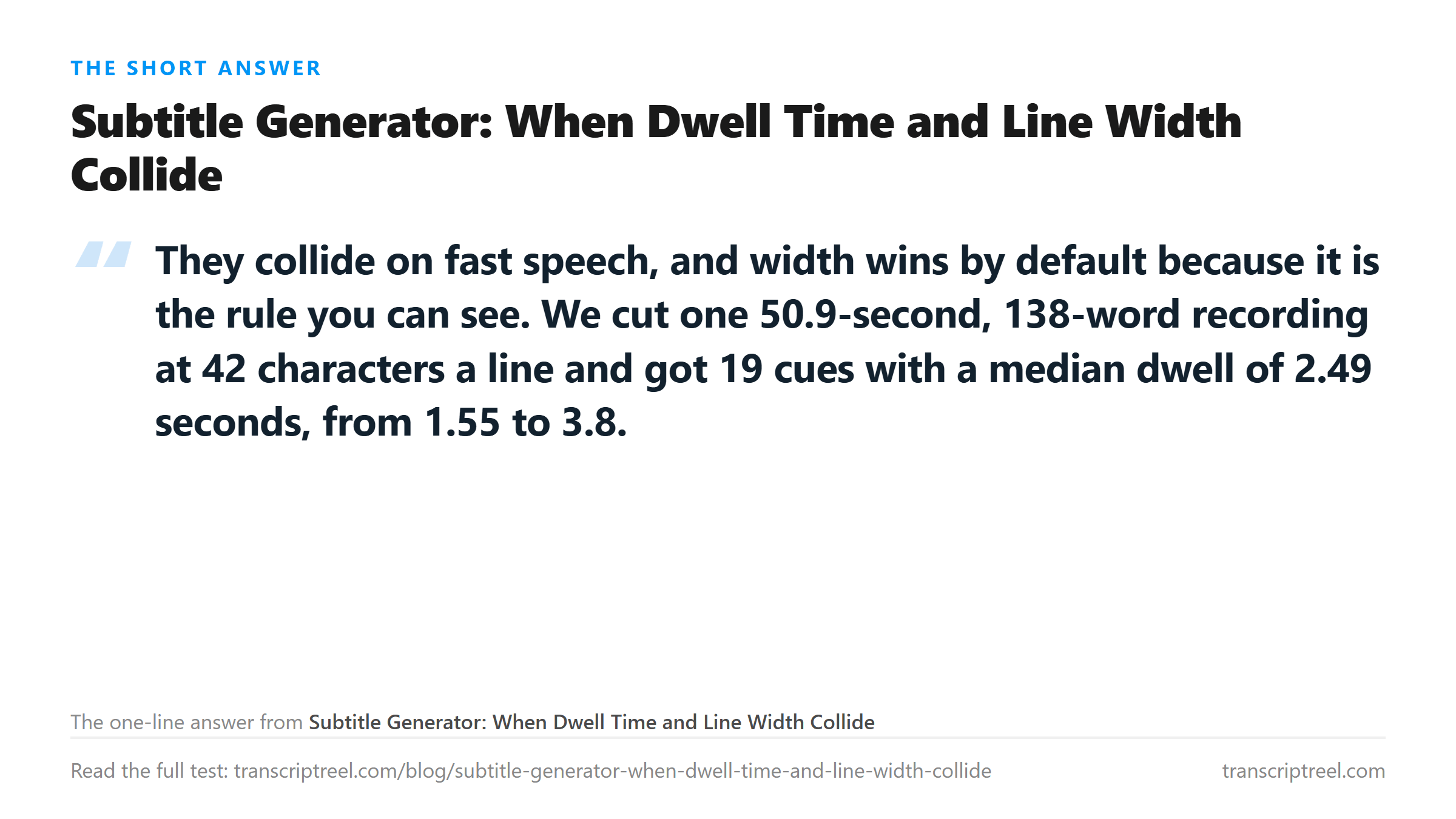
We took one 50.9-second recording, 138 words, 738 characters, with nine separation points the audio actually contains, and cut it two ways. First by width alone at 42 characters a line. Then by reading speed, holding each cue to a comfortable 17 characters a second with a floor of one second and a ceiling of six.
The width cut is the one most tools ship, because it is local, cheap, and never produces a line that overflows the frame. It produced 19 cues.
- Median dwell 2.49 seconds.
- Shortest 1.56 seconds, longest 3.80 seconds.
- Longest line 41 characters, none over the limit.
- Zero cues below one second.
Read those numbers alone and the file looks fine. Nothing overflows, nothing flashes past. The problem is invisible in this table, which is exactly why it ships.
Width says nothing about whether a line can be read
A cue that fits in 42 characters can still be unreadable if it is only on screen for a second and a half. The check that catches that is reading speed, not length: characters divided by seconds.
Here are the first six cues from that same 42-character cut, with the numbers the width rule never computes.
- 0.00 to 2.73 seconds, 39 characters: 14 characters a second. Comfortable.
- 3.71 to 6.52 seconds, 40 characters: 14 a second. Comfortable.
- 6.52 to 8.07 seconds, 36 characters: 23 a second. Too fast, and only 1.56 seconds long.
- 8.07 to 11.28 seconds, 40 characters: 12 a second. Leisurely.
- 11.28 to 14.36 seconds, 37 characters: 12 a second.
- 14.36 to 16.85 seconds, 40 characters: 16 a second. Near the limit.
Six cues, four of them fine, one comfortable, one at 23 characters a second. All six pass the width test. The one that fails the reading test does so because the speaker ran through it. Thirty-six characters inside 1.56 seconds, and no amount of line breaking changes how long the syllables took.
What speed does to the same cut
To find out where the width rule actually breaks, we sped the same recording up in four steps, uploaded each one, and re-cut every result at 42 characters. The word count never moved. The time did.
- Normal speed, 50.86 seconds: 19 cues, minimum dwell 1.55 seconds, 6 of 19 over 17 characters a second.
- 1.15 times, 44.22 seconds: 19 cues, minimum 1.35 seconds, 8 over 17.
- 1.3 times, 39.12 seconds: 19 cues, minimum 1.20 seconds, 11 over 17, and 2 cues under 1.2 seconds.
- 1.6 times, 31.79 seconds: 19 cues, minimum 0.97 seconds, 18 over 17, and 6 under 1.2 seconds.
- 1.8 times, 28.25 seconds: 19 cues, minimum 0.86 seconds, 19 over 17, and 7 under 1.2 seconds.
The cue count never changes, because the words never change. Every third of a second you remove from the audio comes straight out of the dwell time, and the width rule cannot see it happen.
By 1.6 times, a file that passed every width check has 18 of 19 cues reading faster than 17 characters a second. That is the point where a caption file technically validates and functionally fails.
The compromise nobody likes, measured
The opposite rule - cut by reading speed and let the line grow - produces a file that reads well and looks bad. We set it to 17 characters a second, an 84-character ceiling, one second minimum and six maximum.
- 27 cues instead of 19.
- Median dwell exactly 1.00 second, because the floor did the work.
- Longest line 82 characters, and 7 of the 27 cues ran past 42 characters.
- Zero cues below one second, and none above six.
Twenty-seven cues means the display changes every second. That is tiring to watch and it is what a strict reading-speed rule produces on continuous speech with no long pauses. Seven two-line cues mean the frame gets crowded instead.
Neither output is right. One is readable and physically impossible to keep up with; the other is comfortable and busy. The compromise tools reach for is to hold width where it fits and allow a cue to run over only when the alternative is a sub-second flash.
Where the silence goes when you cut on characters
There is a third cost to the width cut, and it is the one nobody tables. The recording has eight separation points in it, each about a second long - 8.09 seconds of silence across a 50.9-second file, with a median gap of 1.00 second.
A cutter that only counts characters does not know those gaps exist. It slices through them at whatever character it happens to reach. Seven of our 19 cues straddle a sentence break, and each one drags a full second of silence into its own display time.
- 8.07 to 11.28 seconds: contains the gap at 9.01 to 10.12. One second of nothing, inside a cue that reads 40 characters.
- 11.28 to 14.36 seconds: contains the gap at 12.44 to 13.43. Another second.
- 16.85 to 20.65 seconds: contains the gap at 19.34 to 20.35. Same pattern.
- 44.94 to 48.42 seconds: contains the gap at 45.24 to 46.24.
Add it up and roughly seven of the 48.99 seconds those cues occupy are silence. That inflates the dwell times in the table above by about 14 percent, which is the reason the width cut looked comfortable in the first place. Cut on the gaps instead and the same words get less screen time, not more.
It also explains the 6.52 to 8.07 cue, the one reading at 23 characters a second. It is short because it sits entirely inside a stretch of speech with no gap near it - the speaker ran 36 characters straight through. Width-first cutting has no way to know a cue is squeezed against the next one. It produces a cue that fails on reading speed while every line in it is legal.
This is the argument for detecting silence before you cut. It is one pass of arithmetic over the file, and it gives the cutter eight honest boundaries that no character count can find.
Where the extra second should come from
If you have to break one rule, break the ceiling. Extending a cue by a quarter second past the next cue's start costs nothing a viewer notices. Cutting a cue short of its reading time costs comprehension immediately.
The other lever is where you cut. Our 42-character cut broke lines at the width limit, which sometimes lands mid-phrase. Cutting at the nine separation points the audio actually contains and then letting width float gives cleaner breaks and the same total time.
That is the whole argument against width-first cutting. It is not wrong about characters. It is blind to the clock, and the clock is what the viewer is fighting.
What this page gives you instead
This endpoint returns plain text. It does not return cue timings, because the model does not produce them. We checked, and the response has the same six fields every time, with no segment list and no word times. Anything a caption tool builds from that text is arithmetic laid over the top.
Which means the numbers above are the ones you would be working with too: a word count, a duration, and whatever silence map you can detect in the file. The 42-character cut and the reading-speed cut in this test both came from that same arithmetic, and they disagreed about a third of the cues.
Where your file goes
The audio goes to /api/transcribe over TLS, is processed once in memory, and is discarded when the response comes back. Nothing is stored and nothing is trained on. The five speed variants above were separate uploads of the same recording at different tempos, and each one was processed and dropped the same way.
Got a Reel you want as text? Download the Instagram transcript as TXT, SRT, or VTT →
Retiming a caption track is arithmetic laid over words that already exist, and the file underneath it is the part you cannot fake. Corel VideoStudio Pro cuts and re-wraps on your own machine without resampling, so the nine pause boundaries the timing was built from stay where they were recorded. It does not transcribe - the text comes back from this page.
FAQ
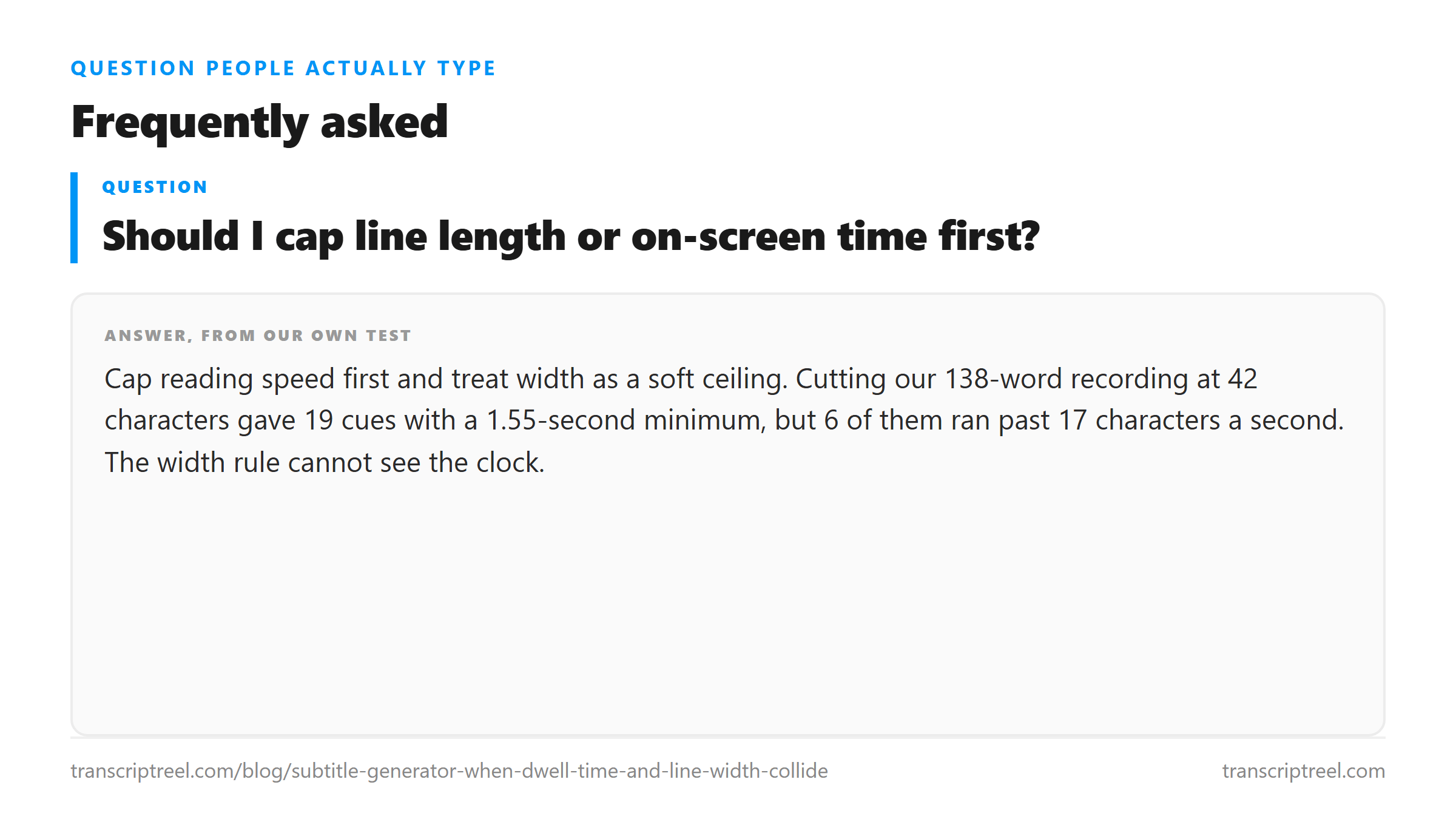
Should I cap line length or on-screen time first?
Cap reading speed first and treat width as a soft ceiling. Cutting our 138-word recording at 42 characters gave 19 cues with a 1.55-second minimum, but 6 of them ran past 17 characters a second. The width rule cannot see the clock.
How fast is too fast for a subtitle?
Above about 17 characters a second most viewers start losing words. At normal speed 6 of our 19 cues broke that ceiling. At 1.3 times speed it was 11, and at 1.6 times it was 18 of 19.
Why did my cue count not change when I sped the audio up?
Because the cutter was working on characters, not seconds. Our 19 cues stayed 19 cues at every speed from normal to 1.8 times, while the minimum dwell fell from 1.55 seconds to 0.86.
Does this transcript tool give me subtitle timings?
No. Every response carries the same six fields and no timing data - no cue list, no word times. Any SRT built from it puts the whole transcript in one cue, which is why timing has to be computed from the audio separately.