MP4 to MP3 Before Transcribing: Seven Export Routes, One Text
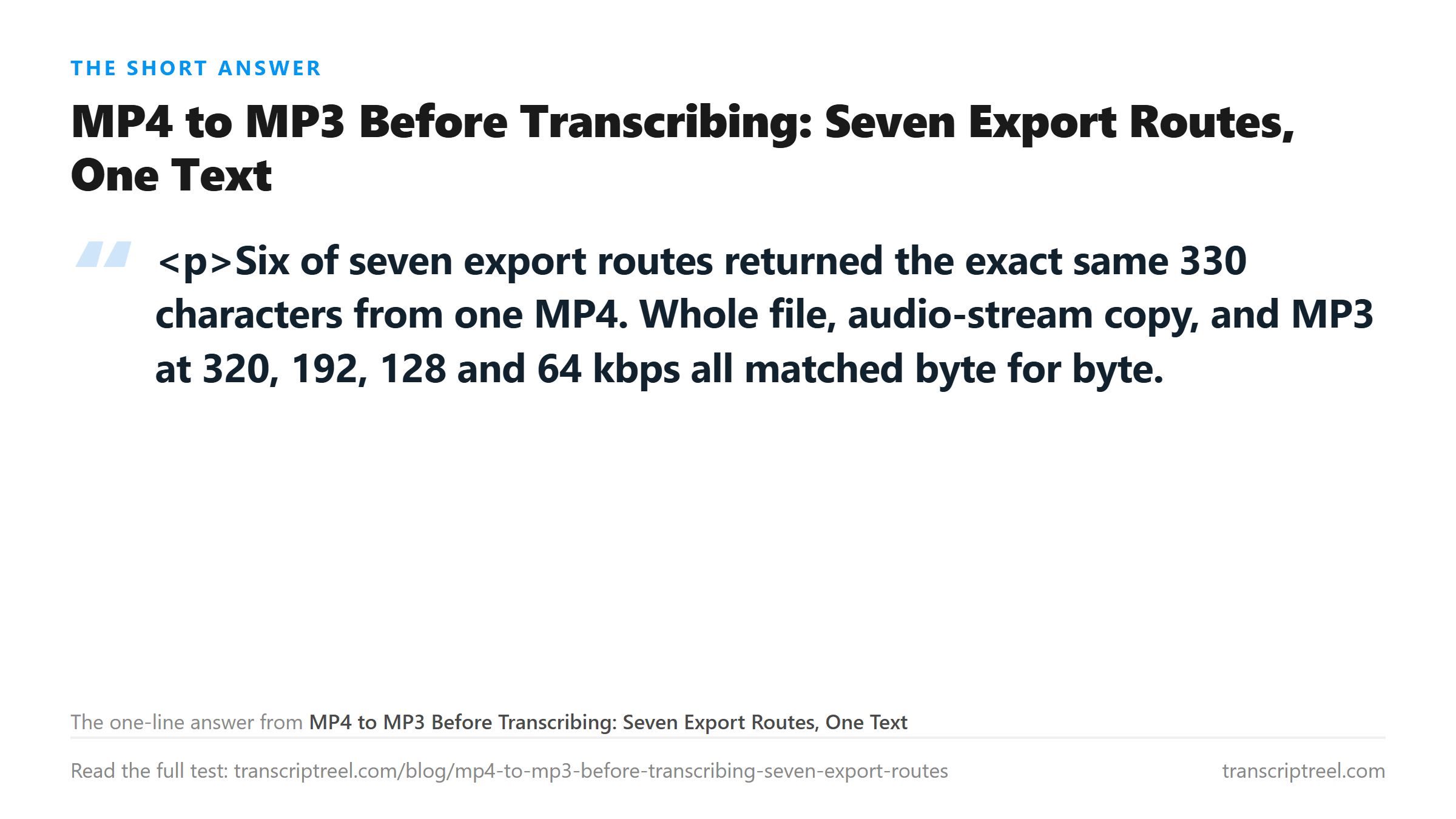
Six of seven export routes returned the exact same 330 characters from one MP4. Whole file, audio-stream copy, and MP3 at 320, 192, 128 and 64 kbps all matched byte for byte. The two that did not match were both mono-collapsed and resampled: 64 kbps mono lost one character, 32 kbps at 16 kHz lost two. Converting for text is pointless, and it does not even make the upload faster.
The file everything is measured against
One MP4, 25.80 seconds, 1,280 by 720, H.264 video, AAC audio at 128 kbps stereo. The speech is five sentences about quarterly numbers, read by a single synthesized voice, so the correct text is known exactly before anything is uploaded.
Sent as-is, that file returns 330 characters and 62 words. Every route below is compared against that string, not against a description of it.
- Control: whole MP4, 419,245 bytes, 330 characters, 62 words.
- Audio stream copy to M4A: 375,531 bytes.
- MP3 at 320, 192, 128 and 64 kbps, stereo: 1,034,595 bytes down to 207,035.
- MP3 at 64 kbps mono, and 32 kbps at 16 kHz mono: 207,035 and 103,863 bytes.
- All eight files are 25.80 seconds of the same audio, made from one source.
Six routes, one string
The whole MP4 and the stream-copied M4A both returned 330 characters. So did four MP3 bitrates spanning a fivefold size range. Not a reworded clause, not a moved comma. The identical text.
- Whole MP4, AAC 128k, 419,245 bytes: 330 characters, 62 words, exact match.
- M4A audio stream copy, 375,531 bytes: 330 characters, exact match.
- MP3 320k stereo, 1,034,595 bytes: 330 characters, exact match.
- MP3 192k stereo, 620,815 bytes: 330 characters, exact match.
- MP3 128k stereo, 413,925 bytes: 330 characters, exact match.
- MP3 64k stereo, 207,035 bytes: 330 characters, exact match.
That settles the question people actually ask. If you are converting an MP4 to MP3 because you think a text tool wants audio, you are spending time for nothing. The endpoint accepts the video file directly, and the picture costs you upload bytes and nothing else.
It also means the conversion step is not a quality checkpoint. Whatever you gain or lose was decided earlier, in the recording. The export only reshapes it.
Where it broke: mono, and a low sample rate
Two routes failed, and they failed for the same two reasons - a channel collapse, and a resample down to 16 kHz.
- MP3 64k mono, 207,035 bytes: 329 characters, 62 words. One character short.
- MP3 32k at 16 kHz mono, 103,863 bytes: 328 characters, 62 words. Two characters short.
One character is small enough to be a comma. It is worth being precise about what it is not: the word count held at 62 in both files. Nothing fell out of the transcript. What changed sits inside a word.
The 64 kbps mono file is exactly the same byte count as the 64 kbps stereo file - 207,035 both - which makes that pair a clean experiment. Same size, same bitrate, one channel instead of two. That single difference moved a character, while dropping from 320 kbps to 64 kbps stereo moved nothing at all.
That is the finding worth carrying. Bitrate is not the axis. Channel count and sample rate are.
Why mono and 16 kHz cost you something
A 16 kHz resample discards everything above 8 kHz. Speech mostly survives that; an earlier test on this site ran six sample rates on a WAV source and 8 kHz still returned all 29 words. Consonants like s and f live at the top of the range. They are also what a model uses to decide where one word stops and the next begins.
Take the sibilants away twice and the model has less to work with on exactly the syllables that carry no vowel. Once by folding two channels into one. Once by cutting the top half of the spectrum.
It still gets the words. It loses boundary detail, and boundary detail is what decides whether two words come back as one or as two. That shows up as a missing character rather than a missing word, which is why the failure is quiet. A dropped word is obvious when you read the text back. A lost character inside a word is not, and if that word was a number or a name you will not catch it without comparing against the audio.
The export does not make it faster either
We timed every upload in the same run, and the latency was flat across all eight files. Size did not buy speed.
- Whole MP4, 419,245 bytes: 4.40 seconds.
- M4A stream copy, 375,531 bytes: 3.87 seconds.
- MP3 320k, 1,034,595 bytes: 3.63 seconds.
- MP3 192k, 620,815 bytes: 3.57 seconds.
- MP3 128k, 413,925 bytes: 4.05 seconds.
- MP3 64k stereo, 207,035 bytes: 4.22 seconds.
- MP3 64k mono, 207,035 bytes: 3.28 seconds.
- MP3 32k 16 kHz, 103,863 bytes: 3.54 seconds.
The slowest file here is the second smallest, and the fastest is not the smallest. Spread from fastest to slowest is 1.12 seconds across a tenfold size range, which is the kind of variation you get from queueing rather than from data volume.
So the usual reason for converting - a smaller file uploads faster - does not show up. What a smaller file really buys you is clearing a size limit, and if you are nowhere near that limit, the conversion is pure cost.
What the route does not change
The file name does not matter, the container does not matter, and the video bitrate does not matter. This site has measured all three separately. Renaming a file changed nothing. Re-encoding a WAV to 32 kbps MP3 at 22.05 kHz mono changed nothing either, because 22.05 kHz still keeps most of what speech needs.
Reproducibility is not a worry either. Uploading the same file five times returned the identical 330-character string five times, with the same sha256 each run. The text is a function of the audio, not of the moment you pressed upload.
The one thing that does matter is whether an audio track exists at all. Strip it and the upload fails after transfer rather than before. If you extracted audio from a screen recording that captured no system sound, no export route saves you.
The route to pick
If you are converting for the transcript, don't. Upload the MP4. You save an export step and lose nothing - 330 characters either way, and the whole video file is smaller than the 320 kbps MP3 carrying the same text.
Rewriting the wrapper does not change the words either. Earlier tests on this site took one 738-character source and re-encoded it as MP3 64 kbps, M4A 64 kbps, WAV 44.1 kHz and OGG Opus 24 kbps. All four returned 738 characters, identical to each other. Container format is not a variable in this pipeline.
The video side is equally inert. Six render settings from 640 by 360 at 200 kbps up to 1080p at 12 Mbps produced one transcript. The file size moved twentyfold and the text moved zero characters. If you were going to re-export at a higher video bitrate to protect the audio, that is the test that says don't.
If you need the audio for something else - editing, a podcast feed, an archive - then convert, and keep two channels at 44.1 kHz. That is what every matching file here had in common. The gap between 128k stereo and 320k stereo is 620,810 bytes and it buys exactly zero characters.
Accept mono at 16 kHz only when the file has to be tiny. It cost two characters in 330, under one percent, and the word count survived. That is a fair trade for a 104 KB file. It is a bad trade if you are doing it out of habit.
One limit on all of this. The source is 25.8 seconds of clean synthesized speech with no room and no second speaker. A phone recording from a café has less headroom to lose, so the same mono collapse could cost more than two characters. What carries over is which knobs matter, not the exact count.
The file does leave your browser. It is posted to the transcription endpoint over an encrypted connection, processed in memory once, and dropped when the text returns. Nothing is stored, nothing trains a model, and no account is needed.
Got a Reel you want as text? Download the Instagram transcript as TXT, SRT, or VTT →
The export route barely matters, so pick the one that keeps your file small without squeezing it. Wondershare UniConverter pulls the audio out of a video on your own machine and writes MP3 or M4A at a bitrate you choose, keeping 44.1 kHz stereo, which is the shape that returned all 330 characters here. It does not transcribe - the words come back from this page.
FAQ
Do I need to convert MP4 to MP3 before transcribing it?
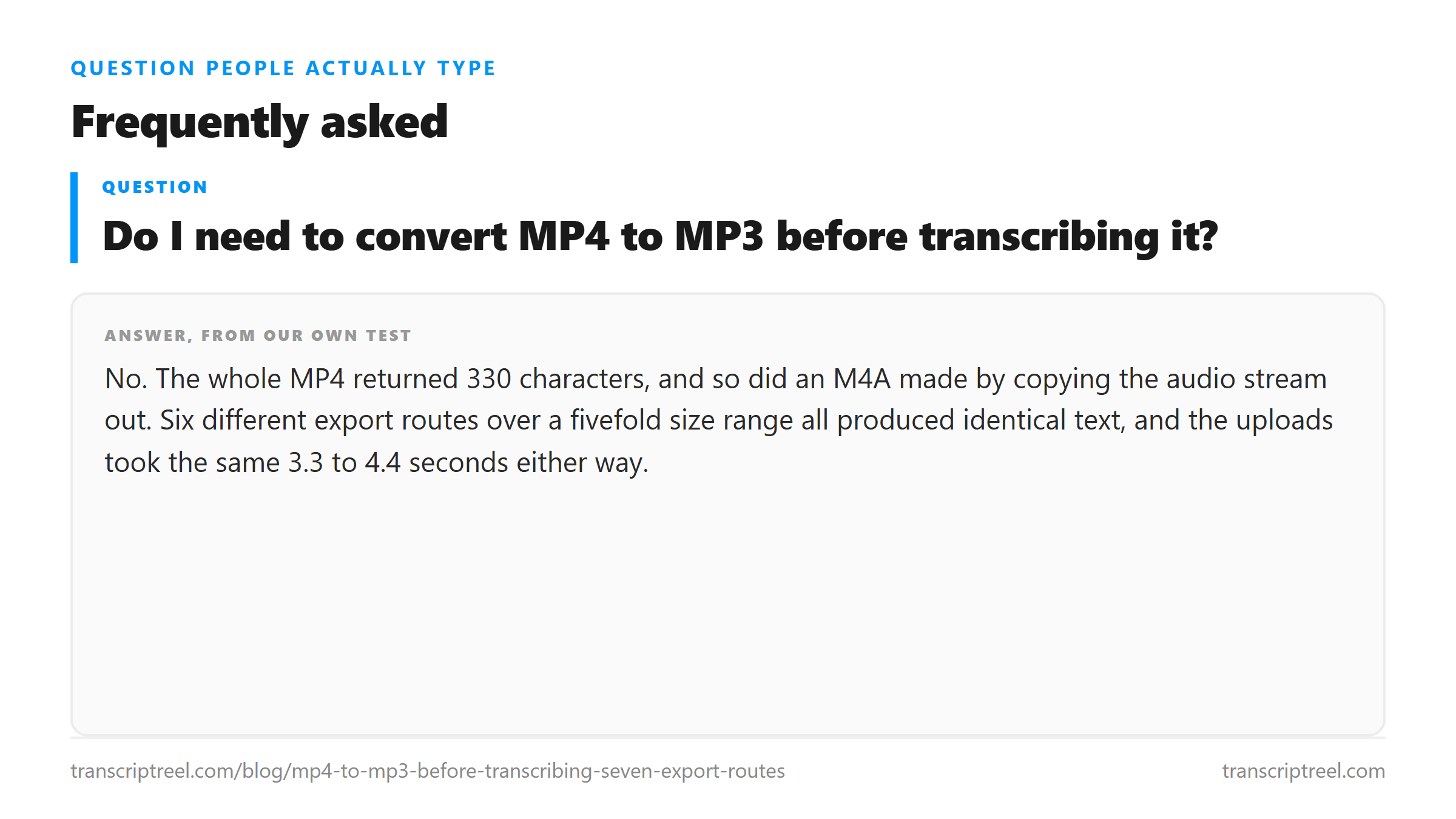
No. The whole MP4 returned 330 characters, and so did an M4A made by copying the audio stream out. Six different export routes over a fivefold size range all produced identical text, and the uploads took the same 3.3 to 4.4 seconds either way.
Which MP3 bitrate is safe for a transcript?
Anything from 64 kbps up, as long as you keep two channels and 44.1 kHz. In our test 64, 128, 192 and 320 kbps stereo all returned the same 330 characters. Dropping to mono at 64 kbps lost one character, and mono at 16 kHz 32 kbps lost two.
Why did my MP3 come back with a word slightly different?
Check channel count and sample rate before you check bitrate. Our only two mismatches were mono files, and one of them was also resampled to 16 kHz. Bitrate alone moved nothing across a fivefold range.