M4A to MP3: What the Sample Rate Does to a Phone Recording
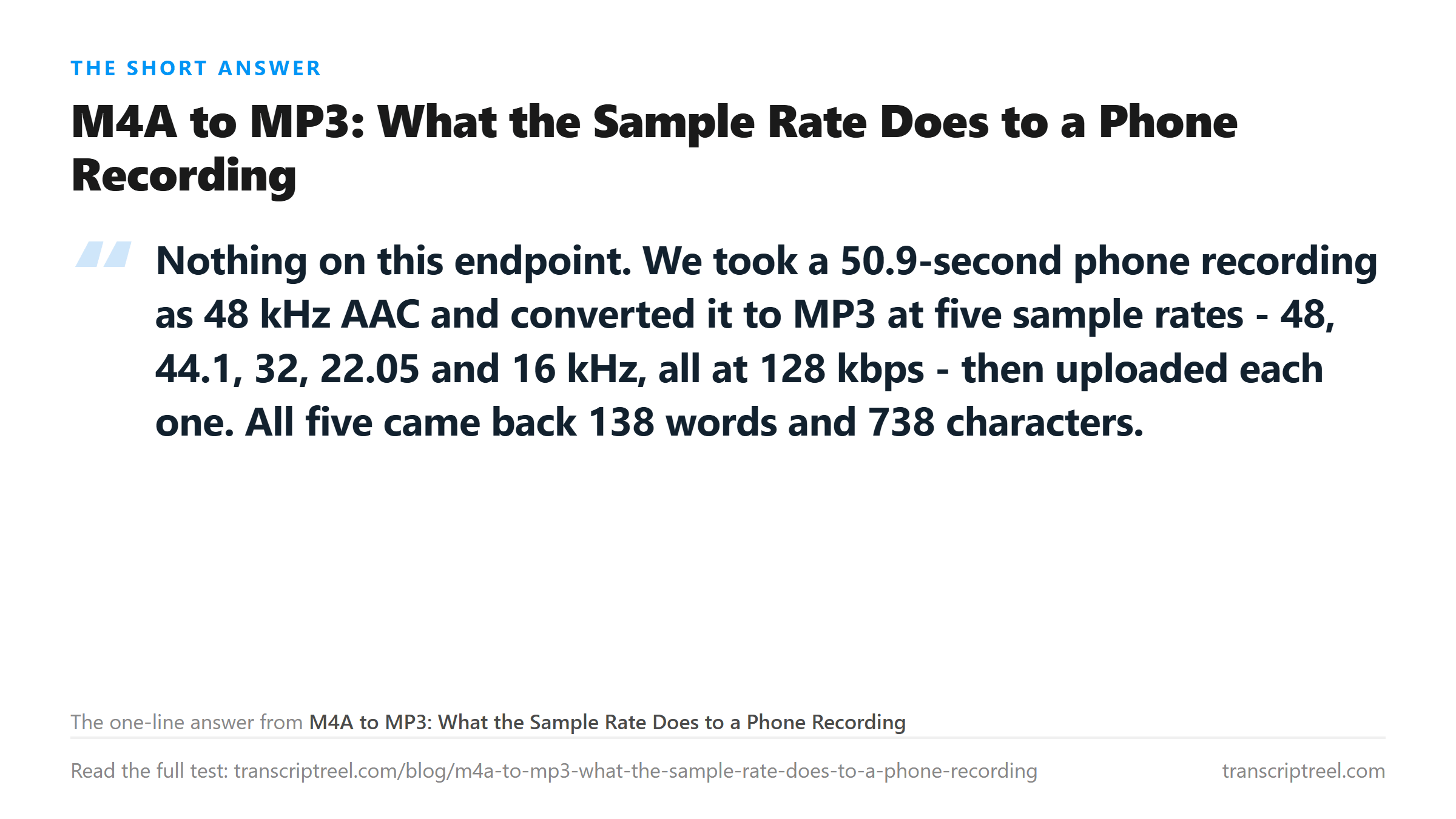
The short answer is that the setting does not matter
Phone recordings arrive as 48 kHz AAC inside an M4A container. Anything that wants MP3 has to decode and re-encode, and every converter asks you to pick a sample rate and a bitrate on the way out. The reasonable worry is that the wrong choice costs you words.
We tested that on one 50.9-second recording: 138 words, 738 characters, normal pace, and the usual punctuation hazards. A date, two numbers, a web address, an email address. The source was 48 kHz mono AAC at 128 kbps, 781,443 bytes.
Five MP3 files came out of it at 128 kbps, one per sample rate. All five were uploaded, and all five returned the same text.
- 48 kHz, 814,991 bytes: 200 in 5.25 seconds, 138 words, 738 characters.
- 44.1 kHz, 814,744 bytes: 200 in 5.44 seconds, 138 words, 738 characters.
- 32 kHz, 815,183 bytes: 200 in 5.10 seconds, 138 words, 738 characters.
- 22.05 kHz, 815,162 bytes: 200 in 12.99 seconds, 138 words, 738 characters.
- 16 kHz, 815,759 bytes: 200 in 6.88 seconds, 138 words, 738 characters.
Same word count, same character count, same punctuation. The file sizes sit within 1 KB of each other. MP3 at a fixed bitrate is a fixed number of bits per second, whatever it describes.

The one real cost is time, and it is not where you expect
Converting down to 22.05 kHz more than doubled the processing time: 12.99 seconds against 5.25 for the 48 kHz file. The 16 kHz file was 6.88. That is not a quality difference showing up in the transcript. It is a resampler in the path doing extra work before the recognizer sees anything.
Wall time on the other four files ranged from 5.10 to 6.88 seconds for identical output. That spread is the same spread we see between two uploads of the same untouched file, so it is noise, not signal. Only the 22.05 kHz result sits outside it, and it sits outside it by being slower.
The practical read: pick 44.1 kHz and stop thinking about it. It matched the source exactly, produced the smallest MP3 of the five, and came back in 5.44 seconds.
Bitrate is just as flat, with one exception
The bitrate sweep is where you expect a cliff, because 32 kbps is genuinely thin. We encoded the same source at five bitrates at 44.1 kHz and uploaded all five.
- 192 kbps, 1,222,045 bytes: 138 words, 738 characters.
- 128 kbps, 814,744 bytes: 138 words, 738 characters.
- 96 kbps, 611,094 bytes: 138 words, 738 characters.
- 64 kbps, 407,443 bytes: 138 words, 738 characters.
- 32 kbps, 203,871 bytes: 138 words, 739 characters.
One character separates 192 kbps from 32 kbps, and it is a comma the model inserted. The word count does not move. That is a 6-to-1 size difference for text you cannot tell apart.
The same thing held on the video side in an earlier test: 24, 32, 64 and 128 kbps from a meeting export all returned 131 words with a one-character difference. Clean speech at conversational pace is not a hard problem for a recognizer, so the extra bits describe detail the model was never going to use.
What the sample rate actually throws away
A sample rate sets the highest frequency a file can hold, at half its value. 48 kHz tops out at 24 kHz, 44.1 kHz at 22.05, and 22.05 kHz at 11 kHz. Speech needs far less than that: the energy that carries intelligibility sits between 300 Hz and 4 kHz, with fricatives reaching up to about 8 kHz.
That is why the sweep came back flat. Every rate we tried kept the speech band intact, and the recognizer never saw the difference. The 16 kHz file, the lowest one, still holds everything up to 8 kHz - the whole range a wideband speech model was trained on.
It also explains the one place this breaks. A rate low enough to clip the band, or a header that claims a rate the samples were not written at, damages the audio rather than compressing it. We tested that separately by rewriting only the sample-rate bytes of a WAV and leaving the samples alone. One value produced 886 characters of nonsense, another produced 592 characters of "Buh-buh-buh", and both came back HTTP 200.
So the practical question is not which rate sounds better. It is whether the rate you picked leaves the speech band alone. Anything at 16 kHz and above does.
Three generations of lossy encoding
The question people actually have is not about one conversion. It is whether bouncing a file between formats degrades it. So we did it three times: AAC to MP3, MP3 back to AAC, AAC to MP3 again, all at 128 kbps and 44.1 kHz.
- First MP3, 814,744 bytes: 138 words, 738 characters, 5.68 seconds.
- Second generation, M4A, 784,093 bytes: 138 words, 738 characters, 6.95 seconds.
- Third generation, MP3, 814,744 bytes: 138 words, 738 characters, 7.66 seconds.
Three lossy passes, identical text. Every generation reported a duration of 50.856 seconds - the same figure to three decimals as the WAV the chain started from. The encoder delay that usually pads an MP3 header was either trimmed or too small for ffprobe to report. Either way it never added up to anything the transcript noticed.
This is worth stating plainly because the folklore says otherwise. Re-encoding a voice recording is not free, but the cost shows up in the top octave, not in whether the recognizer can hear a word.
When the setting does matter
Two situations do break the pattern, and neither is a sample rate.
The first is a file whose header lies about its rate. Rewriting only the four bytes that hold the sample rate turned a clean 31-word transcript into 886 characters of noise at one value, and 592 characters of nonsense at another. That is not a resample - it is a corrupted file that still reports success.
The second is a rate so low that the speech band gets clipped by the encoder's own filter. We did not hit it at 16 kHz, which is the floor for wideband speech and enough for a recognizer trained on telephone audio. Below 8 kHz you are asking the model to read a bandwidth it was not given.
A conversion recipe that costs nothing
If you are converting a phone memo for upload, the command below produced the 814 KB file that returned 138 words in 5.44 seconds.
- `ffmpeg -i memo.m4a -c:a libmp3lame -b:a 128k -ar 44100 -ac 1 out.mp3`
- Mono matters more than the rate. A stereo memo doubles the size and gives the recognizer one channel it will not read.
- Do not chain converters. Every extra program in the path is another chance to write a wrong header.
One thing the sweep did not explain: the untouched AAC file took 25.69 seconds, against 5.25 to 12.99 for the MP3s built from it. Same duration, same words, same text. That is the widest processing spread we saw all day, and it belongs to the source file, not to any of the conversions.
We do not have an explanation for it that we can defend, so we are not going to offer one. What we can say is that the transcript came back identical, and that a slow file is not a bad file. Three of the five MP3s beat the source on wall time while producing the same 738 characters.
The practical version of this finding is short. Convert once, pick 44.1 kHz and a bitrate that keeps the file a comfortable size. Then spend your attention on whether the recording is audible, not on which number in the dialog box is correct.
Where your file goes
The MP3 is posted to /api/transcribe over TLS, processed once in memory, and discarded when the response returns. Nothing is stored, nothing is used for training, and no account is involved. That applied to all fifteen uploads in this test, including the 32 kbps file that came back with an extra comma.
Got a Reel you want as text? Turn the Reel into an Instagram transcript you can download →
One conversion, one setting, and then stop - every extra pass is a chance to write a header you did not intend. Wondershare UniConverter does the conversion on your own machine at the sample rate and bitrate you pick, so the file reaches 138 words without a chain of tools in between. It does not transcribe - the words come back from this page.
FAQ
What sample rate should I use when converting M4A to MP3?
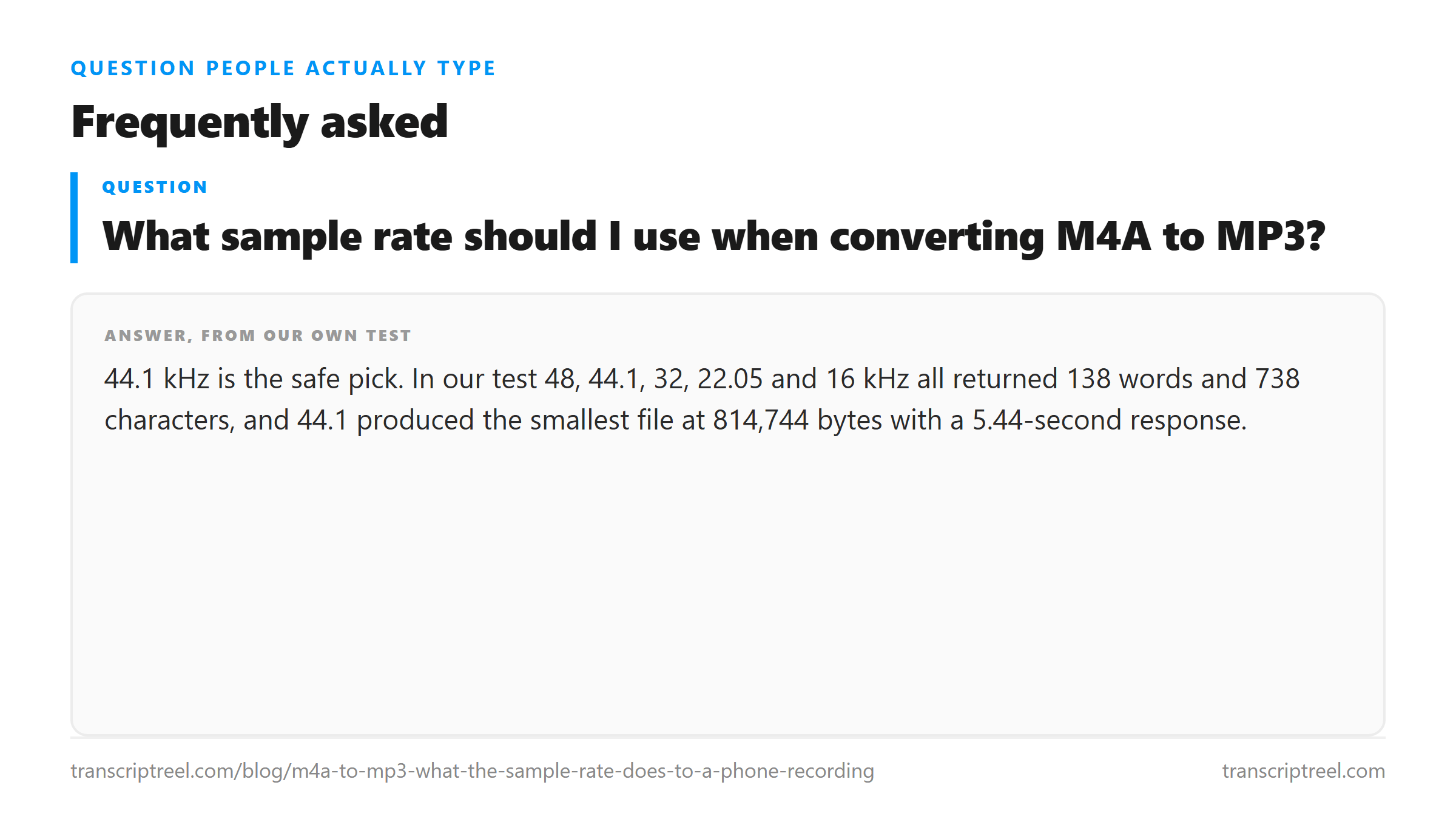
44.1 kHz is the safe pick. In our test 48, 44.1, 32, 22.05 and 16 kHz all returned 138 words and 738 characters, and 44.1 produced the smallest file at 814,744 bytes with a 5.44-second response.
Does converting to a low bitrate hurt the transcript?
Not down to 32 kbps on clean speech. We encoded at 192, 128, 96, 64 and 32 kbps and got 138 words from every one. The only difference was a single comma in the 32 kbps file, at 203,871 bytes against 1,222,045 for 192 kbps.
Does converting the same file repeatedly degrade it?
Three lossy passes did not change our text. AAC to MP3, back to AAC, back to MP3 produced 738 characters each time at 128 kbps and 44.1 kHz. Every generation reported the same 50.856-second duration.
Why did my 22 kHz conversion take twice as long?
The resampler, not the recognizer. Our 22.05 kHz MP3 returned HTTP 200 in 12.99 seconds against 5.25 for the 48 kHz version, with identical text. Files at 48, 44.1, 32 and 16 kHz all landed between 5.10 and 6.88 seconds.