SRT File: Why the Times Drift, and Why You Can't Send One In
Two numbers that look like the same thing
A timestamp in a subtitle file is a position on a clock: hours, minutes, seconds, milliseconds. A frame count is a position in a sequence. Converting between them needs one more number, and that number is the frame rate, and it is not written anywhere inside the file.
That omission is the entire bug. Take a subtitle track built against 25 fps footage and play it against 23.976 footage. Every timestamp is still valid text. Every one of them now points at the wrong moment, and the error grows as the file plays.

The arithmetic, one row at a time
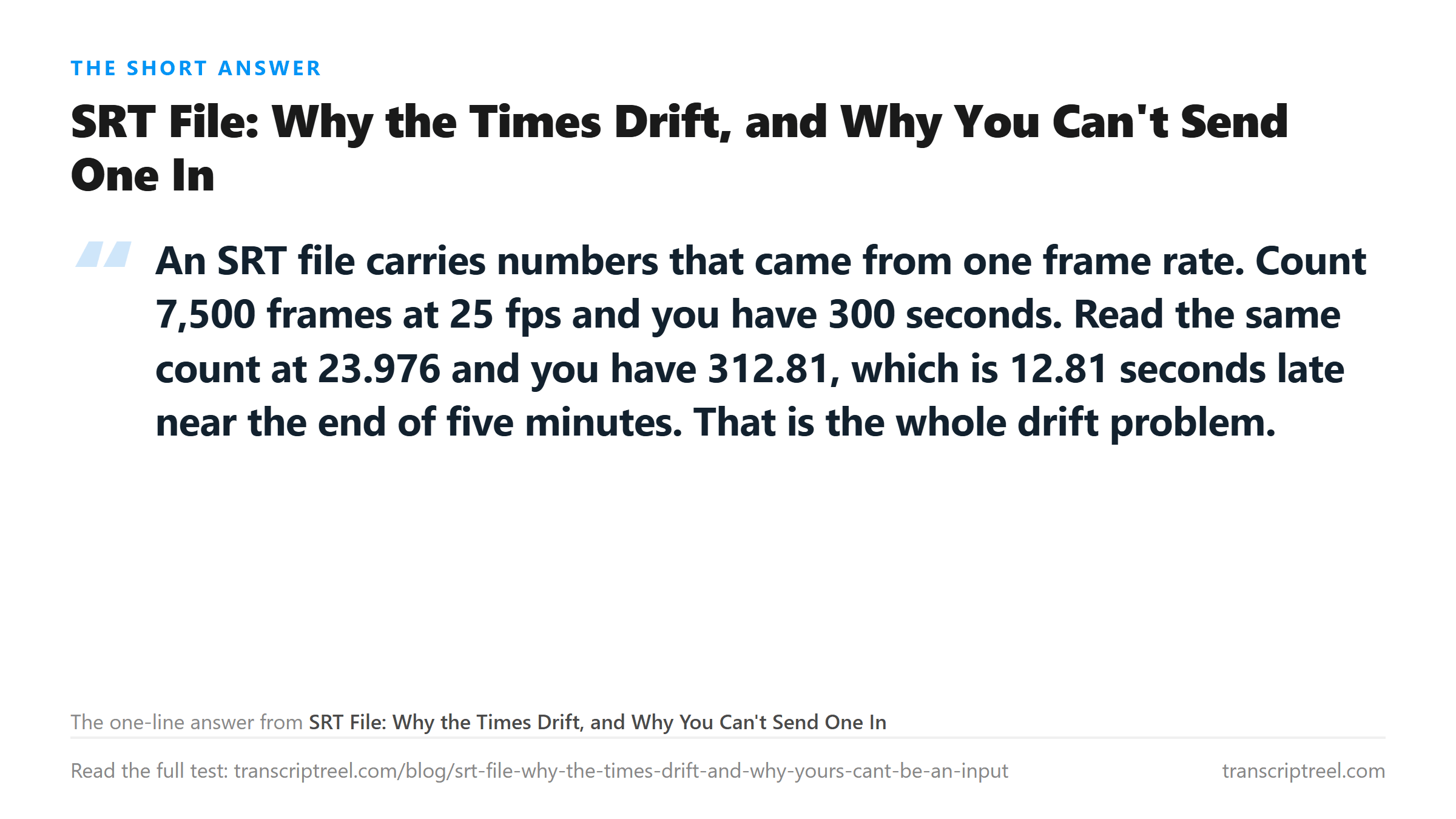
Take 7,500 frames, which is exactly five minutes at 25 fps, and read that count against every rate a modern camera or editor might report.
- 23.976 fps: 7,500 frames is 312.813 seconds. That is 12.813 seconds late, or 2.56 seconds per minute of runtime.
- 24 fps: 312.5 seconds, 12.5 seconds late, 2.5 seconds per minute.
- 25 fps: 300.0 seconds. The control case, and the only one that matches.
- 29.97 fps: 250.25 seconds, 49.75 seconds early, 9.95 seconds per minute.
- 30 fps: 250.0 seconds, 50 seconds early, 10 seconds per minute.
Two and a half seconds per minute does not sound like much until you put it next to a sentence. At the pace of the recording we tested today, 17.4 characters per second of audio, 12.8 seconds is about 223 characters. Nearly four lines of captions arriving after the person has stopped talking.
The 29.97 and 30 rows are worse in a different way. They are not drift, they are a straight fifty-second displacement by the end of five minutes, and the subtitles are early rather than late. Early captions read as a spoiler. Late captions read as a mistake. Both are unusable.
Why 23.976 exists at all
It was a workaround for color television in the 1950s. A handful of frames per second had to be shaved off 24 to make room for the color signal, without disturbing the audio. The standard stuck. Sixty-five years later it is still the rate most cinema-origin footage is edited at, which means the drift described above is not an edge case. It is the normal case.
The practical consequence is that a subtitle file has to be authored against the rate of the specific cut it will play against. Change the cut, even to a different frame rate of the same footage, and the file needs to be retimed rather than reused.
The other half of the problem: you can't send one in
Before any of that matters, people try to upload an SRT to a transcription page hoping to fix the times or merge two files. We tried four variants of the same two-cue file against our endpoint.
- Comma decimal separator, LF line endings, 133 bytes: HTTP 400.
- Dot decimal separator, the VTT-style form, 133 bytes: HTTP 400.
- Comma separator with CRLF line endings, 140 bytes: HTTP 400.
- A real WEBVTT file with the header line, 77 bytes: HTTP 400.
All four were refused before anything was decoded, in the same window we have measured for other rejected names, 31 to 68 milliseconds. The endpoint reads the file name first, and .srt and .vtt are not on the list because neither contains audio. There is nothing in an SRT to transcribe.
That is not a limitation worth apologising for. It is the honest boundary of the tool. A file that holds words and times has already been through a recognizer somewhere. Sending it here would only produce a second guess at the words, with none of the times.
What actually goes wrong when you build the file yourself
If you take our transcript and try to make an SRT by hand, the times you write will be guesses. Our 199-second test recording returned 3,494 characters in one block with no timestamps at all, and 674 words. There is no time data in the response to convert.
Spreading 199 seconds over the lines evenly is the usual shortcut, and it fails in a way you can hear. Speech is not uniform. Take a 60-second clip of the same voice. A silence detector at -38 dB with a 0.25-second minimum found 89 gaps across 90 speech segments, median 0.42 seconds. Those gaps are not evenly spaced, and any even division puts captions on top of them.
The fix is not a cleverer formula. It is reading the audio and marking the boundaries by ear. That takes about three minutes for a one-minute clip, and it is the only method that survives a viewer watching the result.
Where the drift bites hardest
Short clips hide it. At 30 seconds, 2.56 seconds per minute is 1.28 seconds of error, which most viewers will not notice on a talking-head clip with no cuts. At five minutes it is 12.8 seconds and everyone notices.
Long recordings are where a wrong rate turns into a re-do. A 30-minute interview at the wrong rate accumulates 77 seconds of offset by the end. If you fixed the first two minutes by nudging the offset, the last two minutes are still wrong, and there is no single number that repairs both.
That is why retiming tools exist and why they ask for two numbers, the source rate and the target rate. With both, the correction is a multiplication. With only the file, it is a guess and the guess is usually 25.
What to do in the right order
Get the words first, from the audio, and keep the audio next to them. Then decide whether you need a caption file at all, because a lot of the time you don't. A transcript in a document answers most questions people have about what was said.
If you do need cues, author them against the exact file that will play. Write the frame rate down next to the SRT and keep it there. When someone sends you a subtitle file with no note about its rate, assume 23.976 for cinema-origin material and 25 for broadcast. Check the first and last cue against the picture before you trust the middle.
And do not send an SRT to a page that only reads audio. It will be refused in milliseconds, which is the cheapest possible failure, but it is still a minute you spent.
Where your file goes
The audio you send is POSTed to /api/transcribe over TLS, processed once in memory and discarded when the response is written. No copy is kept and nothing is used for training. The SRT files in this test never reached that stage, because the endpoint refused them at the door.
Got a Reel you want as text? Get an Instagram transcript as TXT, SRT, or VTT →
Retiming a subtitle track is arithmetic, but rebuilding the audio it sits on is not. Corel VideoStudio Pro runs on your own machine and cuts the file without resampling, so the frame boundaries you authored against stay where you put them. It does not transcribe - the words come back from this page.
FAQ
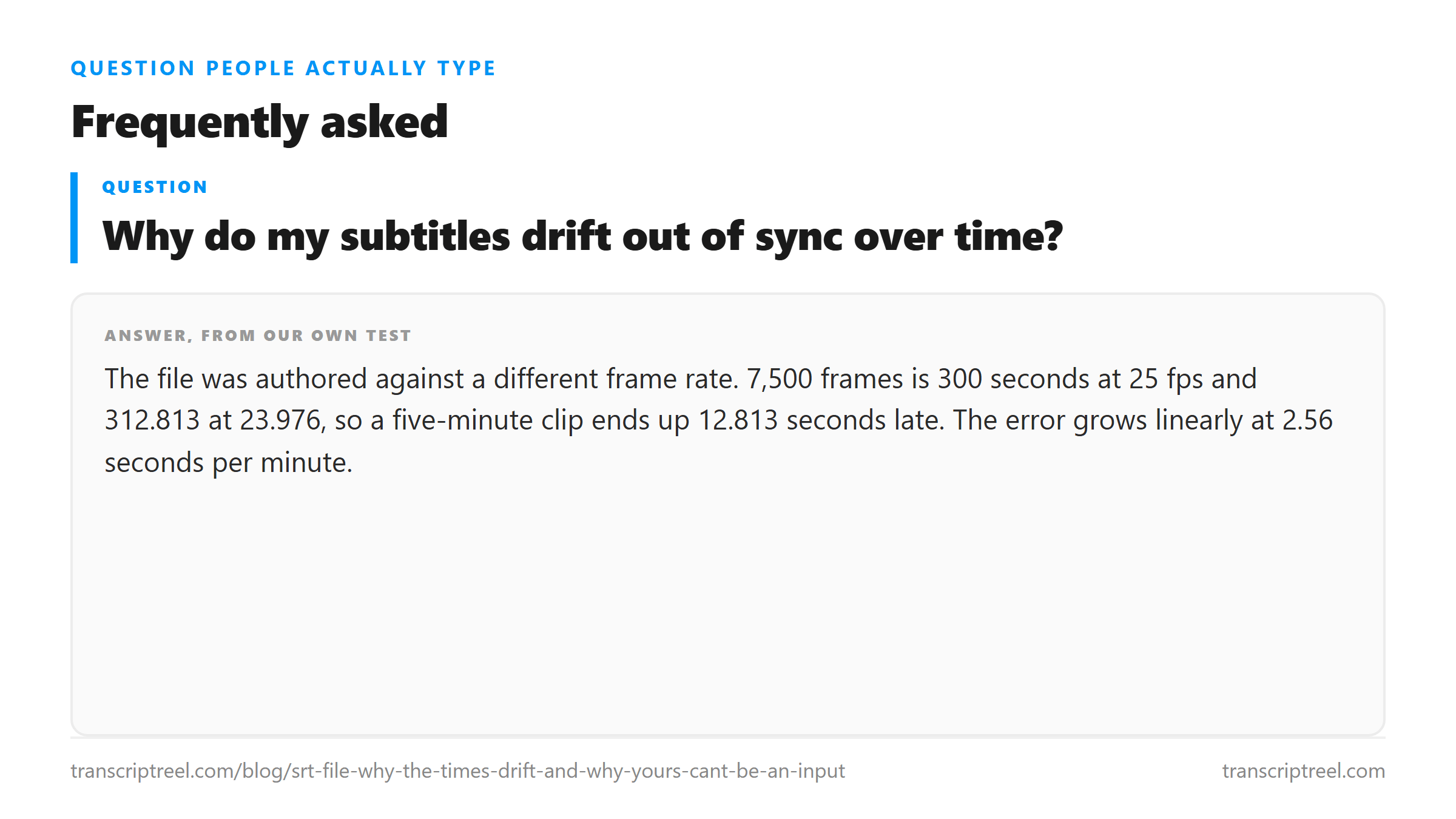
Why do my subtitles drift out of sync over time?
The file was authored against a different frame rate. 7,500 frames is 300 seconds at 25 fps and 312.813 at 23.976, so a five-minute clip ends up 12.813 seconds late. The error grows linearly at 2.56 seconds per minute.
Can I upload an SRT file to a transcription tool?
Not to one that only reads audio. We tried four variants of the same two-cue file: comma and dot separators, LF and CRLF endings, and a WEBVTT file. All four came back HTTP 400 in the same 31 to 68 millisecond window. None of them contains an audio stream.
How much drift is 23.976 against 25 over a long recording?
2.56 seconds per minute. At 30 minutes that is 77 seconds. There is no single offset that repairs it, because the error is cumulative rather than constant, which is why retiming needs both the source and target frame rate.
Why is there no timestamp in the transcript?
Because the model returns words, not positions. Our 199-second test file came back as 3,494 characters and 674 words in one block. Any timing added afterwards is a guess, and even division puts captions on top of the 89 pauses we counted in a 60-second clip.