How to Get a Transcript From an Instagram Reel You Already Saved
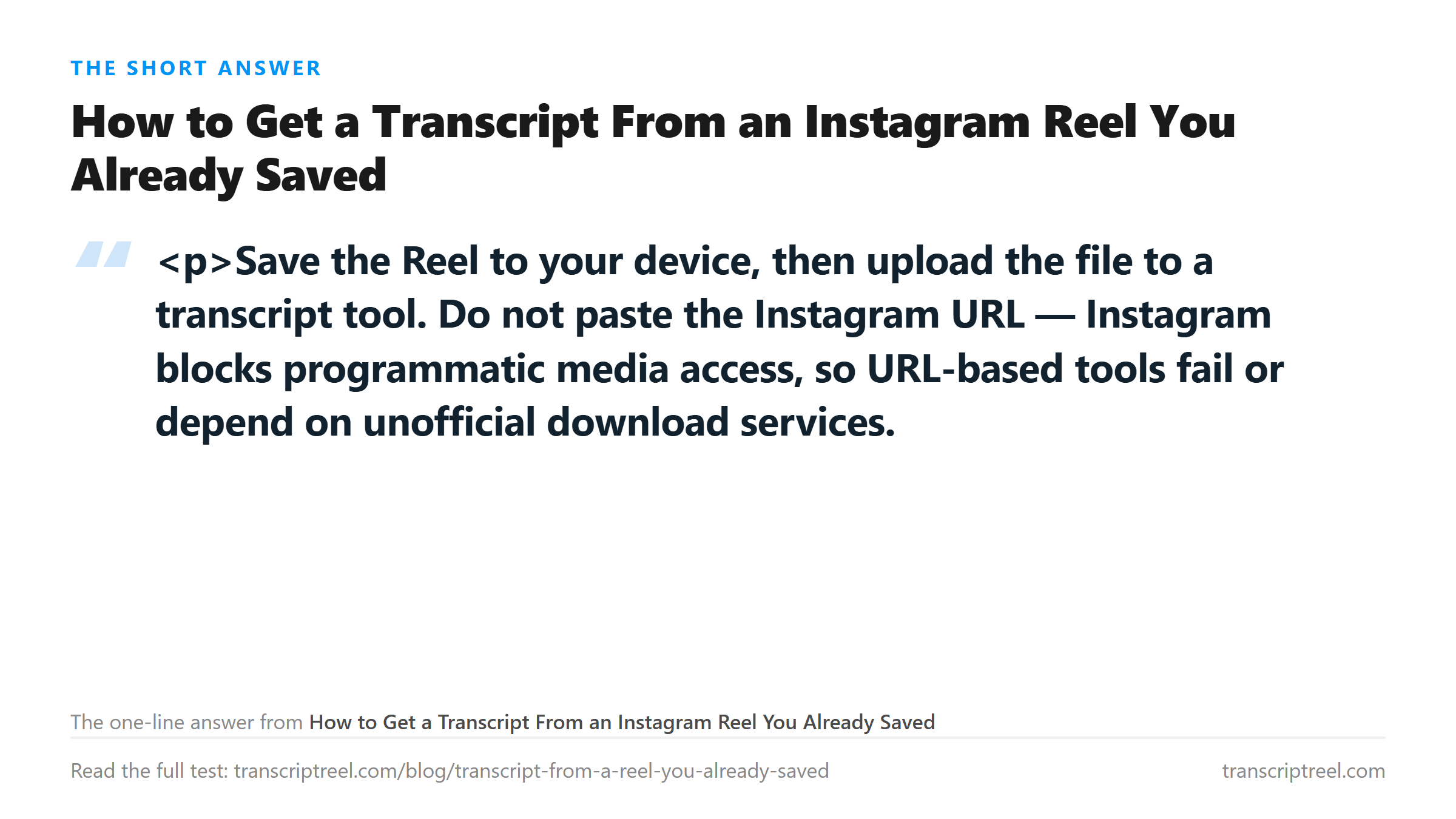
Save the Reel to your device, then upload the file to a transcript tool. Do not paste the Instagram URL — Instagram blocks programmatic media access, so URL-based tools fail or depend on unofficial download services. Uploading the file you already have is the reliable path.
Step 1: get the file onto your device
- Your own Reels: open the Reel, use the menu, choose the save or download option.
- Someone else's Reel: use Instagram's own save options where offered, or screen-record it.
- Screen recording is the universal fallback. For transcription only the audio track matters, and a screen recording captures it.
Step 2: check what you actually have
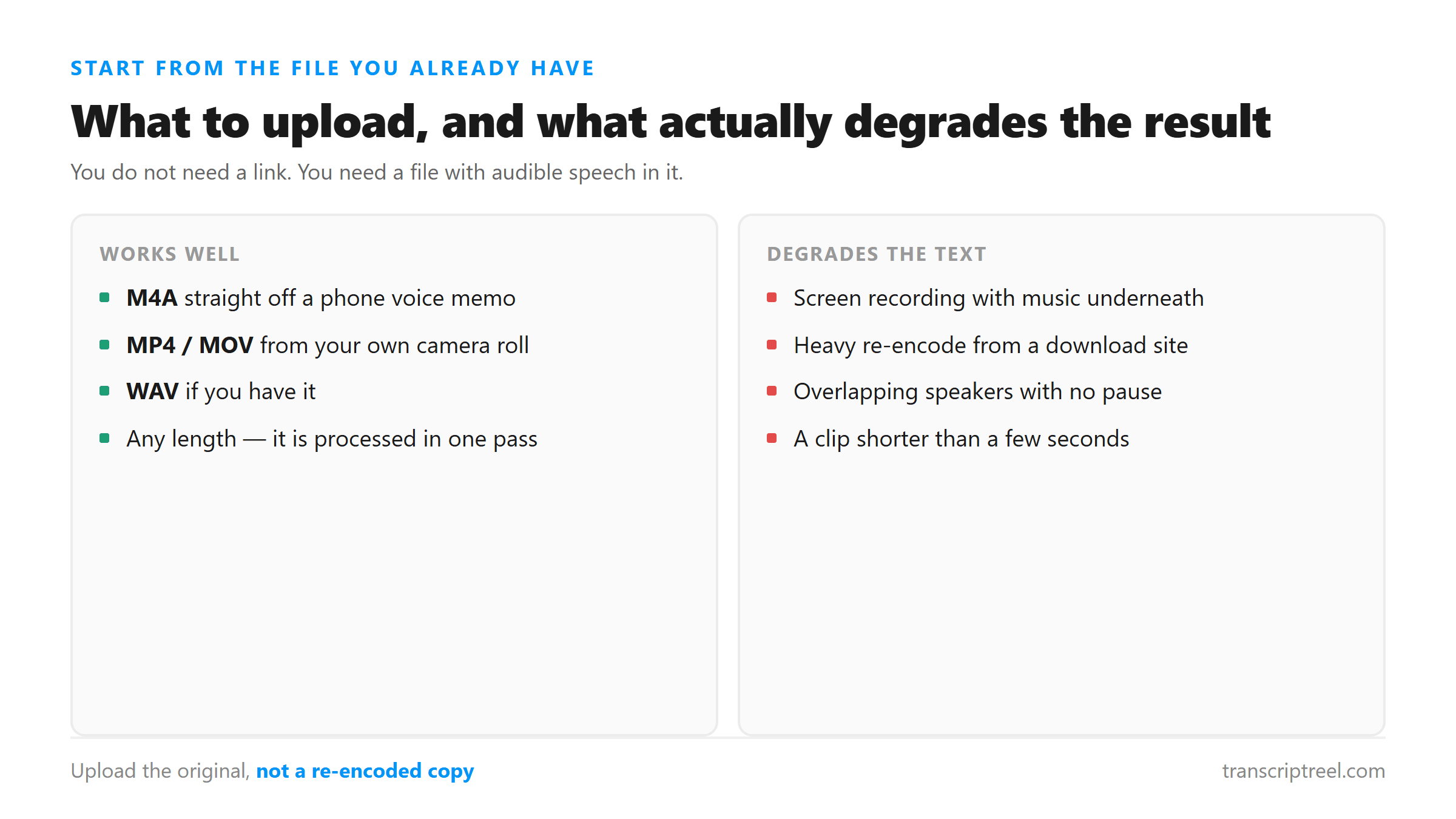
Most tools accept video files directly and pull the audio out themselves. If yours does not, or if you want a smaller upload, extract the audio first to MP3 or WAV. Either works — the transcription step converts to 16 kHz mono anyway.
Step 3: upload and read the result
Upload the file. If the tool offers timestamps, keep them — they let you jump back to the exact moment a word was spoken, which makes correcting errors far faster.
Why your result is worse than expected (and what to fix)
- Music underneath speech. The single biggest cause of bad output. If you control the source, use the original audio without a music bed.
- Background noise. A cafe or street recording will degrade results even when the voice is clear to your ear.
- Overlapping speakers. Transcription of two people talking at once is unreliable on any tool we know of.
- Low bitrate re-uploads. A screen recording re-compressed several times loses detail. Use the first capture, not a copy of a copy.
Checking the transcript without re-listening to everything
Skim for proper nouns first: names, brands, product terms, place names. Speech recognition gets common words right and proper nouns wrong. Fix those, then read straight through once. If the tool gave timestamps, spot-check two or three segments against the audio rather than the whole file.
Got a Reel you want as text? Upload the file and download the transcript as TXT, SRT, or VTT →
A screen recording is the usual way a saved Reel arrives, and its audio track is often the weak part. Wondershare UniConverter converts it to an audio-only MP3 or M4A so you upload a clean track.
FAQ
Can I upload a video, or does it have to be audio?
Our tool accepts both and extracts the audio from video automatically. Check the specific tool you are using — some accept audio only.
How long does it take?
We have not published timing benchmarks, so we will not quote a figure. Short clips return quickly; longer files take proportionally longer.
What languages work?
We do not publish a supported-language count, because we have not tested enough languages to state one honestly. The underlying model (Whisper) is documented as multilingual — check its documentation for the languages you need.
Why does it fail on my Reel but work on someone else's?
Almost always audio quality, not length. Compare the two files for music volume, background noise, and how many times the file has been re-encoded.